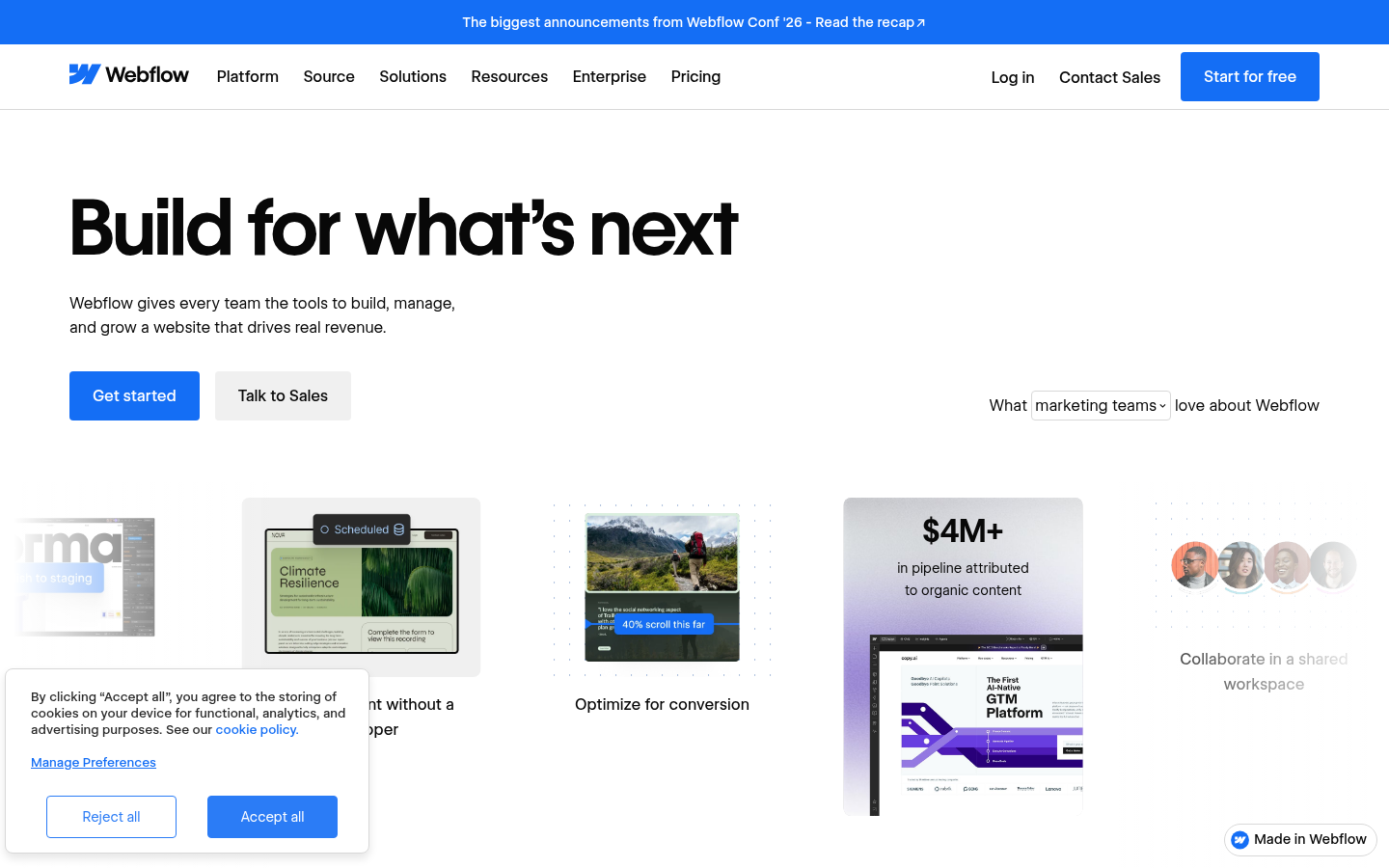
Webflow is a visual website design and hosting platform built for designers, marketers, agencies, and engineering teams who need to build, launch, and manage production-grade websites without hand-coding every element. It combines a visual canvas that outputs clean HTML, CSS, and JavaScript with a built-in CMS, e-commerce tools, and enterprise hosting, allowing teams to design responsive pages visually while retaining the flexibility of custom code when needed. The platform is positioned for both individual designers building client sites and larger organizations running marketing, engineering, and content operations at scale. Recent updates emphasize AI-assisted workflows and answer engine optimization (AEO), reflecting a shift toward helping sites get discovered in AI-powered search results, not just traditional search engines.
What it does
Webflow lets users design, build, and publish websites through a drag-and-drop visual editor that maps directly to real front-end code, eliminating the traditional handoff between designers and developers. Marketers can manage dynamic content through Webflow's CMS, run on-page SEO controls, and structure content for both traditional search and AI-driven answer engines. Engineering teams can collaborate through shared component libraries, version branching, and code export, while agencies and service providers can manage multiple client sites under one workspace. The platform is aimed at anyone who needs a production website — from marketing landing pages to full company sites — without depending entirely on custom development cycles.
Key capabilities
- Visual, code-backed editor: Build layouts visually while Webflow generates semantic HTML, CSS, and JavaScript in the background, avoiding the rigidity of typical page builders.
- CMS and dynamic content: Create and manage structured content collections (blogs, products, case studies) that populate templated pages automatically.
- E-commerce support: Set up online stores with product management, checkout, and payment handling built into the same platform used for site design.
- Collaboration and branching: Teams and agencies can work on the same project simultaneously, with tools for review, commenting, and content branching to manage parallel workstreams.
- AI and AEO tooling: Built-in features aimed at optimizing content for AI search visibility, alongside traditional SEO controls like metadata, sitemaps, and clean URL structures.
- Custom interactions and animations: Native support for scroll-based animations, hover states, and interaction triggers without needing external animation libraries.
Pricing
Webflow follows a freemium model: a free tier is available for building and testing sites, with paid site and workspace plans required for custom domains, higher traffic, e-commerce, and advanced CMS or team features. Specific plan pricing and tiers (including any starting monthly cost) are detailed on Webflow's own pricing page rather than fully itemized in the marketing homepage content reviewed here. Enterprise pricing is handled separately for larger organizations needing advanced security, governance, and support. Pricing page: View pricing
Editorial review
Webflow's core strength remains its visual editor's fidelity to real front-end code — designers get pixel-level control without sacrificing clean output, which is a meaningful differentiator versus template-locked site builders. The addition of CMS, e-commerce, and collaboration/branching features makes it viable for teams beyond solo designers, including marketing departments and agencies managing multiple client accounts. The newer emphasis on AEO and AI search optimization is a notable positioning shift, though how substantive these features are in practice (versus standard SEO tooling repackaged) isn't fully verifiable from the homepage content alone. Trade-offs include a learning curve for the visual editor's box-model and class-based styling system, which is more powerful but less immediately intuitive than simpler drag-and-drop builders. Pricing structure, while freemium, gates meaningful functionality (custom domains, CMS limits, e-commerce) behind paid tiers, so teams should check the dedicated pricing page before committing. Best-fit users are freelance designers, small-to-mid agencies, and marketing teams that need design control and content flexibility without full engineering support; teams needing deep backend logic or highly custom application behavior may still require code export or supplementary development work.