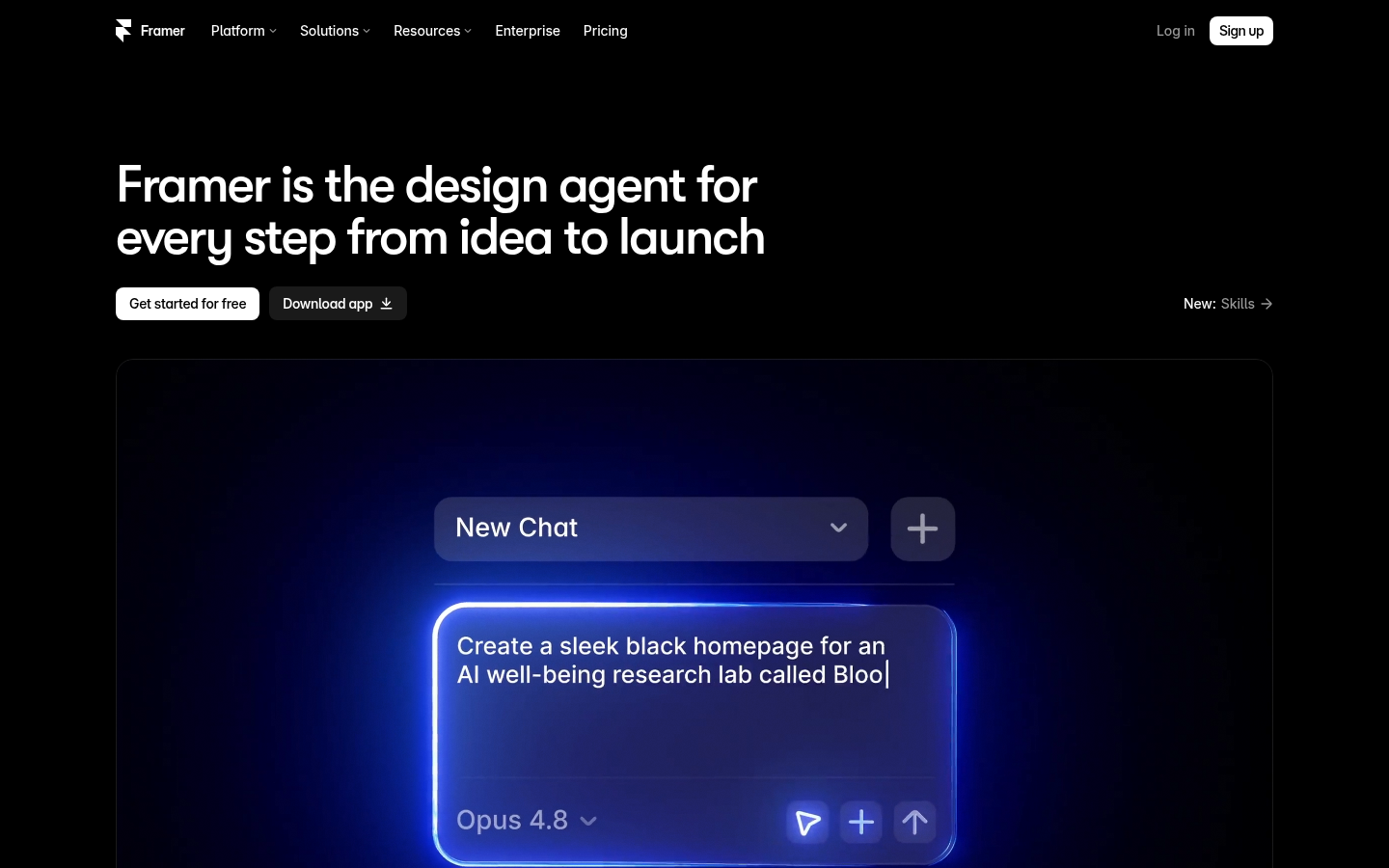
Framer is a visual website builder with AI agents that design, build, and manage sites directly on an editable canvas. It is aimed at designers, marketing teams, startups, and companies that want production websites without handing every change to engineering. The workflow runs from idea to published site: an agent drafts layouts, a CMS agent handles structured content, code agents create custom components, and the site is published on Framer's own hosting. The main difference from prompt-only site generators is that every AI change stays visible and editable on the canvas.
What it does
Framer calls itself "the design agent for every step from idea to launch." In practice it is a browser-based design and publishing tool, also available as a downloadable desktop app, where you design and publish production websites in one place. The pitch is that its agents "work alongside you, not instead of you." The design agent works on the canvas itself. It generates and refines sections in place, so designers can try different directions, such as a large intro layout or a side-navigation layout, and then adjust the results by hand.
Framer also covers the infrastructure a website needs to go live, which fits its line "not just vibes, a full platform." Hosting, security, analytics, CMS, and SEO are built in, so teams don't need a separate hosting provider or content system for a marketing site, blog, or product landing page. The homepage lists Miro, Perplexity, Zapier, Mixpanel, and Legora among the companies using it.
Key capabilities
- Canvas-native design agent: Creates and refines page layouts directly on the site. Each change can be inspected and edited, so you're not stuck regenerating the whole output.
- CMS agent: Sets up, organizes, and updates CMS collections such as articles, categories, and authors. Content stays linked to the canvas, so design and content stay in sync.
- Code agents and code components: Turn ideas into custom interactive components that you can drop into pages when the visual tools aren't enough.
- Built-in hosting and security: Sites publish straight from the editor to Framer's hosting, with no separate deployment step.
- Analytics and SEO: Traffic analytics and SEO controls are part of the platform, which suits marketing teams that ship and improve pages often.
- Team collaboration: Multiple people can work in the same project, with invite and publish controls in the editor.
Pricing
Framer is freemium. The pricing page lists four tiers: Free, Basic, Pro, and Enterprise. According to Framer, plans differ in AI credits, CMS capacity, bandwidth, available add-ons, and hosting, so heavy AI use or high-traffic sites will likely need a paid tier. The scraped pages didn't reliably show prices or exact limits for each tier, so check the current rates on Framer's site before committing.
Pricing page: View pricing
Editorial review
Framer's main strength is that it keeps AI output inside a real design tool. Many AI website builders produce a page you can only change by prompting again. Framer puts the agent's work on the same canvas designers already use, so you can keep fine visual control after the first draft. Having agents for design, the CMS, and code also covers more of the build than layout generation alone.
Bundling the platform works both ways. Built-in hosting, CMS, analytics, and SEO make launching and maintaining a site easy, but they also tie the site to Framer. Teams that need a self-hosted setup, a headless backend, or complex app logic may hit limits. Framer is built mainly for marketing and content websites, not full web applications. Because AI credits are a plan-level limit, teams planning heavy agent use should check usage caps before choosing a tier.
Framer fits best for:
- product designers and design-led startups
- marketing teams that want to ship landing pages without developer tickets
- freelancers building client portfolio or brand sites
The named customers suggest it holds up for high-visibility company sites. It's less suited to teams that need deep backend customization or want to export and host the code elsewhere. The source material didn't detail AI credit amounts, bandwidth limits, or third-party integrations, so evaluate those during the free tier.