
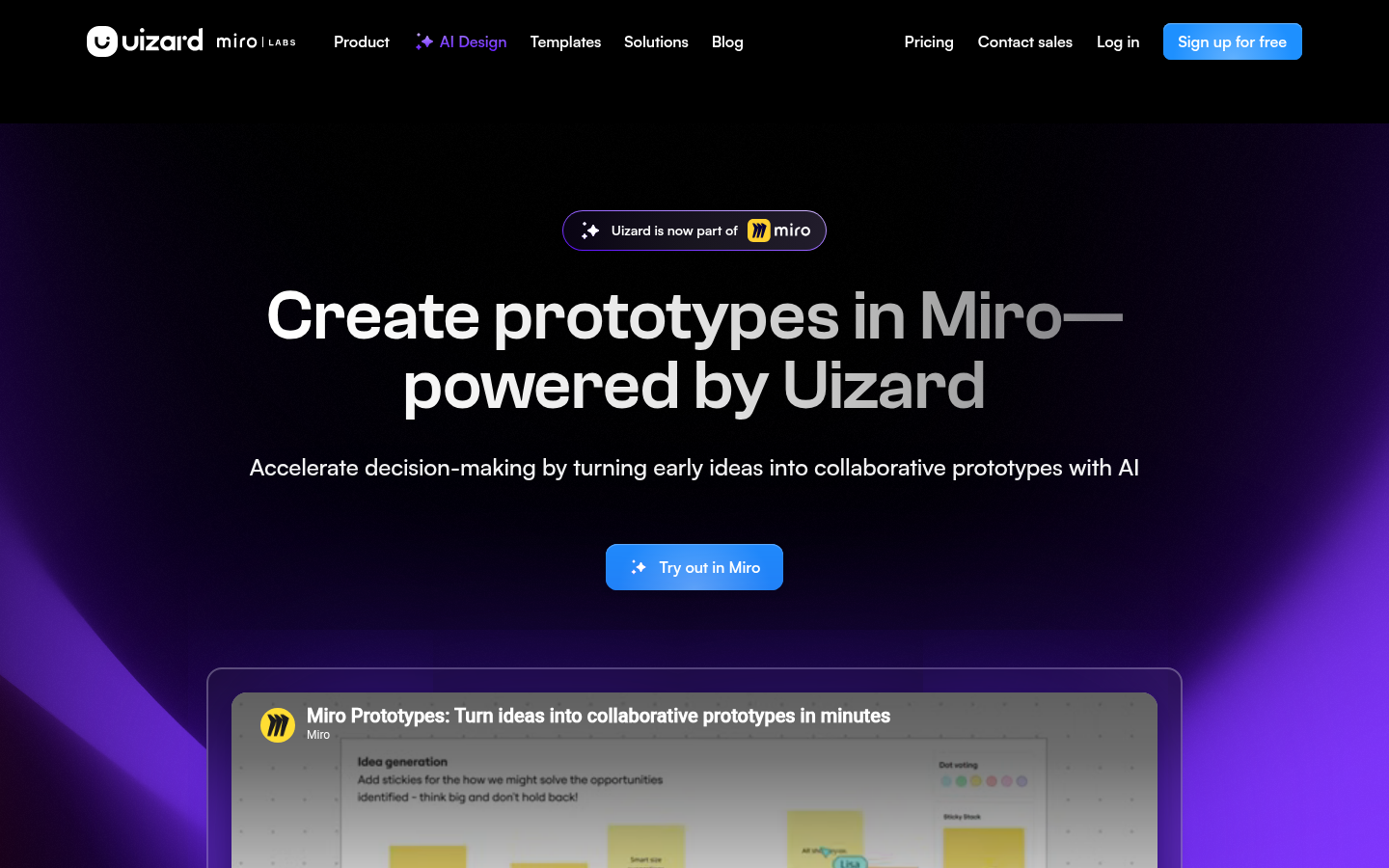
Uizard is a web-based UI design and prototyping tool built for product managers, designers, marketers, startup founders, and developers who need to visualize an app or website idea quickly without deep design expertise. It centers on an AI-assisted workflow that converts text prompts, screenshots, or hand-drawn sketches into editable digital mockups and prototypes. The core pitch is accessibility: if a user is comfortable with Google Slides or PowerPoint, they should be able to produce usable UI screens in Uizard. It targets speed and collaboration over pixel-perfect design control, making it a practical fit for early-stage ideation, client presentations, and MVP planning rather than final production-grade UI craftsmanship.
What it does
Uizard is a browser-based design platform that helps non-designers and design teams alike move from an idea to a clickable prototype rapidly. It covers the standard product design lifecycle stages—wireframing, mockups, and prototyping—for mobile apps, websites, web apps, and tablet applications, and layers AI features on top to remove manual drawing work. Instead of starting from a blank canvas, users can generate screens with text prompts, upload existing screenshots to convert them into editable mockups, or scan hand-drawn wireframes to digitize them. The tool positions itself as a bridge between rough ideas and shareable, interactive prototypes that stakeholders can review and iterate on collaboratively.
Key capabilities
- Autodesigner (AI project generation): Generates full projects, screens, and design themes from a written prompt, reducing the time needed to get from concept to a working draft.
- Screenshot Scanner: Converts static screenshots of existing apps or websites into editable Uizard mockups, useful for competitive analysis or rebuilding a reference design.
- Wireframe Scanner: Digitizes hand-drawn wireframes into structured, editable digital layouts, bridging paper sketching and digital design.
- Ready-made templates: Includes templates for mobile app design, website design, web app design, tablet app design, and both app and website wireframes to speed up common project types.
- Collaborative prototyping: Supports turning design drafts into interactive, clickable prototypes intended for team and stakeholder collaboration rather than solo design work.
- Role-based solutions: Offers tailored workflows for product managers, designers/UX professionals, marketers, startup founders, consultants/agencies, developers, and enterprise teams.
Pricing
Uizard follows a freemium model with a free tier available alongside paid plans, according to the product's own positioning and pricing page. Specific plan names, tiers, and prices are not detailed in the available source content, so exact costs should be confirmed directly on the pricing page rather than assumed. Pricing page: View pricing
Editorial review
Uizard's clearest strength is lowering the barrier to producing a usable UI draft: the combination of text-to-design generation, screenshot conversion, and wireframe scanning covers three distinct entry points (idea, existing reference, sketch) that most competing prototyping tools handle less directly. This makes it particularly useful for product managers and founders who need to communicate an interface concept quickly without waiting on a dedicated designer, and for agencies that need to turn client input into a visual draft fast.
The trade-off is that AI-generated and template-driven output is unlikely to match the visual polish or design-system rigor of tools built primarily for professional UI/UX craft. Teams with mature design systems or strict brand guidelines will likely still need to hand off Uizard's output to a more specialized tool, or refine it heavily, before shipping to production. The available material also does not detail integration options, version history, developer handoff formats, or team permission controls in depth, so teams evaluating Uizard for larger organizations should verify these specifics directly rather than assume feature parity with dedicated enterprise design platforms.
Overall, Uizard is best suited to early-stage ideation, rapid client or stakeholder communication, and MVP-stage product visualization where speed and ease of use matter more than deep design customization. Design teams needing granular control, advanced component libraries, or tight design-to-code handoff may find it a starting point rather than an end-to-end replacement for tools like Figma.


