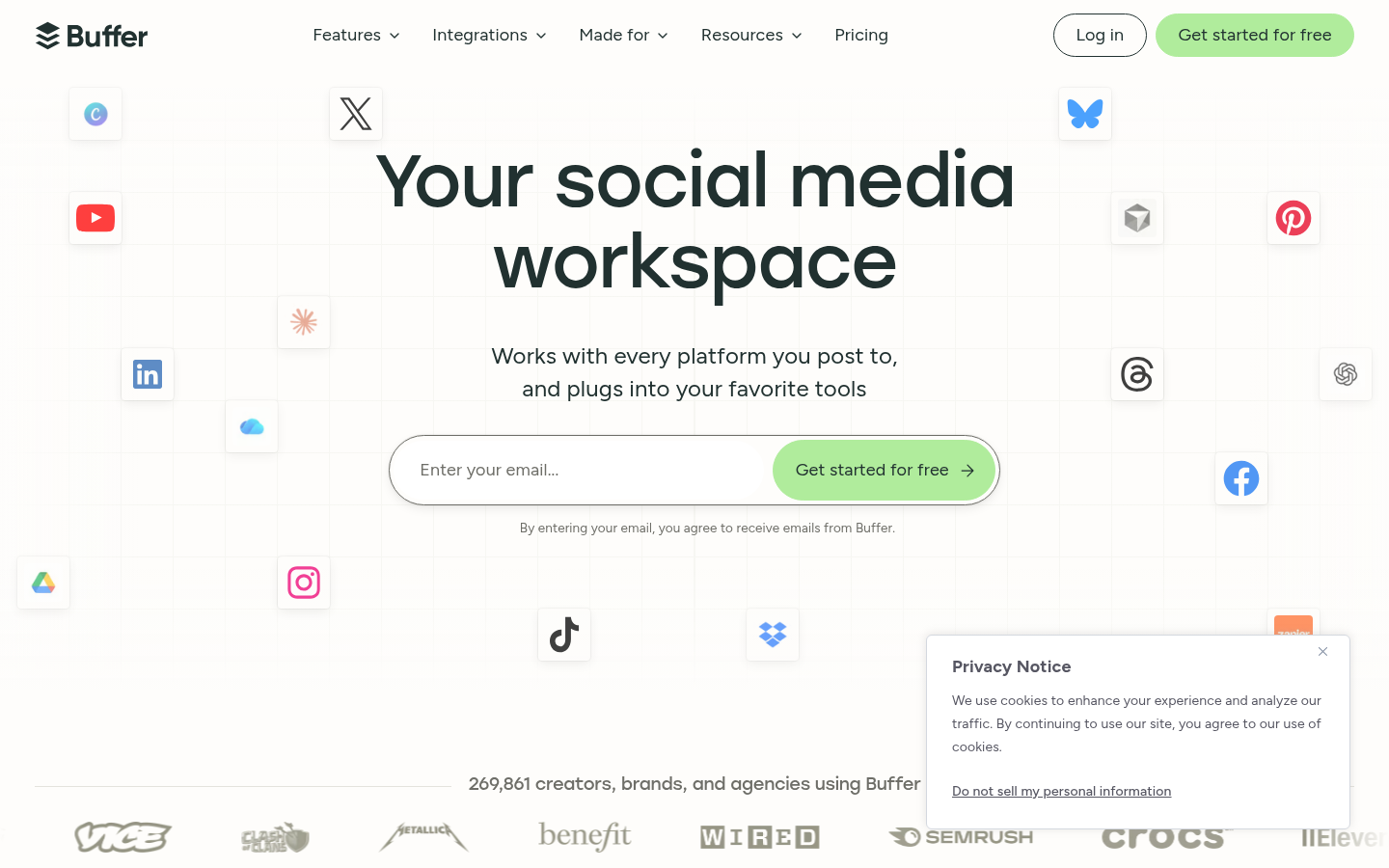
Buffer is a social media management web app, with iOS and Android apps, for creators, small businesses, and agencies who publish to several networks. It combines post scheduling, content ideation, comment management, analytics, and team approvals in one workspace. The main workflow is simple: draft a post once, adapt it for each channel, queue it for the best time to post, then check performance to decide what to publish next. Buffer offers a forever free plan and paid upgrades, which makes it easy to try before paying.
What it does
Buffer solves a common problem for solo creators and small marketing teams: posting consistently to many platforms without logging into each one. Its Publish area schedules content to Facebook, Instagram, TikTok, LinkedIn, Threads, Bluesky, YouTube Shorts, Pinterest, Google Business Profile, Mastodon, and X. Substack also appears among its listed account connections. A single editor lets users tailor each version of a post to its platform, whether that is a thread, a carousel, or a video.
Beyond scheduling, Buffer splits the workflow into separate areas. Create is for organizing and repurposing ideas. Community is for triaging and replying to comments. Insights covers reporting. Collaborate handles team review. A Start Page feature turns a social bio link into a customizable landing hub. More recently, Buffer has added MCP, API, and agent access, so users can connect Buffer to Claude or ChatGPT and manage the queue or pull performance data from a chat conversation.
Key capabilities
- Multi-network scheduling: Set a posting schedule based on best times for each platform. Posts can auto-publish or trigger a notification so the user finishes posting in the native app. Buffer can also add a first comment automatically, and a calendar view shows everything that is planned.
- Ideas board and AI Assistant: A column-based ideas space holds drafts sorted by status. The built-in AI Assistant can brainstorm, rewrite content in different styles, repurpose existing posts, and write versions for specific platforms.
- Unified comment inbox: The Community dashboard pulls comments from connected channels into one filterable view, so users can reply without switching between apps.
- Analytics and reporting: Insights provides cross-channel reports, including top posts and posts-by-month charts, for users who want more than raw engagement numbers.
- Team collaboration and approvals: Users can invite collaborators with role-based permissions, send posts through approval steps before publishing, leave notes on drafts, and share a content calendar.
- Integrations and AI connectivity: Buffer connects with Canva, Google Drive, OneDrive, Dropbox, Unsplash, and Zapier for importing media and automating tasks. Through MCP and its API, it also works with Claude, ChatGPT, and Cursor, so users can plan and queue posts from a chat.
Pricing
Buffer uses a freemium model. The site advertises a "forever free plan", with paid upgrades that unlock more features. The pages reviewed did not confirm plan names, per-channel costs, or free-plan limits, so check current pricing directly before committing. Pricing page: View pricing
Editorial review
Buffer stands out for how many networks it supports. Few schedulers support Bluesky, Mastodon, Threads, and Google Business Profile alongside the major networks, and that matters to creators who post on newer or decentralized platforms. The product is organized into clear areas (Publish, Create, Community, Insights, Collaborate), so the interface stays simple while still covering most of a small team's social workflow. The MCP and API connections to Claude and ChatGPT are a real differentiator for users who already plan content with AI assistants.
There are trade-offs. The source material does not describe social listening, paid ad management, or deep enterprise reporting, so larger brands with complex governance or listening needs may find Buffer lighter than enterprise suites. The site shows analytics features but does not list specific metrics or say how far back data goes. Some platforms may require the notification-based publishing path instead of full auto-publishing, depending on post type. Free-plan limits were not confirmed.
Buffer is best suited to independent creators, small businesses, and small agencies that want reliable cross-posting, a shared calendar, and light approval workflows without the overhead of an enterprise platform. Teams that care most about broad platform coverage, low setup effort, and an AI-assisted workflow should consider it early. Teams that need advanced listening or ad management should compare it with heavier tools.