
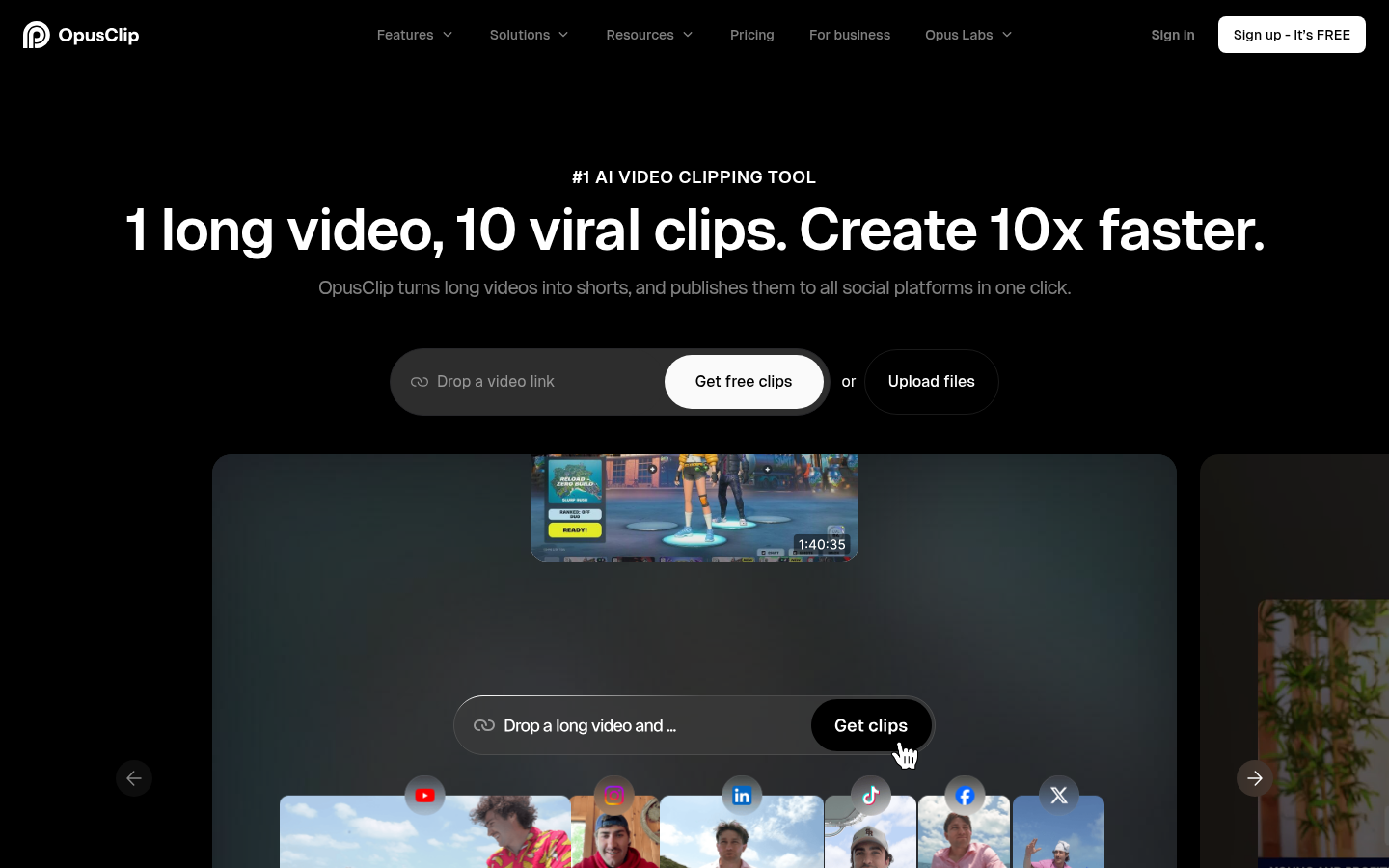
OpusClip is an AI-powered video clipping and editing tool built for content creators, podcasters, marketers, and agencies who need to turn long-form video into short, shareable clips at scale. It takes a single long video—uploaded directly or dropped in as a link from sources like YouTube, Google Drive, Vimeo, Zoom, Twitch, Facebook, LinkedIn, Loom, and StreamYard—and automatically identifies the most engaging moments to generate multiple short-form clips. The core promise is speed: turning one long video into several ready-to-post vertical clips without manual scrubbing or editing. It supports source video in English, German, Spanish, French, Portuguese, and more than 20 other languages, and outputs are formatted for platforms like TikTok, YouTube Shorts, and Instagram Reels.
What it does
OpusClip analyzes long-form video content—podcasts, webinars, interviews, livestreams, vlogs—and uses AI to detect segments likely to perform well as standalone short clips, scoring them with a "Virality Score." From there, it handles reframing to vertical formats, adds animated captions, and allows direct publishing to social platforms. This solves a specific, recurring problem for creators and marketing teams: repurposing a single piece of long-form content into a steady stream of short-form clips without hiring a dedicated video editor for every project. It is positioned for individual creators, professional content teams, podcasters, and agencies managing multiple clients' video output.
Key capabilities
- AI clipping with Virality Score: Scans full-length videos and surfaces the segments most likely to resonate as short clips, removing manual review of raw footage.
- AI captioning and reframing: Generates animated captions in 20+ languages and auto-reframes footage into multiple aspect ratios (9:16, 1:1, 16:9) for different platforms.
- AI B-Roll, audio enhancement, and voice-over: Adds supplementary visuals (image, video, or stock), cleans up audio quality, and can generate AI voice-overs as part of the editing pipeline.
- Direct multi-platform publishing: Auto-posts finished clips to YouTube Shorts, TikTok, and Instagram Reels, or supports scheduling clips across connected social accounts.
- Editor and brand controls: Includes a built-in editor, brand templates, custom fonts, and filler/silence removal, plus export paths to Adobe Premiere Pro and DaVinci Resolve for further polishing.
- Team and agency workflows: Offers team workspaces with multiple seats, brand template libraries, and (on higher tiers) API access for agencies managing content across several clients.
Pricing
OpusClip uses a freemium model. A Free plan exists with a limited monthly credit allowance, 1080p export, auto-reframe, and captions, but includes a watermark, no editing, and clips expire from export after 3 days. Paid tiers include a Starter plan at $15/month (150 credits/month, AI clipping and captioning, brand template, watermark removal, auto-post) and a Pro plan starting around $14.50–$29/month depending on billing cycle (300 credits/month, team workspace with 2 seats, AI B-Roll, multiple aspect ratios, social scheduler, and limited API access). A custom-priced Business plan adds priority processing, dedicated storage, API access, and enterprise support for agencies and larger teams. Pricing page: View pricing
Editorial review
OpusClip's strongest value is workflow consolidation: clipping, captioning, reframing, and publishing are handled inside one tool rather than requiring a separate editor, captioning app, and scheduler. The Virality Score and automated highlight detection are meaningful time-savers for creators who publish frequently and don't want to manually scrub hour-long recordings. The tiered credit system is a reasonable trade-off for cost control, though credit-based pricing means output volume is capped and heavy users will need to watch consumption closely, especially with AI B-Roll and voice-over features on higher tiers. The free plan is functional for testing but has real limitations (watermark, no editing, 3-day export window) that push serious use toward paid plans. The Business tier's custom pricing and API access make it a reasonable fit for agencies serving multiple clients, but organizations with unusual compliance or storage requirements should confirm details directly rather than assuming feature parity with the Pro plan. Overall, OpusClip is best suited for podcasters, YouTubers, and marketing teams producing short-form content regularly, less so for one-off video projects where the credit-based cost may not justify the subscription.


