
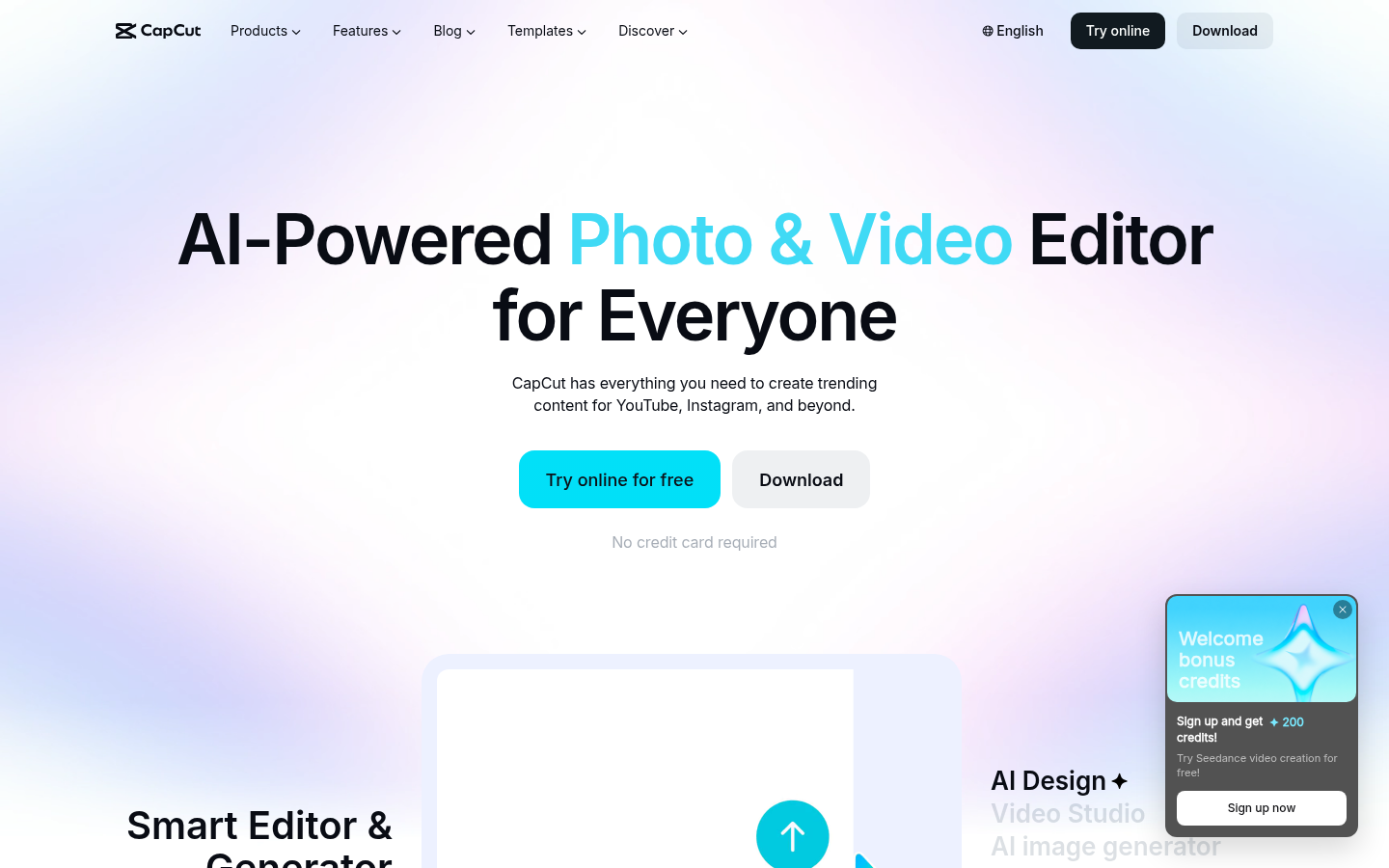
CapCut is an AI-powered video and photo editing platform aimed at content creators, social media managers, and everyday users who need to produce polished video and image content for YouTube, Instagram, TikTok, and other social channels. The product covers the full content pipeline, from AI-assisted design and video generation to background removal, subtitle creation, and text-to-speech, and it is accessible online, through desktop software, or via mobile apps.
What it does
CapCut functions as an online and downloadable video editor that combines traditional timeline-based editing with AI generation and enhancement tools. Users can edit existing YouTube- and Instagram-style footage, generate new video or image content from text prompts or reference images, and apply smart templates for Reels, TikTok, social posts, business content, and AI effects. The tool is built for people who want to move quickly from raw footage or an idea to a finished, shareable video without needing advanced editing expertise, and it also supports more specialized tasks like converting text to speech, extracting audio from video, and cleaning up noisy audio tracks.
Key capabilities
- AI video and image generation: A "Video Studio" and AI video/image generators can build video content or custom visuals from text prompts, reference images, or keyframes, and an AI Design tool auto-generates layouts for social posts, covers, and marketing materials.
- Photo editing suite: Includes an AI background remover (no watermark), an image enhancer for improving resolution and quality, an image resizer for adjusting dimensions and aspect ratios, and a general online photo editor with cropping and filters.
- Video editing utilities: Tools for removing video backgrounds, converting video formats, and adding subtitles directly within the browser.
- Audio tools: Text-to-speech conversion with natural-sounding voices, audio extraction from video files, background noise removal, and voice enhancement — useful for narration, podcasts, and voiceover work.
- Template library: Pre-built templates spanning Reels/TikTok content, general social media posts, AI effects, and business use cases, letting users skip manual design work.
- Cross-platform availability: The editor is usable directly in a browser, as a downloadable desktop application, or through mobile apps, with consistent access to the same core toolset.
Pricing
CapCut operates on a freemium model. Core editing and AI tools are accessible for free without requiring a credit card, and the site indicates premium options exist for extended functionality, though specific paid plan names, prices, or credit limits are not detailed in the available source material. No trial-specific gating is mentioned; free access appears to be immediate rather than time-limited.
Editorial review
CapCut's strength lies in bundling a broad set of AI-driven editing utilities — background removal, image upscaling, text-to-speech, subtitle generation, and AI video/image creation — into a single accessible product rather than requiring separate specialized apps for each task. This breadth makes it a practical starting point for creators and social media managers who need fast turnaround on short-form video content for platforms like TikTok, Instagram Reels, and YouTube Shorts, especially given the template-driven workflow that reduces manual design effort.
The trade-off is that a tool this broad may not match the depth of dedicated professional software in any single category — for instance, its background remover or image enhancer likely won't rival specialist tools built solely around those functions, and serious motion graphics or color grading work may still require a traditional NLE. The lack of publicly detailed pricing tiers in the source material is also a limitation for anyone trying to budget in advance; prospective users will need to check current plan details directly on the platform before committing to paid features.
Overall, CapCut is best suited to individual creators, small social teams, and marketers who prioritize speed and template-driven output over granular manual control. Its cross-platform reach (web, desktop, and mobile) and free entry point make it a low-friction option for testing AI-assisted editing workflows before deciding whether premium features are worth the upgrade.


