
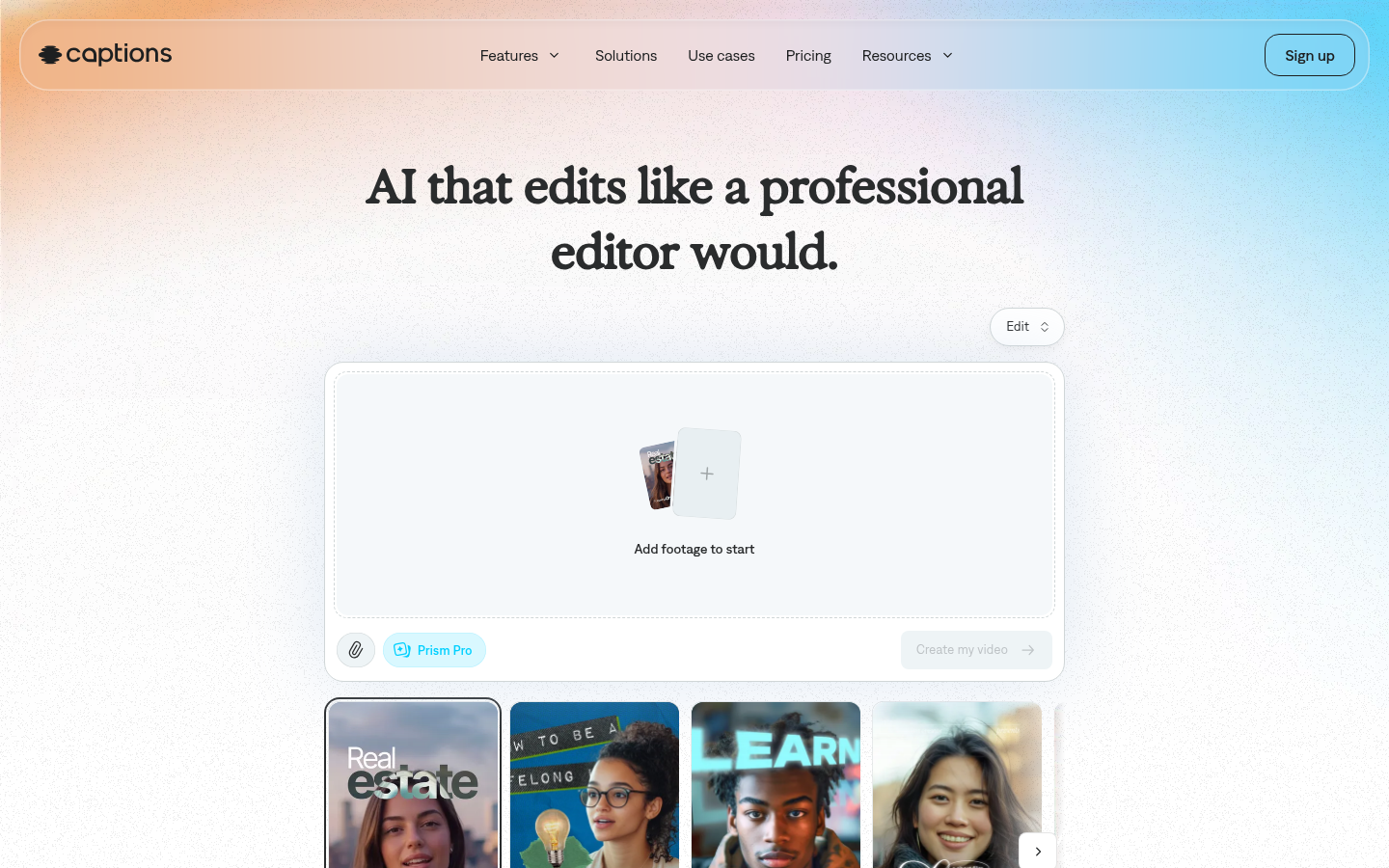
Captions AI is an AI-powered video editing and generation tool built for content creators, marketers, and social video producers who want professional-looking output without manual editing skills. It takes raw footage—or generates new footage using AI avatars—and automates the post-production process, from scene cuts to captions to B-roll placement. The main workflow is simple: upload a clip or start from a prompt, pick an editing style, and let the AI handle trimming, pacing, and visual polish while the user retains control over details through a chat-based editor.
What it does
Captions AI functions as an AI video editor and generator aimed at users who need to go from raw footage to a finished, ready-to-post video quickly. It targets solo creators, social media marketers, and small teams producing short-form content for platforms like TikTok, Instagram, and YouTube. Instead of manually cutting clips, adding captions, or syncing B-roll in a traditional NLE, users can upload footage and apply one of several curated editing styles (such as Elevate, Paper, or Prime), and the AI applies scene cuts, overlays, captions, and supporting visuals automatically. For users without existing footage, Captions AI also supports generating video from AI avatars or digital twins, letting creators produce multiple videos on different topics using a consistent on-screen presence.
Key capabilities
- AI Edit styles: A library of distinct editing styles that automatically cut scenes, add B-roll, and adjust pacing based on the footage and chosen style.
- AI avatars and digital twins: Create a custom AI avatar or digital twin, then reuse it across multiple videos with different topics, outfits, backgrounds, or product inserts via prompts.
- Automatic captions and translation: Generate stylized auto-captions and translate/subtitle content into 100+ languages, supporting international distribution of the same source video.
- Chat-based editing: Direct changes to a video using natural-language prompts rather than manual timeline editing, aimed at users with no prior editing experience.
- Footage cleanup tools: Automatically correct inconsistent eye contact, denoise audio, and trim pauses or filler words from recorded footage.
- Generative add-ons: Produce royalty-free music, sound effects, and custom B-roll to supplement existing footage inside the same editor.
Pricing
Captions AI uses a freemium model with a free tier to start and paid subscription tiers for higher usage and more advanced generative features. The confirmed paid tiers include a Max plan at $24.99/mo with access to curated AI Edit styles, digital twins/custom AI actors, the chat-based editor, and a monthly credit allowance for generating B-roll, music, and images. Above that, Frontier plans scale usage at $69.99/mo, $139.99/mo, and $279.99/mo, each offering higher credit allowances and access to more advanced generative AI models. An Enterprise tier offers custom pricing with bulk credit discounts, custom seats, dedicated account management, training data exclusion, and priority onboarding. Listed prices reflect iOS plans as stated on the pricing page. Pricing page: View pricing
Editorial review
Captions AI's strongest differentiator is combining full-video AI editing with AI avatar generation in a single product, rather than offering just captioning or just avatar video generation separately. The chat-based prompt editor lowers the skill barrier for users who have never touched a traditional editing timeline, and the style library (Elevate, Paper, Prime, and others) gives some creative variety without manual timeline work. The credit-based structure across Max and Frontier tiers means heavier users of generative features (avatars, B-roll, music) will need to monitor usage rather than assume unlimited output at a flat monthly rate. The tool is clearly optimized for short-form, social-first video rather than long-form or highly technical editing workflows, so users needing granular manual control, multi-track compositing, or broadcast-level color work may find it limiting. It's best suited to solo creators, marketers, and small teams producing recurring short video content who value speed and consistency over frame-level editing control. Enterprise buyers get dedicated support and training-data exclusion, which is a meaningful detail for teams with data governance concerns. Overall, it fits a specific niche well: fast, AI-driven video production for creators who prioritize output volume and consistency over deep manual editing customization.


