
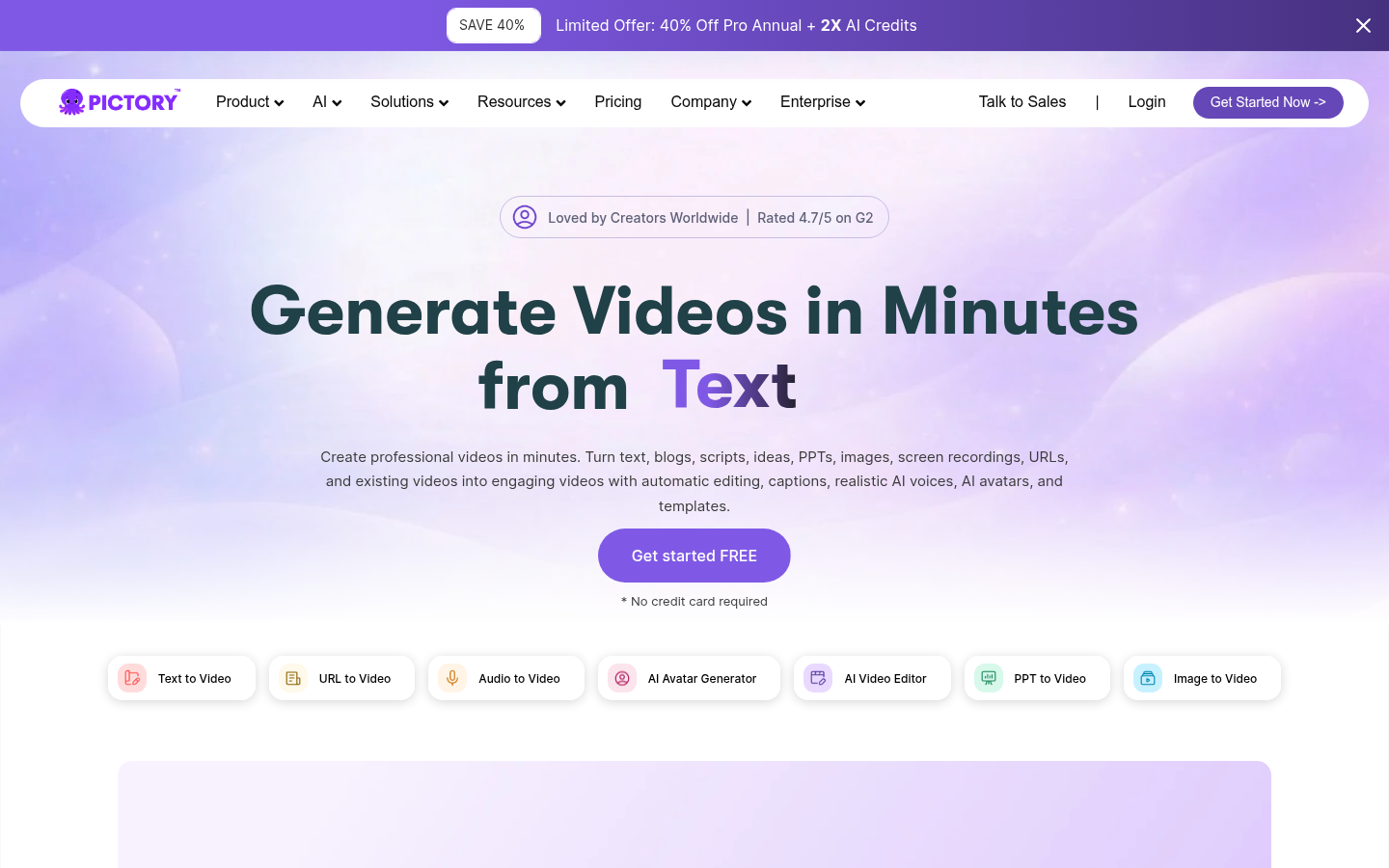
Pictory is a web-based AI video generator that converts text, scripts, articles, PowerPoint decks, URLs, images, and audio recordings into finished, branded videos. It targets content creators, marketers, educators, and business teams who need to produce video content at scale without manual editing, filming, or motion-graphics skills. The core workflow is input-driven: a user supplies a source (a blog URL, a script, a slide deck, or a batch of images) and Pictory's AI assembles matching stock footage, on-screen text, captions, AI voiceovers, and optional AI avatars into a shareable video.
What it does
Pictory functions as a text-to-video and idea-to-video platform, letting users generate videos in minutes from written content rather than raw footage. It supports several distinct conversion paths — text to video, URL to video, PPT to video, image to video, and audio to video — alongside a standalone AI video editor for refining existing footage and a storyboard-based editing interface for scene-by-scene control. An AI avatar generator lets users add a talking presenter to videos without filming, and built-in AI voiceovers cover multiple languages, making the tool relevant for localized marketing, e-learning, social clips, and repurposing blog or webinar content into video.
Key capabilities
- Multi-source video generation: Converts text scripts, article URLs, PowerPoint presentations, static images, and audio/screen recordings into edited video output, rather than requiring users to start from a blank timeline.
- AI voiceovers and multi-language support: Generates narration in multiple languages, useful for teams producing localized training or marketing videos without hiring voice talent.
- AI avatar generator: Adds a digital presenter to a video, allowing talking-head-style content without a camera or on-camera spokesperson.
- Storyboard and AI video editor: Provides a scene-based storyboard for adjusting pacing, visuals, and text alongside a general-purpose AI editing layer for trimming, captioning, and reformatting clips.
- Team collaboration and Teams plan: Supports shared workspaces where multiple team members (Pictory's Teams plan references collaboration for up to 20 members) can work on video projects together.
- Interactive video hosting and ChatGPT integration: Pictory Central offers hosting for interactive videos, and the platform references ChatGPT integration for content ideation feeding into video creation.
Pricing
Pictory operates on a freemium-leaning commercial model: a trial is available, and paid plans are required for full production use. According to Pictory's own pricing page, paid plans start at $25 per month for individual/Starter-level access, with separate Enterprise and Teams pricing for larger organizations and collaborative workspaces. Exact tier names, video-length limits, and export quotas are not fully detailed in the available source material, so prospective users should verify current plan limits before committing. Pricing page: View pricing
Editorial review
Pictory's strongest differentiator is breadth of input formats: few text-to-video tools handle URLs, PPTs, images, and audio through one interface, which makes it especially useful for content teams repurposing existing blog posts, webinars, or slide decks into video rather than creating video from scratch. The storyboard editor and AI avatar feature position it competitively against tools like Synthesia or InVideo, though Pictory leans more toward marketing and repurposing workflows than pure presenter-style corporate video.
The trade-off is that Pictory's output quality depends heavily on stock footage matching and AI voice naturalness, which can feel generic compared to fully custom video production — a common limitation across this category. The Teams and Enterprise tiers suggest the product is built to scale for agencies and larger marketing departments, but solo creators evaluating cost should weigh the $25/month starting price against usage limits not fully disclosed on the marketing pages. Case studies referenced by Pictory (subscriber growth, reduced production time, lead generation gains) suggest real-world traction among marketers and course creators, making it a reasonable fit for teams prioritizing speed and volume over cinematic customization. Best-fit users are marketing teams, educators, and agencies converting written or presentation content into video at scale; it is less suited to filmmakers or teams needing precise creative control over every frame.


