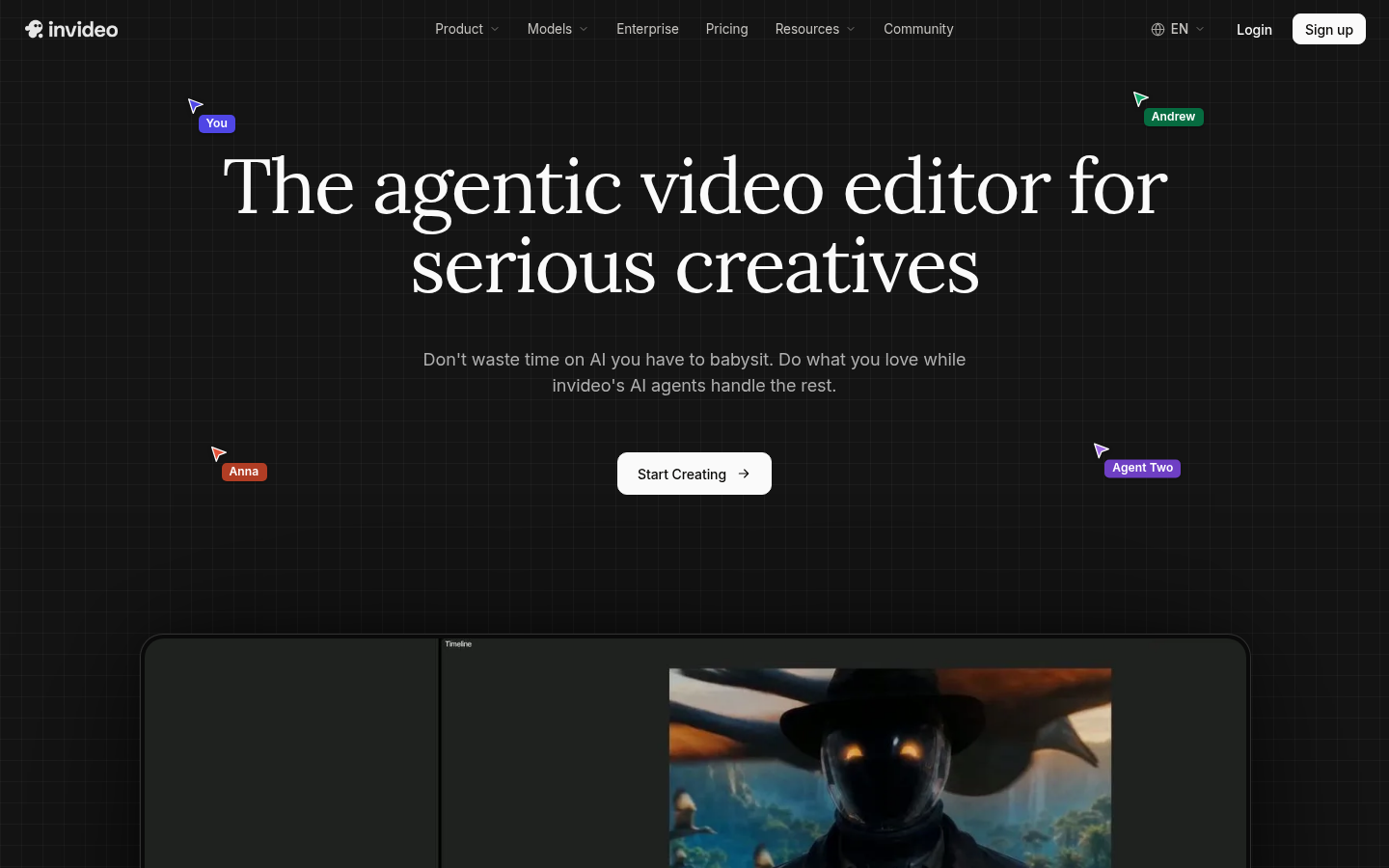
invideo is a web-based video creation and editing platform built around an AI editing agent called Agent Two. It targets content creators, marketers, filmmakers, and businesses who need to produce polished video content without manually scrubbing footage or repeating the same edit across dozens of clips. The core workflow is upload footage, describe the edit in natural language, review the AI-generated cut on a real multitrack timeline, and export. invideo positions itself less as a template-based editor and more as an agentic system that understands footage content and executes editing instructions at scale.
What it does
invideo is a video editor for teams and individual creators who want to combine traditional timeline-based editing with AI-driven automation. Instead of manually reviewing hours of raw footage, the editing agent watches and logs every clip in memory, allowing users to locate specific moments by describing them in words rather than scrubbing manually. It also applies a single editing instruction across multiple shots simultaneously — for example, cutting pauses or matching a visual look across an entire timeline — rather than requiring repetitive manual adjustments per clip. The product is explicitly designed so users do not need prompt-engineering skills: edits are described in plain language, executed by the AI agent, and remain fully editable on a standard multitrack timeline at any frame. This makes it relevant for use cases like filmmaking, advertising, microdrama/episodic content, and social media video production.
Key capabilities
- AI editing agent (Agent Two): Interprets natural-language edit instructions and applies them directly to a multitrack timeline that remains manually editable.
- Footage memory and search: Automatically logs clip content so specific shots or moments can be retrieved by description instead of manual scrubbing.
- Batch multi-shot editing: Applies a single instruction (cuts, color, pacing) across many clips at once instead of one-by-one manual edits.
- Multiplayer/collaborative editing: Supports real-time collaboration between multiple users on the same project.
- Professional editing toolset: Includes timeline editing plus color, audio, and 3D tools depending on plan tier.
- AI model and asset access: Plans include access to different generative models (e.g., Seedance video models, image generation tools) along with premium stock footage and cloud storage.
Pricing
invideo uses a tiered subscription model (Starter, Plus, Max) with seat-based and credit-based pricing. The Starter plan is listed at $20 per seat/month when billed annually, described as suited for first-time AI video creators, and includes a monthly credit allocation, multiplayer editing, up to 5 seats, a timeline editor, professional tools (color, audio, 3D), access to a limited/'Lite' version of Agent Two, select AI models (including Seedance 2.0 Fast and Mini), premium stock footage, and 200 GB of storage. Higher tiers (Plus, Max) unlock additional credits, broader model access (such as newer Seedance versions), and more advanced agent capabilities. Business and team plan variants are also offered. Pricing page: View pricing
Editorial review
invideo's main differentiator is treating AI as an active editing collaborator rather than a one-shot generator: the emphasis on footage memory, batch multi-clip edits, and a persistent multitrack timeline suggests a product aimed at editors who still want granular control, not just automated output. This makes it distinct from purely prompt-to-video generators, and better suited to users handling larger volumes of raw footage — filmmakers, ad producers, and social/episodic content teams — rather than someone who only needs a single short clip generated from text.
The credit-based, seat-based pricing structure adds complexity, and access to newer or more advanced AI models is gated behind higher tiers, meaning heavier AI-video users will likely need to move beyond the entry-level plan quickly. There is no clearly confirmed free tier in the available pricing details, so cost-sensitive users should verify current plan terms directly. Overall, invideo appears best suited for creators and small-to-mid-size teams who want AI-assisted efficiency without giving up manual timeline control, rather than casual users seeking fully automated one-click video generation.