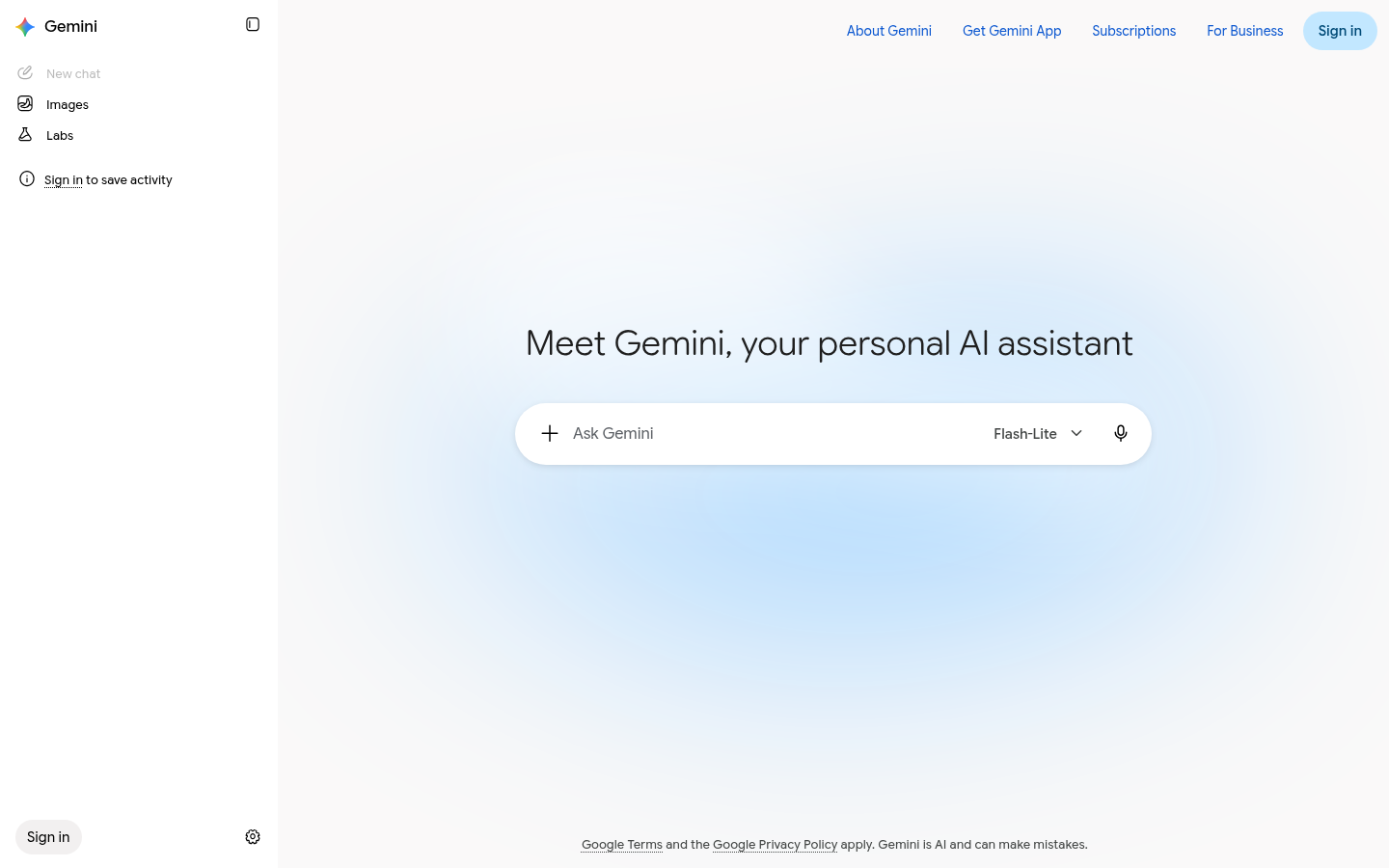
Google Gemini is a conversational AI assistant built by Google, designed for individuals, developers, and businesses who need help with writing, research, brainstorming, planning, and understanding multimodal content such as text, images, and documents. It functions as a web app, iOS app, and Android app, positioning itself as Google's answer to general-purpose AI chat assistants. The core workflow is simple: users type or speak a prompt, optionally attach files or images, and Gemini responds with generated text, summaries, code, or analysis. Based on the source material, Gemini is best suited to everyday users and professionals who already work inside the Google ecosystem and want an AI layer connected to that ecosystem.
What it does
Gemini is Google's generative AI chat assistant, accessible at gemini.google.com as well as through dedicated iOS and Android apps. It is built for tasks like drafting emails and documents, summarizing long text, brainstorming ideas, answering questions, explaining concepts, and interpreting images or files a user uploads. Unlike narrow single-purpose AI tools, Gemini is positioned as a general assistant: a single conversational interface that can shift between writing help, research support, planning tasks, and creative ideation. Because it is developed and hosted by Google, it is designed to tie into the broader Google account and service ecosystem, making it relevant for users who already rely on Google products day to day.
Key capabilities
- Conversational AI chat: Natural-language back-and-forth for question answering, explanations, tutoring-style help, and iterative refinement of drafts or ideas.
- Generative writing and content assistance: Drafts emails, outlines, summaries, and other written content based on user prompts.
- Multimodal input understanding: Accepts and interprets images and documents alongside text, allowing users to ask questions about uploaded content rather than typing everything manually.
- Cross-platform availability: Usable directly in a browser as a web app, or through native Gemini apps on iOS and Android for on-the-go access.
- Google account integration: Signed-in access ties the assistant to a user's Google identity, aligning it with the wider set of Google services rather than functioning as a fully standalone tool.
- Planning and brainstorming support: Helps structure ideas, compare options, and work through open-ended problems in a conversational format rather than a rigid template.
Pricing
Gemini follows a freemium model: core conversational features are available at no cost with a Google account, while premium functionality and expanded capabilities are offered through a paid upgrade. The source material does not specify exact plan names, subscription prices, or usage limits, so those details should be confirmed directly on Google's own pricing pages before making purchasing decisions.
Editorial review
Gemini's main strength is accessibility: it is free to start, works across web and mobile, and requires no separate account setup beyond an existing Google login. That lowers the barrier to entry compared with AI tools that gate most functionality behind a paywall or require API keys to test. Its multimodal input handling — accepting images and files inside a normal chat flow — is a practical advantage for users who want to ask questions about a document or picture without switching tools.
The trade-off is specificity. Gemini is presented as a general-purpose assistant rather than a specialized tool for a single job like coding, SEO, or video editing, so power users with narrow, high-volume workflows in one domain may find dedicated tools more efficient for that specific task. The source content also does not detail advanced features such as API access for developers, team/enterprise administration, or precise premium-tier limits, which are relevant considerations for business buyers evaluating it against paid competitors.
Gemini is best suited to everyday knowledge workers, students, and casual users who want a free, capable assistant for writing and research support without committing to a paid AI subscription upfront. Developers and businesses evaluating it for production use cases should verify API availability, rate limits, and enterprise features separately, since none of that is confirmed in the available source material. Overall, it functions as a solid, low-friction entry point into generative AI assistance rather than a deeply specialized professional tool.