What are AI chatbots?
AI chatbots are software tools that let you type or talk in plain language and get answers generated by large language models. The category now covers several kinds of tools. General-purpose assistants help with writing, research, coding, and brainstorming. Multi-model apps put several providers' models in one interface. Business tools answer customer questions on websites and messaging channels.
People use AI chatbots to draft emails and documents, summarize information, explain difficult topics, write and debug code, create images, and handle support conversations at scale. Some tools are built for one audience, such as students, support teams, or people who want to chat with characters. Others are general assistants for everyday tasks. The best AI chatbot for you depends on which of these jobs you need done.
Key features to look for
- Model quality and choice: Some tools run one provider's own models. Others, such as multi-model apps, let you switch between GPT, Claude, Gemini, and other models in one place.
- Multimodal capabilities: Check whether the chatbot handles more than text. Some can generate images, read files, or work with video.
- Real-time information: Some assistants can search the web for current answers. Others answer only from what the model already knows.
- Coding and reasoning support: If you write software or work through technical problems, look for tools that list coding and reasoning as core uses.
- Deployment channels: Business chatbots differ in where they can run, such as your website, live chat, or other messaging channels, and in whether they connect to your existing systems.
- Access options: A web app, mobile app, browser extension, or API decides how easily the chatbot fits into your routine or your product.
- Guided or specialized behavior: Education and support tools often behave differently from general assistants. For example, a tutor may guide a student toward an answer instead of giving it outright.
How to choose
Start with the use case. Decide first whether you need a personal assistant, a tool for your customers, or something for learning or entertainment. A support team will want very different things from a student or a developer.
Judge output quality on your own tasks. Benchmarks only tell you so much. Give a few candidates the same real prompts, such as a document to summarize, a bug to fix, or a customer question, and compare the answers. Most tools in this category have a free tier, so this kind of testing usually costs nothing.
Understand the pricing model. Freemium tools usually limit usage or advanced models on the free plan. Business platforms may charge by usage or outcome instead of a flat fee. Estimate how much you'll actually use the tool before you commit.
Check workflow and integrations. A browser extension or desktop assistant works alongside tools you already use. Support chatbots should connect to your help desk, knowledge base, and messaging channels. Developers may care most about API access or open-weight models they can run themselves.
Review data and privacy policies. Find out how each provider stores conversations and whether your data is used for training. For sensitive business or customer data, look for enterprise options, clear data controls, or local-first tools.
Notable tools in this category
- ChatGPT: OpenAI's conversational AI for answers, writing, coding, and image creation in one chat interface, offered on a freemium model.
- Claude: Anthropic's freemium AI assistant for writing, coding, research, and problem-solving in a conversational web app.
- Gemini: Google's multimodal AI assistant for writing, research, planning, and everyday problem-solving, with a freemium pricing model.
- Microsoft Copilot: Microsoft's freemium AI chat assistant for writing, research, brainstorming, and everyday productivity tasks.
- Poe: A freemium chat app that gives access to GPT, Claude, Gemini, Grok, and thousands of other AI bots under a single subscription.
- DeepSeek: Open-source frontier AI models for chat, reasoning, and code, available through web, app, and API on a freemium model.
- Khanmigo: Khan Academy's freemium AI teaching assistant and tutor, which guides students to answers instead of just giving them.
- Fin by Intercom: A paid AI customer agent that resolves support and sales conversations across every channel, with usage-based pricing tied to outcomes.
Pricing: what to expect
Most AI chatbots in this category are freemium. That includes general assistants like ChatGPT, Claude, Gemini, Microsoft Copilot, Grok, Kimi, DeepSeek, and Mistral AI, and multi-model apps like Poe and Monica. Freemium usually means you can start at no cost and pay for more usage or advanced features. The exact limits vary by provider.
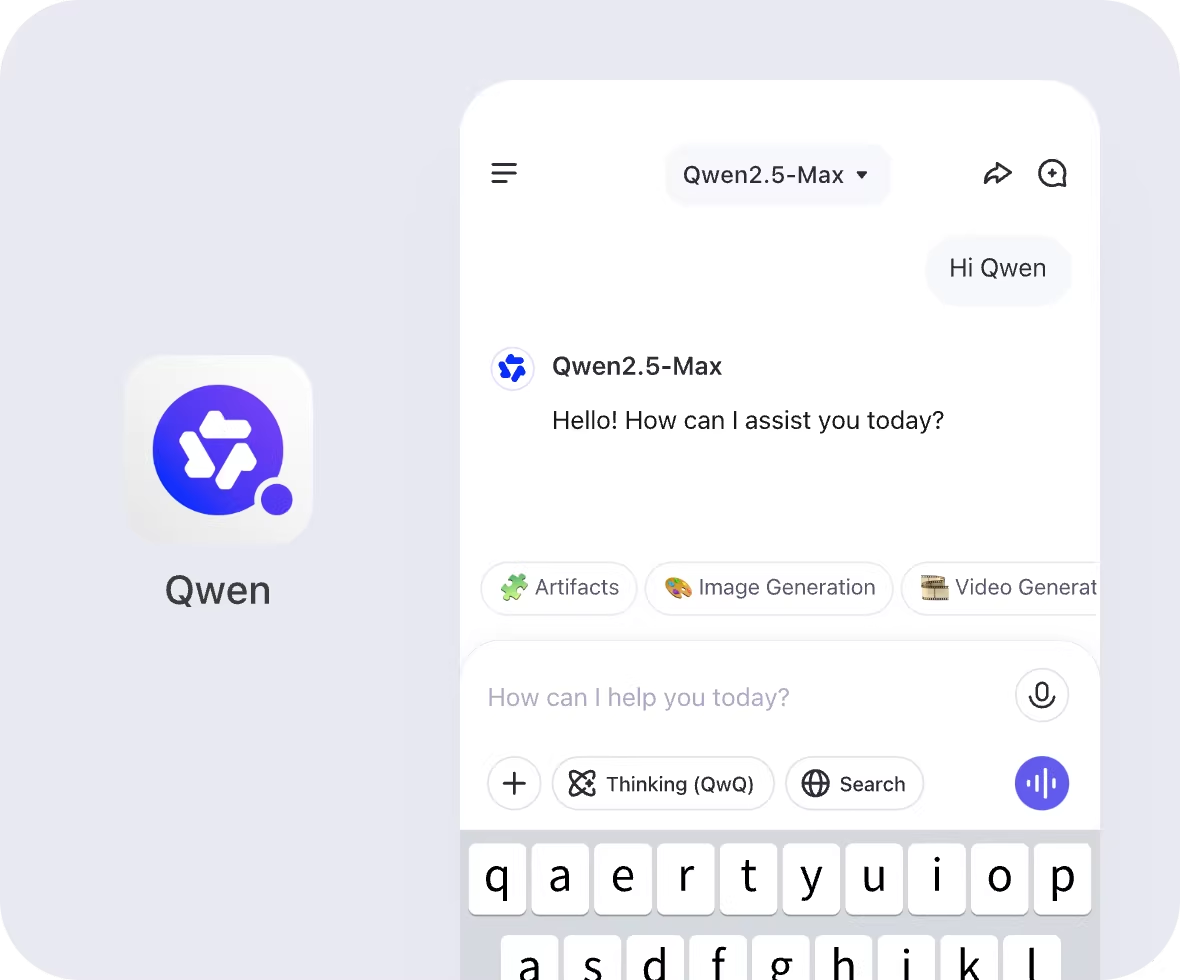
A few tools are listed as fully free, including Qwen Chat, Alibaba's official chat platform for its Qwen models. If you're looking for free AI chatbots, both the free tools and the free tiers of freemium products are worth trying.
Business-focused chatbots take a mix of approaches. Chatbase and Tidio are freemium. Fin by Intercom is paid and uses usage-based pricing tied to outcomes. Specialized tools such as Khanmigo for education and Character.AI for character chat also use freemium models. Check each tool's current pricing page before you commit, because plans and limits change often.