What are AI image generation and editing tools?
AI image generation and editing tools use machine learning models to create new images from text prompts or reference images, or to change existing ones. Some tools make artwork, product visuals, logos, or thumbnails from scratch. Others handle focused editing jobs such as removing backgrounds, upscaling low-resolution photos, or restyling an image based on a prompt.
The category covers a wide range of products. General-purpose generators and creative suites sit alongside single-purpose utilities. Designers, marketers, e-commerce sellers, content creators, and small business owners use them to produce visuals faster, try out creative directions, and prepare assets for social media, marketplaces, and print. Many platforms in this space now also offer video, audio, or 3D generation next to their image features.
Key features to look for
- Generation modes: Check whether a tool supports text-to-image, image-to-image, or both. Reference-image input helps keep results consistent with an existing style or subject.
- Editing controls: Prompt-based editing, background removal, inpainting-style fixes, and retouching decide how much you can refine an output without switching apps.
- Model choice: Some platforms give access to several AI models. Others are built around a single proprietary model, which affects the styles and quality you can get.
- Output resolution and upscaling: For print, merch, or large displays, look for high-resolution output or a built-in upscaler that restores detail.
- Use-case templates: Tools built for a specific job, such as marketplace listings, logos, coloring books, or thumbnails, often include presets that save setup time.
- Multi-format support: If you also need video, vectors, or audio, an all-in-one suite can reduce the number of subscriptions you pay for.
- Usage limits and credits: Many tools run on credits or generation quotas. Knowing how usage is counted helps you estimate real costs.
How to choose
Start with the use case. A seller who needs clean product photos has different needs from an illustrator testing art styles or a founder building a brand identity. Single-purpose tools, such as background removers and upscalers, are usually quicker for one repeated task. Broad creative suites suit teams with varied needs.
Judge output quality on your own prompts. Sample galleries show best-case results. Run the same few prompts or source images through two or three candidates and compare detail, prompt accuracy, and consistency across several generations.
Match the pricing model to your volume. Occasional users can often get by on free tiers. Frequent or commercial use usually calls for a paid plan with more credits, higher resolution, or extra features. Before relying on outputs for client or commercial work, review each tool's licensing terms.
Consider workflow fit. Think about where images go after they are created, whether that is a design tool, a storefront, a social scheduler, or a print-on-demand service. Platforms that combine generation and editing can cut down on exporting and re-uploading.
Review data and privacy terms. If you upload product photos, client assets, or portraits of real people, read how each service stores uploaded images and whether they may be used for model training. Enterprise-oriented providers may offer different terms from consumer apps.
Notable tools in this category
- Midjourney: An AI image generation platform that turns text prompts into high-resolution artwork for creators, designers, and social teams, offered on a freemium model.
- Adobe Firefly: Adobe's freemium generative AI suite for creating and editing images, video, audio, and vectors from text prompts.
- Leonardo.Ai: A freemium generative AI platform for creating images, art, and video from text prompts and reference images.
- NightCafe: A freemium AI art generator that brings together multiple AI models for text-to-image, editing, video, and character creation.
- Photoroom: A freemium AI photo editing and listing studio that turns product shots into marketplace-ready visuals.
- Upscale.media: A freemium AI image upscaler that enlarges photos up to 4x while restoring detail, faces, and color.
- Looka: A freemium AI-powered logo maker and brand identity platform aimed at entrepreneurs and small businesses.
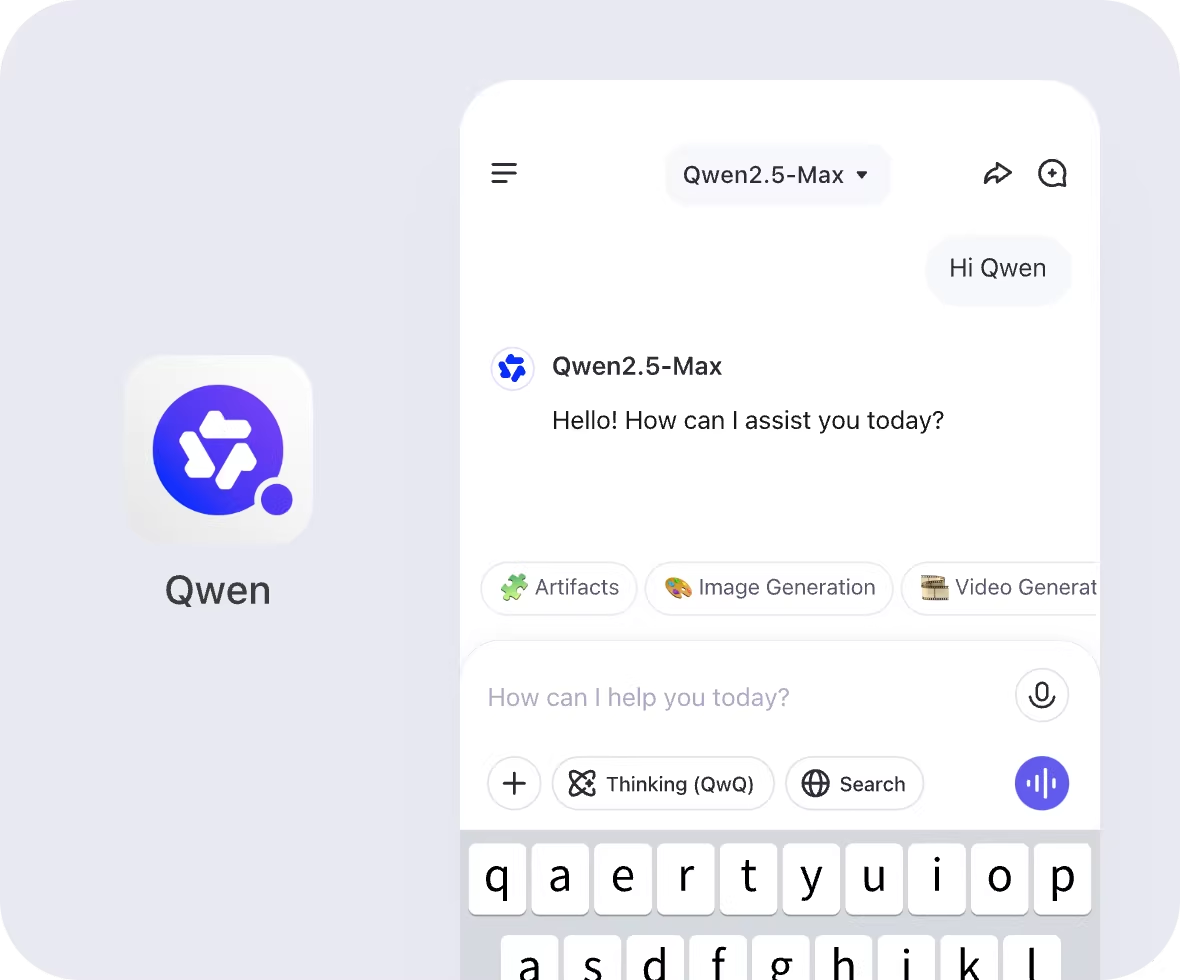
- Qwen Chat: Alibaba's free AI chat platform that provides unified access to Qwen's open-source and proprietary models.
Pricing: what to expect
Most tools in this category use a freemium model. You can try core features at no cost and upgrade for more usage, higher-quality output, or advanced capabilities. That group includes the major generators and creative suites, such as Midjourney, Adobe Firefly, Leonardo.Ai, Krea, Stability AI, and Freepik AI Suite, as well as specialized utilities like RemoveMate, Upscale.media, Photoroom, and StopScroll.
A few listed tools are marked as free, including Qwen Chat, Animate Photo AI, and Image to Image AI. These are a low-risk starting point for anyone looking for free image generation and editing. Fully paid tools are rare here. Viewmax Studio is the one listed as paid.
For most buyers, the practical question is less whether a free option exists and more whether the free tier's limits fit their workload. Compare what each plan includes, such as generation volume, resolution, and commercial use terms, before committing to a subscription.