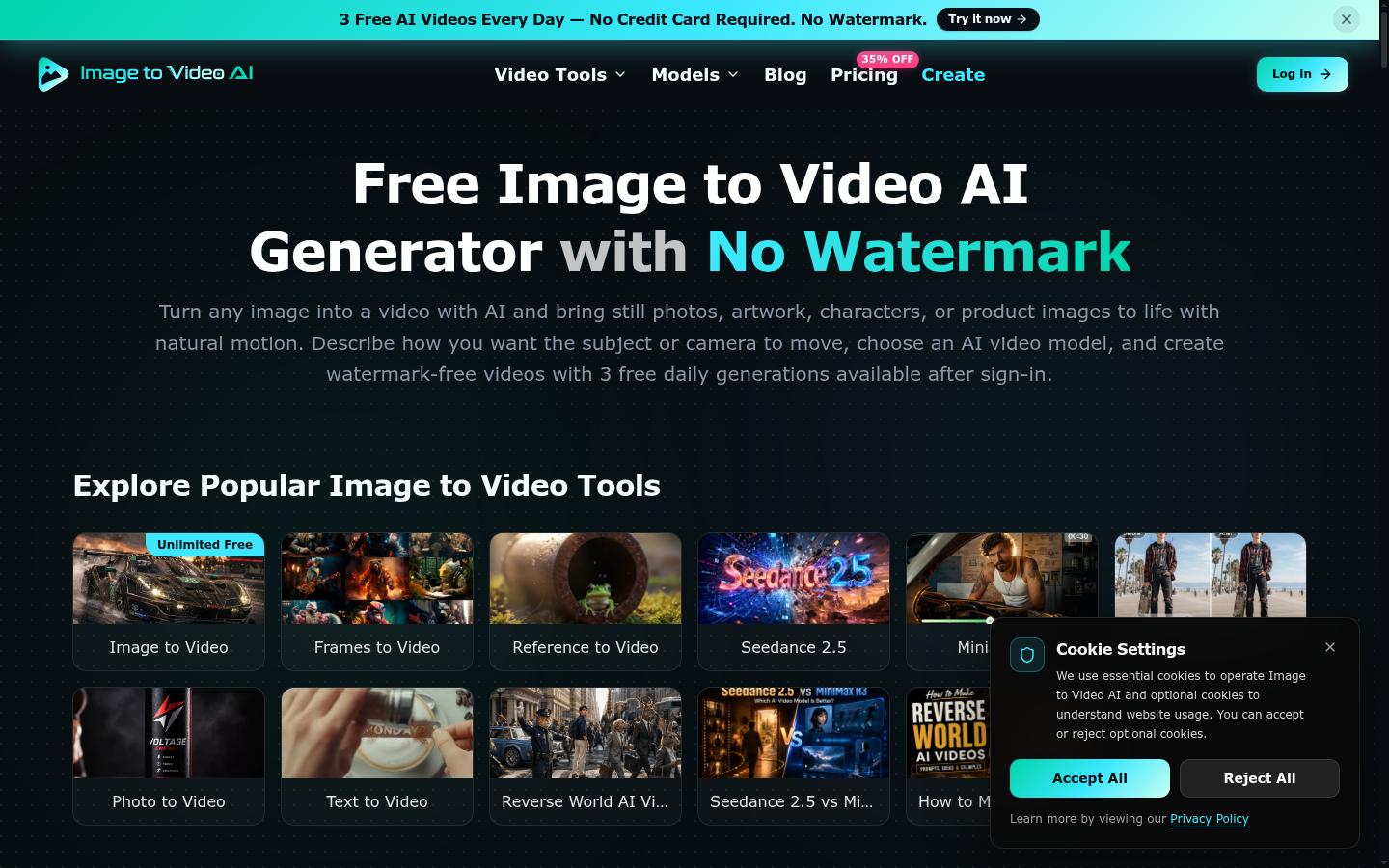
Image to Video AI is a web-based AI video generation tool designed for content creators, marketers, and social media managers who want to bring static images to life. The platform emphasizes an approachable, studio-like workflow: upload a still image, describe the desired motion using prompts, select an AI video model, and render a watermark-free video. It targets users who need quick, draft-ready video assets for social feeds, product showcases, or editorial experiments, with an emphasis on fast iteration and visual polish. The service markets a freemium model with a small free quota and paid tiers for higher volume and additional capabilities, making it accessible to individuals as well as teams exploring AI-assisted video creation. The landing experience also spotlights a range of AI video models and example galleries to help users envision how a single image can evolve into a sequence with cinematic movement and sound. Overall, Image to Video AI positions itself as a fast, approachable option for turning images into expressive video content without watermarks on the free or paid tiers, depending on the plan.
What it does
Image to Video AI is an AI-driven image-to-video generator that helps content creators answer the question: how can a still photo become a short video? The tool is built for users who need rapid, end-to-end creation: start from an image, guide the motion with prompts, pick a model tailored to the desired style (cinematic movement, character animation, or audio-enabled outputs), and export a ready-to-share video. It is especially useful for social media managers, marketers, and freelancers who want to test concepts, generate draft assets, and iterate on visuals before committing to a full production workflow. The product emphasizes a no-watermark output on certain tiers and provides a preview-and-export workflow that supports quick delivery of social-ready assets.
Key capabilities
- Multiple AI video models: Users can choose from different AI video models with strengths in cinematic movement, character animation, audio generation, frame control, and visual consistency, and switch models without altering the overall workflow.
- Motion guidance via prompts: Start with an image and describe what should happen next using text prompts to guide subject movement, camera motion, effects, and pacing.
- Image-to-video workflow: Upload an image, specify motion prompts, select a model, and generate a video that aligns with the initial visual, creating a coherent short film or social asset.
- Preview and export: Users can preview results and export videos with configurable parameters such as aspect ratio (16:9) and resolution options, facilitating quick iteration and final delivery.
- Free daily quota and paid plans: The service provides free daily generations after sign-in (3 free generations per day) and offers paid tiers with expanded credits and features for higher-volume production.
- Broad input support and accessibility: The tool supports various image formats and emphasizes a user-friendly interface designed for fast learning and rapid experimentation.
Pricing
Image to Video AI uses a Freemium pricing model. A free tier is available, with additional premium features unlocked through paid plans. The site notes 3 free daily generations after sign-in in the free experience and invites users to explore higher-volume workflows via paid tiers. Pricing specifics include Lite, Pro, and Ultra plans with differing credit counts and capabilities, and the option to upgrade for enhanced access, faster queues, and a commercial-use license. Pricing details and plan comparisons are available on the official pricing page: Pricing page: View pricing