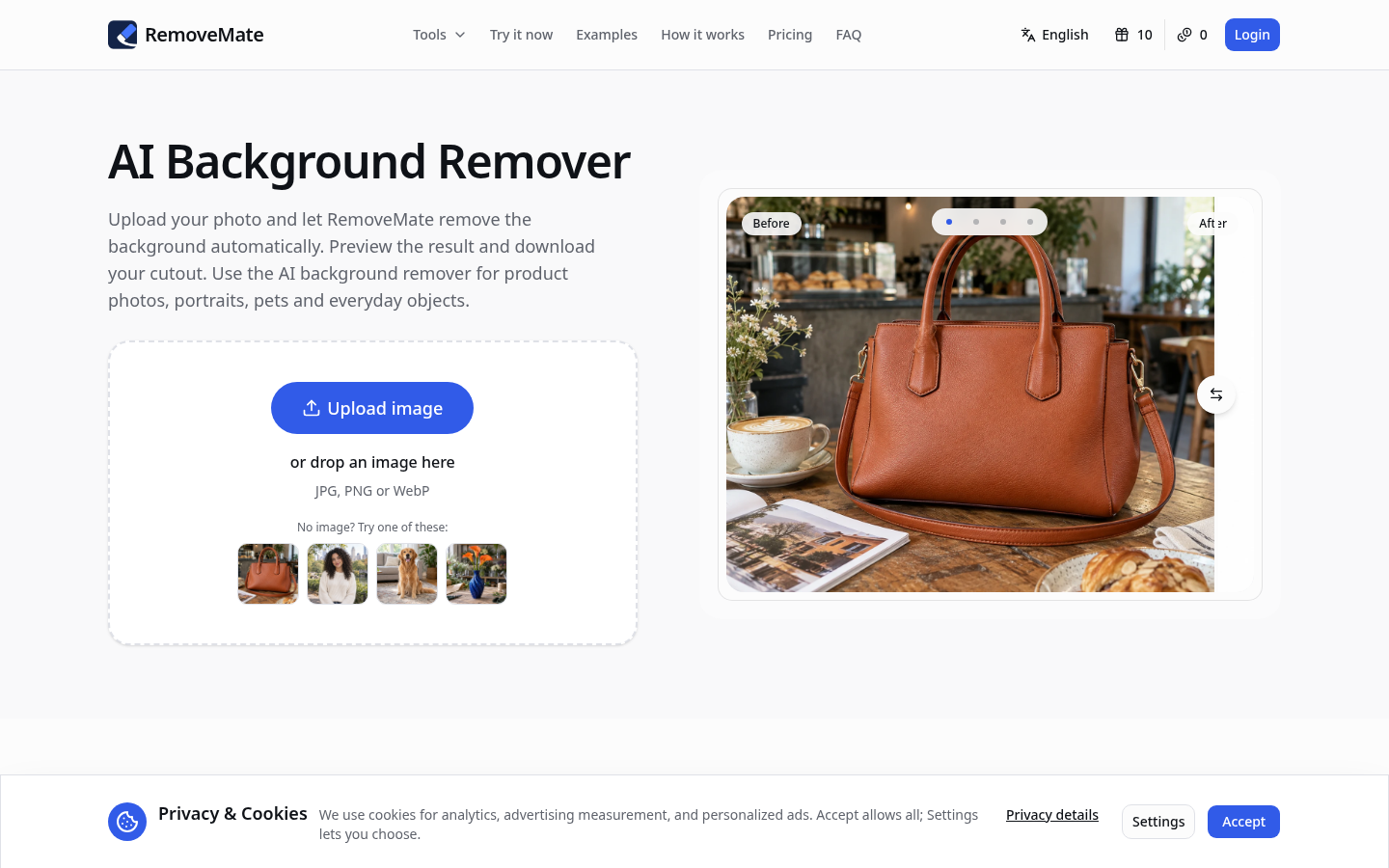
RemoveMate is an AI-powered background remover designed for photographers, ecommerce teams, designers, and everyday users who need clean subject cutouts quickly. Accessible via web and desktop, users can upload a product photo, portrait, or pet image, let the AI separate the subject from the background, preview the result, and download the cutout. The workflow emphasizes a no-prompt, automatic approach, focusing on edge accuracy and detail preservation. With batch processing and support for common image formats, it positions itself as a practical tool for commerce photography, social media assets, and profile imagery. This editorial overview synthesizes its positioning as an AI background remover that aims to streamline common cutout tasks for both individual creators and small teams.
What it does
RemoveMate is an online/background removal tool that enables users to create clean subject cutouts from images. Targeted at product photographers, ecommerce sellers, designers, and casual users, it answers the question: how can one quickly isolate the main subject and remove surrounding clutter? The service supports quick uploads, automatic background removal, and a direct preview-and-export workflow. It is particularly useful for preparing product images for shop listings, catalog imagery, social media posts, and profile pictures, where a consistent, transparent background can improve presentation. The platform also emphasizes batch processing capabilities, helping users process multiple images in a streamlined sequence without complex edits.
Key capabilities
- Online background removal with an AI-driven workflow
- Batch processing to handle multiple images in one pass
- Preview before download to verify edge fidelity and details
- Support for common formats: JPG, PNG, and WebP
- No prompt-based input required; automatic subject detection and separation
- Cross-platform availability via web and desktop environments
Pricing
RemoveMate operates a Freemium model with a free tier and paid credit packs. The free tier offers background removals at no cost, with a limit described as 10 free credits every 24 hours and no required sign-up. Paid options are provided as one-time credit packs, with no subscription, and purchased credits never expire. The starter credit pack is priced at $9 for 100 credits (up to 100 background removals), while a larger project pack is $19 for 250 credits (higher-volume needs). The effective price per credit decreases with larger packs, approximately $0.09 per credit for the Starter pack and $0.076 per credit for the Project pack. Credits are consumed per background removal operation, and the platform highlights that there is no recurring subscription involved. Pricing page: View pricing
Editorial review
RemoveMate presents a straightforward, outcome-focused option for users who need fast background removal without delving into full photo-editing software. Strengths include a clean online and desktop workflow, no need for user prompts, and a clearly tiered approach to credits that suits both occasional and heavy users. The emphasis on batch processing and format support (JPG, PNG, WebP) supports practical ecommerce workflows where multiple product images require consistent cutouts. The Freemium model lowers barriers to try, while the one-time credit packs offer a transparent, usage-based pricing path without ongoing subscriptions. Potential trade-offs include reliance on automated edge detection—hair, fur, or fine lace details may occasionally require manual touch-ups in downstream editing. For best-fit users, RemoveMate appears well-suited to small ecommerce shops, freelance photographers, product stylists, and graphic designers who need reliable cutouts quickly, without the complexity of traditional image editing software. Limitations to note include the absence of a clearly stated mobile app presence (the platform references mobile in general, but the primary platform list is web/desktop), and the lack of integration details with other design tools. Overall, RemoveMate fills a niche for fast, good-enough cutouts with a predictable credit-based pricing model, making it a practical addition to lightweight image-editing toolkits.