Plus AI is an AI-powered presentation maker built for professionals and teams who need to produce polished, results-oriented decks without starting from a blank slide. Rather than functioning as a standalone slide editor, it works directly inside PowerPoint and Google Slides, generating and refining slide content within the tools users already use. It targets business users, agencies, and enterprise teams who regularly build pitch decks, reports, and internal presentations and want to compress the time spent on formatting and layout.
What it does
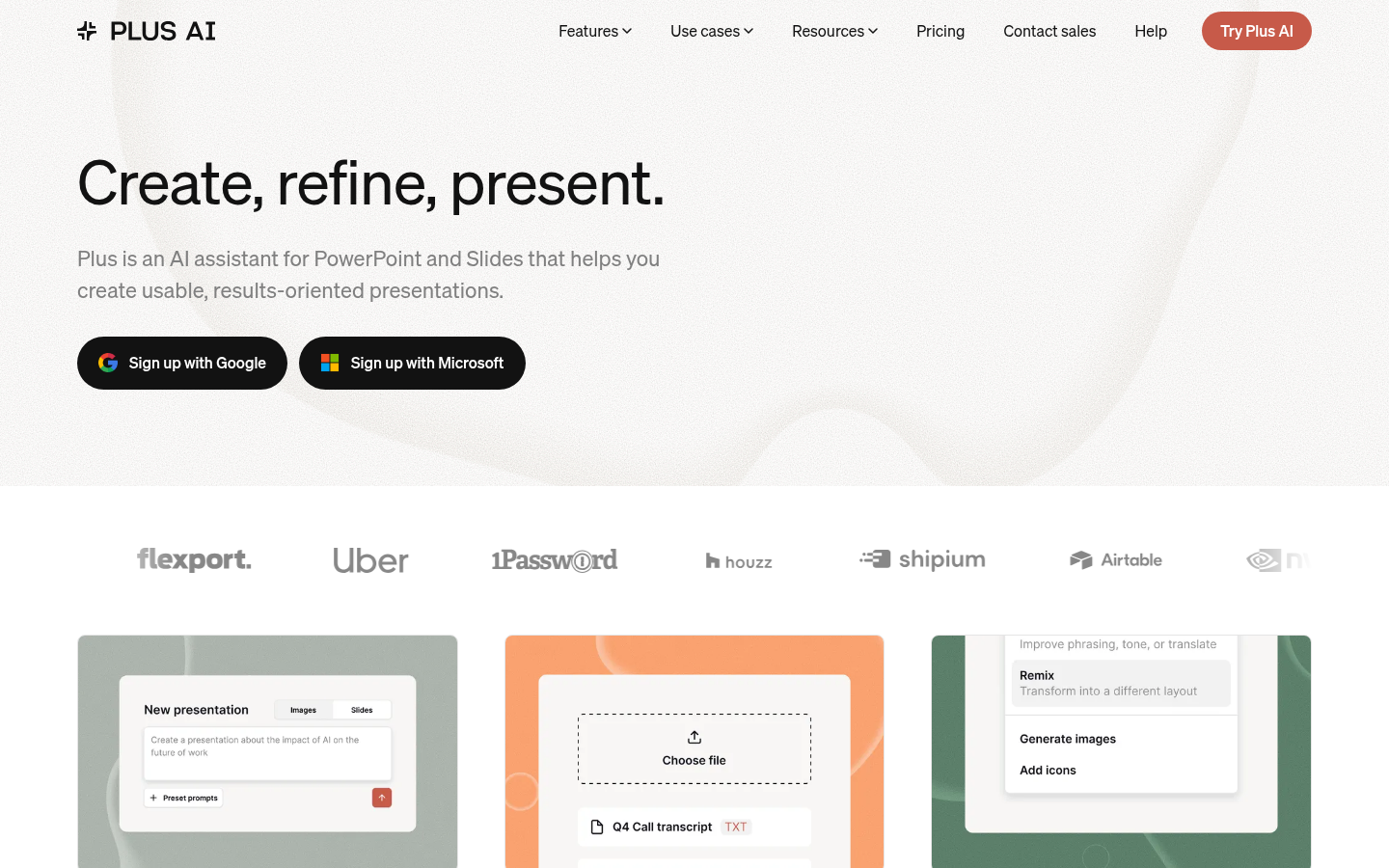
Plus AI is an AI assistant embedded in PowerPoint and Google Slides that turns prompts, uploaded documents, or rough outlines into structured, editable slide decks. Users can type a topic or goal and get a full draft deck, upload an existing file (such as a document or outline) to have its content converted into slides, or take an existing presentation and ask Plus AI to refine, reformat, or "remix" it. The core value proposition is reducing the manual, repetitive work of slide design — arranging text boxes, choosing icons, building charts — while keeping the output inside standard presentation software rather than a proprietary web editor. This makes it relevant for search queries like "AI slide generator for PowerPoint," "AI Google Slides add-on," or "turn a document into a presentation."
Key capabilities
- Prompt-to-deck generation: Describe a topic, audience, or goal in natural language and Plus AI produces a structured multi-slide draft with headings, body content, and suggested visuals.
- File-to-slides conversion: Upload existing documents or notes and have their content restructured into slide format, reducing manual copy-paste work.
- Refine and remix existing decks: Apply AI editing to previously built presentations to tighten copy, reformat layouts, or adapt tone and structure without rebuilding from scratch.
- Automated visuals: Insert relevant images and icons into slides directly through the tool rather than sourcing them manually.
- Chart and table generation: Convert data into charts and tables inside the deck without switching to a separate spreadsheet or design tool.
- Custom and handcrafted templates: Apply designer-built themes or bring an organization's existing branded templates into the AI workflow, so output matches existing design standards.
- Native integration with PowerPoint and Google Slides: Operates inside the two most widely used presentation platforms rather than requiring migration to a new file format.
Pricing
Plus AI follows a freemium model: it is free to try, with paid plans starting at $10/month according to its pricing page, and a 7-day free trial is offered before billing begins. Exact plan tiers, seat limits, and enterprise pricing details beyond the entry price are not fully specified in the available material, so prospective users should confirm current plan structures directly. Pricing page: View pricing
Editorial review
Plus AI's main differentiator is that it operates inside PowerPoint and Google Slides rather than pulling users into a separate design tool, which lowers switching friction for teams already standardized on those platforms and helps preserve existing corporate templates and brand guidelines. The prompt-to-deck and file-to-slides workflows address a real pain point — the time cost of formatting rather than thinking through content — and the ability to remix existing decks is useful for teams that reuse templates across recurring reports or pitches.
The trade-offs are that, as with most AI slide generators, output quality on data-heavy or highly custom layouts will likely still require manual polish, and the tool's value is capped by the design flexibility of the host platform (PowerPoint/Slides) rather than a purpose-built canvas. The site references customer logos across large companies (e.g., Uber, Salesforce, Deloitte, Asana), suggesting adoption among enterprise and mid-market teams, but independent, quantified performance data isn't available in the source material, so claims about output quality should be verified with a trial. There is no evidence of native mobile or desktop apps — Plus AI is delivered as a web-based assistant layered onto PowerPoint and Google Slides, and it does not appear to be open source.
Overall, Plus AI is best suited for business professionals, marketing and sales teams, agencies, and consultants who produce frequent decks and want AI assistance without abandoning familiar presentation software. Teams needing heavy custom design work or offline/desktop-only workflows may find the browser- and platform-dependent nature of the tool a limiting factor, and the free trial is the most reliable way to assess fit before committing to a paid plan.