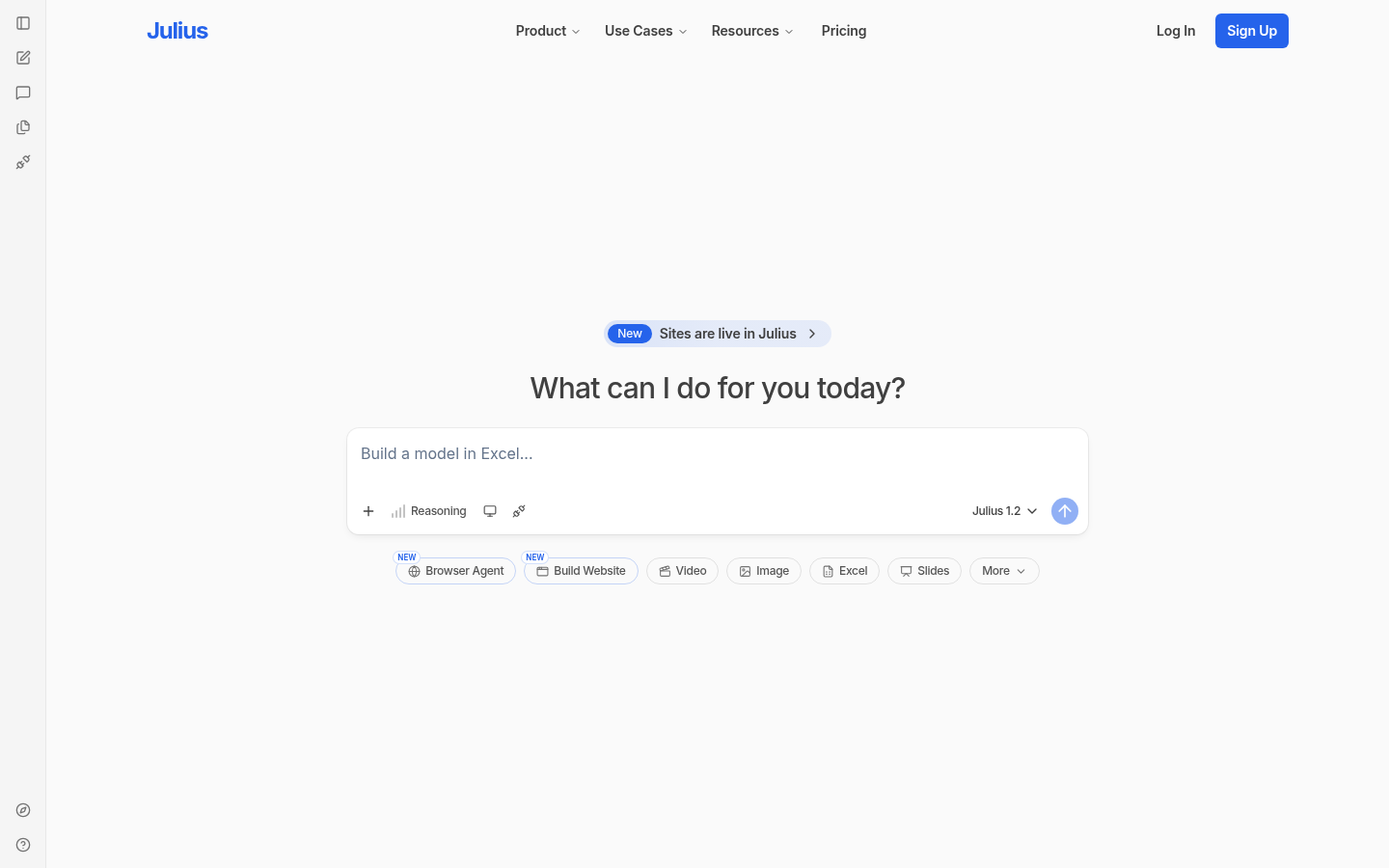
Julius AI is a browser-based AI workspace built for professionals, analysts, students, and content creators who need to move from raw data or a research question to a finished deliverable without switching between five different apps. Instead of manually building charts in Excel, drafting slides, or hand-coding a landing page, users describe what they want in natural language and Julius AI generates the output directly. The core workflow centers on conversational data analysis and content generation: upload a spreadsheet, connect a dataset, or ask a question, and the tool interprets intent, runs the analysis, and returns a chart, report, presentation, dashboard, website, image, or short video.
What it does
Julius AI functions as a conversational AI data analyst and content generator delivered through a web app. Its main use case is letting non-technical users perform tasks that traditionally require SQL, spreadsheet formulas, or design software—such as visualizing a sales dataset, forecasting trends, or building a slide deck—simply by chatting with an AI agent. It is positioned as an alternative to manually combining Excel, BI tools, presentation software, and website builders, aiming to compress research, analysis, and output creation into a single session. Target users include business analysts, students working on data-heavy assignments, marketers building reports, and founders who need quick dashboards or one-off websites without hiring a developer or designer.
Key capabilities
- Natural language data analysis: Users can query spreadsheets or databases in plain English and receive charts, statistical summaries, and forecasts without writing code or formulas.
- AI presentation and dashboard generation: Julius AI converts prompts or datasets into structured presentations and interactive dashboards, reducing manual slide-building time.
- Website and content automation: The platform can generate website content and layouts from a prompt, extending beyond pure data work into lightweight site creation.
- Multi-format output: A single workspace supports outputs across text reports, images, and video, aimed at users who need varied deliverables from the same research or dataset.
- Research assistant mode: Beyond data files, Julius AI can be used to research complex topics conversationally, synthesizing information into usable summaries.
- No-code approach to BI tasks: The tool is marketed as a way to skip SQL and traditional business intelligence software for common visualization and forecasting needs.
Pricing
Julius AI follows a freemium model: a free tier is available for basic usage, with paid plans unlocking additional features and higher usage limits. Exact plan names, credit limits, and tier-by-tier pricing were not confirmed in the available source material, so specific dollar figures are not stated here. Prospective users should check the current pricing page on the Julius AI website before committing, since freemium AI tools frequently adjust usage caps and feature gating between free and paid tiers.
Editorial review
Julius AI's strongest pitch is consolidation: rather than being a single-purpose chart generator or a single-purpose presentation tool, it tries to cover data analysis, reporting, presentation design, and even website and video output inside one conversational interface. For users whose main friction point is technical—people who know what analysis they want but not how to write the SQL or Excel formula to get there—this natural-language approach can meaningfully lower the barrier to producing a usable chart or dashboard.
The trade-off is breadth versus depth. A tool that spans spreadsheets, dashboards, presentations, websites, and video generation is unlikely to match the polish of dedicated tools in each category (a specialized BI platform, a dedicated presentation app like Slides, or a purpose-built website builder). Analysts with complex, high-stakes data pipelines may still need a real BI tool or notebook environment for reproducibility and version control, since conversational AI-generated analysis can be harder to audit than explicit code or query logic.
Julius AI appears best suited to individuals and small teams who need fast, "good enough" outputs—quick charts for a meeting, a first-draft presentation, a simple dashboard, or a rough website—rather than enterprises with rigorous data governance requirements. Students and marketers doing exploratory analysis or rapid content production are a strong fit; data engineering teams building production-grade pipelines are likely not the target audience.
Missing from the available source material are details on specific data source integrations (databases, cloud storage, CRM connections), collaboration features for teams, and concrete plan-by-plan pricing breakdowns. Anyone evaluating Julius AI for business use should confirm supported file formats, data privacy handling for uploaded datasets, and export options before relying on it for client-facing or regulated work.