
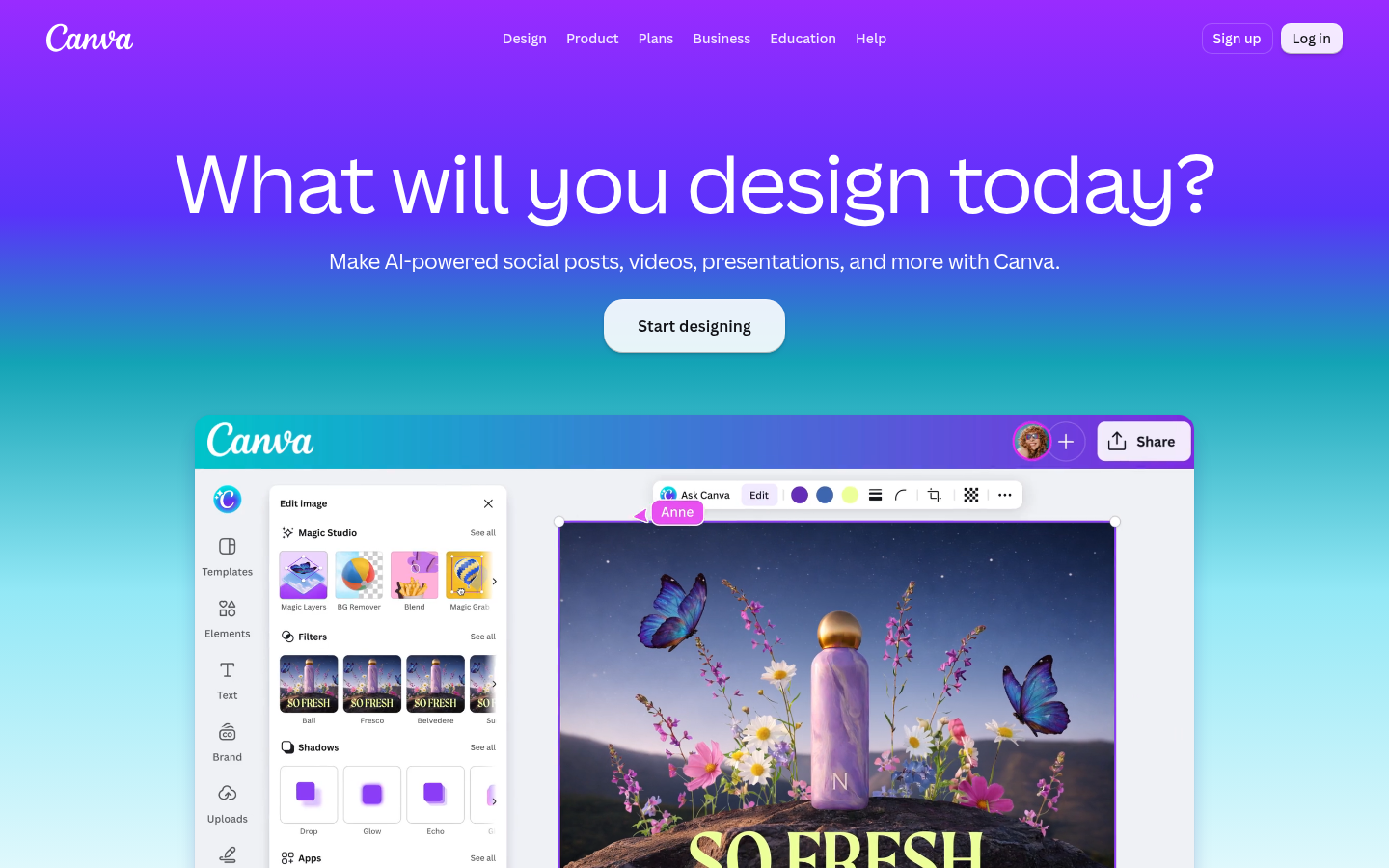
Canva is a web-based graphic design and content creation platform built for people who need to produce visual content without a background in design software. It targets individuals, small businesses, marketing teams, educators, and non-profits who need to create social media posts, presentations, posters, videos, documents, and logos quickly. The core workflow revolves around a drag-and-drop editor paired with a large template library, so users start from a pre-built layout rather than a blank canvas. Canva positions itself as a "visual suite," bundling multiple document types (presentations, whiteboards, video, print, websites, docs, sheets, email) into one interface rather than requiring separate specialized apps. Based on the source material, it is best suited to non-designers, marketers, and teams who need consistent branded output at speed rather than pixel-level professional design control.
What it does
Canva is an online design tool that lets users create, edit, and export visual content across formats — social graphics, slide decks, posters, videos, and marketing materials — using templates and a visual editor instead of traditional design software. It solves the problem of needing professional-looking graphics without hiring a designer or learning tools like Photoshop or InDesign. Typical use cases include building a social media content calendar, assembling a pitch deck, generating branded marketing assets, and producing short-form video content, all from a single account accessible via browser or mobile app.
Key capabilities
- Drag-and-drop editor: A visual canvas for arranging text, images, shapes, and media without code or technical design skills.
- Template library: Pre-built layouts spanning presentations, social posts, print materials, and video formats to speed up content creation.
- AI-assisted editing tools: Features such as Magic Write for text generation, Magic Eraser and background remover for photo cleanup, and Magic Layers for separating image elements.
- Brand Kit: Centralized storage of brand colors, fonts, and logos to keep output consistent across a team or organization.
- Magic Resize: Automatically reformats a single design across multiple dimensions and formats for different platforms.
- Collaboration and export: Multi-user editing on shared designs, with export to common file formats for sharing or publishing.
Pricing
Canva follows a freemium model: a free plan gives access to core design tools and a portion of the template and asset library, while paid Pro plans unlock additional premium templates, stock content, brand kit capacity, and AI features. A free trial of paid tiers is available. Specific enterprise and team pricing is not detailed in the available source content, so exact figures should be confirmed on Canva's own pricing page before quoting numbers.
Editorial review
Canva's main strength is accessibility: it lowers the barrier for non-designers to produce reasonably polished visual content across formats, and the breadth of document types (presentations, video, print, web) reduces the need to switch between separate tools for basic design tasks. The Brand Kit and Magic Resize features are genuinely useful for small teams that need to maintain visual consistency without a dedicated design department. Recent AI additions — Magic Write, Magic Eraser, Magic Layers — extend the platform beyond static layout editing into content generation and photo manipulation, keeping it competitive with newer AI-first design tools.
The trade-offs are also clear. Canva's template-driven approach can produce visually similar output across many users' designs, and power users doing complex vector work or precise print production may find it less capable than dedicated tools like Adobe Illustrator or Figma. Free-tier users face real limitations on premium assets and advanced features, which can make the "free-to-use" framing somewhat misleading for anyone doing regular design work. The platform is also web/app-dependent, so offline design work is not a strength.
Overall, Canva is best fit for solo creators, marketing teams, educators, and small businesses that need fast, consistent, multi-format visual content and are willing to work within a template-based system rather than building designs from scratch. Teams with dedicated design resources or specialized production needs (advanced illustration, complex print prepress) will likely still need supplementary professional tools alongside Canva.


