
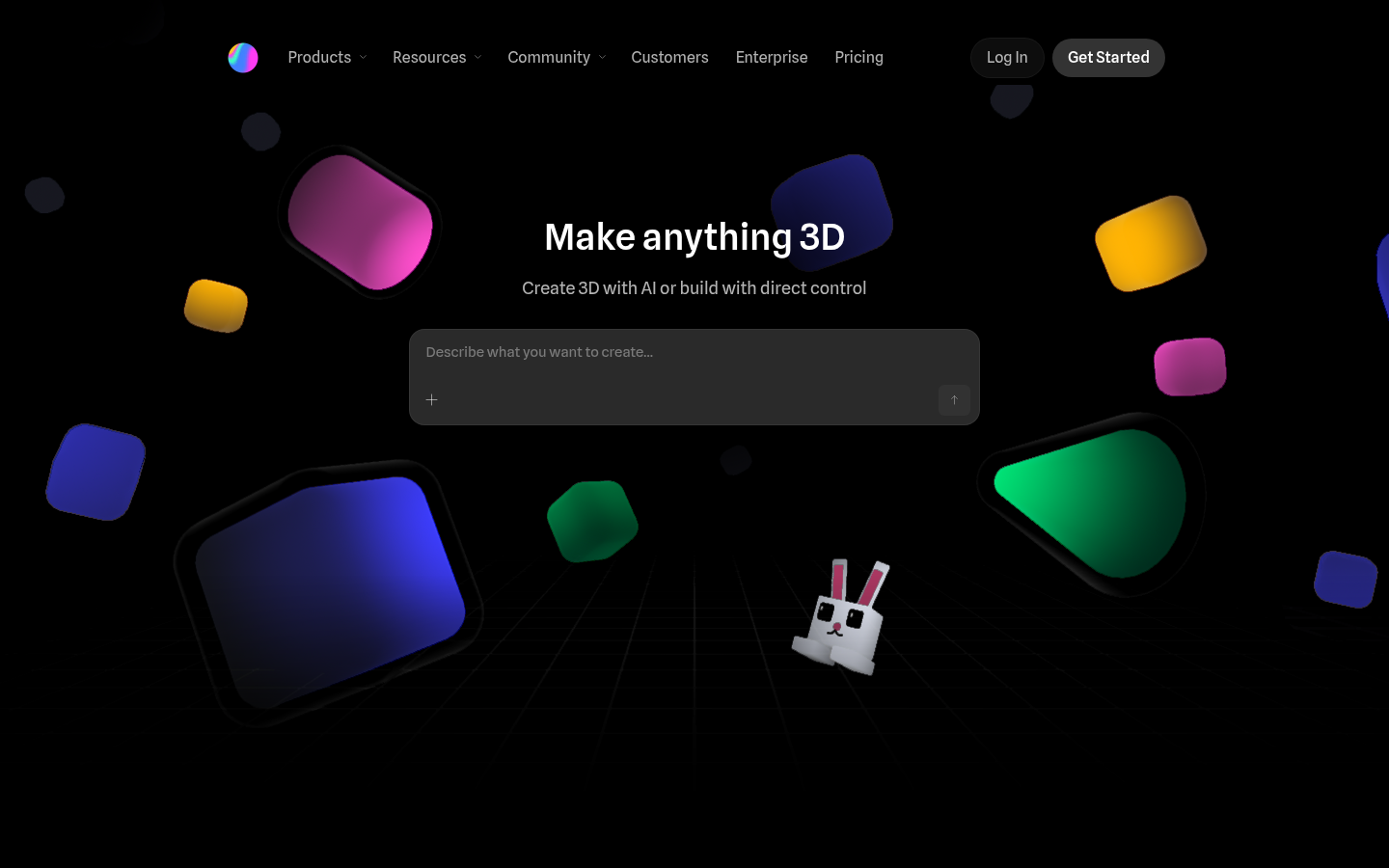
Spline is a web-based 3D design and prototyping tool built for designers, developers, and product teams who need to create interactive 3D and 2D experiences without leaving the browser. It combines direct-manipulation 3D modeling with real-time multiplayer collaboration, letting teams design, animate, and ship production-ready assets for websites, apps, and games. The core workflow centers on building scenes from primitives or imported models, layering materials, adding interactivity through an event system, and exporting the result to Web, iOS, or Android. Spline positions itself as a canvas for both hand-crafted and AI-assisted 3D design, with an AI agent that can work alongside the user during the editing process.
What it does
Spline lets users construct 3D scenes directly in a browser tab, using tools comparable to standard vector/design software but extended into three dimensions. It's aimed at product designers, brand and marketing teams, game and interactive-experience creators, and developers who need lightweight 3D content—such as 3D logos, animated characters, product mockups, icons, and gamified web elements—without adopting a full game-engine pipeline. Because it runs entirely in the browser with real-time multiplayer editing, distributed teams can co-design a scene simultaneously, similar to how Figma handles 2D design collaboration. Finished scenes can be embedded into live websites as interactive experiences or exported for use in mobile apps.
Key capabilities
- Real-time 3D modeling and collaboration: Multiple users can edit the same 3D scene simultaneously, with primitives-based modeling and multi-platform export options.
- Layer-based materials: Build custom materials by stacking multiple layers, or pull from a ready-made material library instead of building surfaces from scratch.
- Interactivity and motion tools: States and events, timeline-based animation, game-style controls, and physics/particle systems let designers add behavior without custom code.
- Variables, APIs, and webhooks: Real-time data can be piped into a scene through variables, webhooks, and API connections, enabling dynamic, data-driven 3D experiences.
- AI-assisted design agent: An AI agent can assist with editing tasks directly inside the tool, described as "agentic" 3D design intended to be production-ready.
- Cross-platform shipping: Completed designs can be exported and shipped to Web, iOS, and Android, supporting use cases from interactive marketing sites to mobile product experiences.
Pricing
Spline follows a freemium model. A free tier supports core 3D/2D design and collaboration. Paid plans are billed per seat and include a Hobby tier around $12–$15/month, a Pro tier around $25–$30/month, and a Max tier around $60–$70/month (monthly vs. annual billing affects the exact rate), each adding progressively more monthly credits, unlimited files/projects, video and audio uploads, app-store exports, higher-resolution exports, and expanded API/variable limits. An Enterprise tier with custom pricing adds SSO, centralized billing, self-hosted exports, and team libraries. Credit allotments and AI-related limits scale with plan tier. Pricing page: View pricing
Editorial review
Spline's strongest differentiator is doing real-time collaborative 3D design entirely in the browser, closing a gap between traditional 3D software (Blender, Cinema 4D) that requires local installs and heavier learning curves, and 2D design tools that can't produce true 3D/interactive output. Its event-based interactivity system and direct API/variable support make it genuinely useful for teams building interactive marketing sites, product configurators, or animated brand assets rather than just static renders. The tiered credit-based pricing, however, adds complexity: prospective users need to check current credit costs against their expected usage before committing to a paid seat, since credits appear to gate AI features and media generation rather than being unlimited at every tier. The free tier is a reasonable entry point for exploring the tool and community templates, but teams needing video/audio uploads, unlimited projects, or mobile export will need to move to paid plans fairly quickly. Best-fit users are design and front-end teams that want lightweight, embeddable 3D/interactive content for the web without adopting a full game-engine workflow; it's less suited to teams needing high-fidelity offline rendering, complex simulation, or deep VFX pipelines, where dedicated 3D software remains the better fit.


