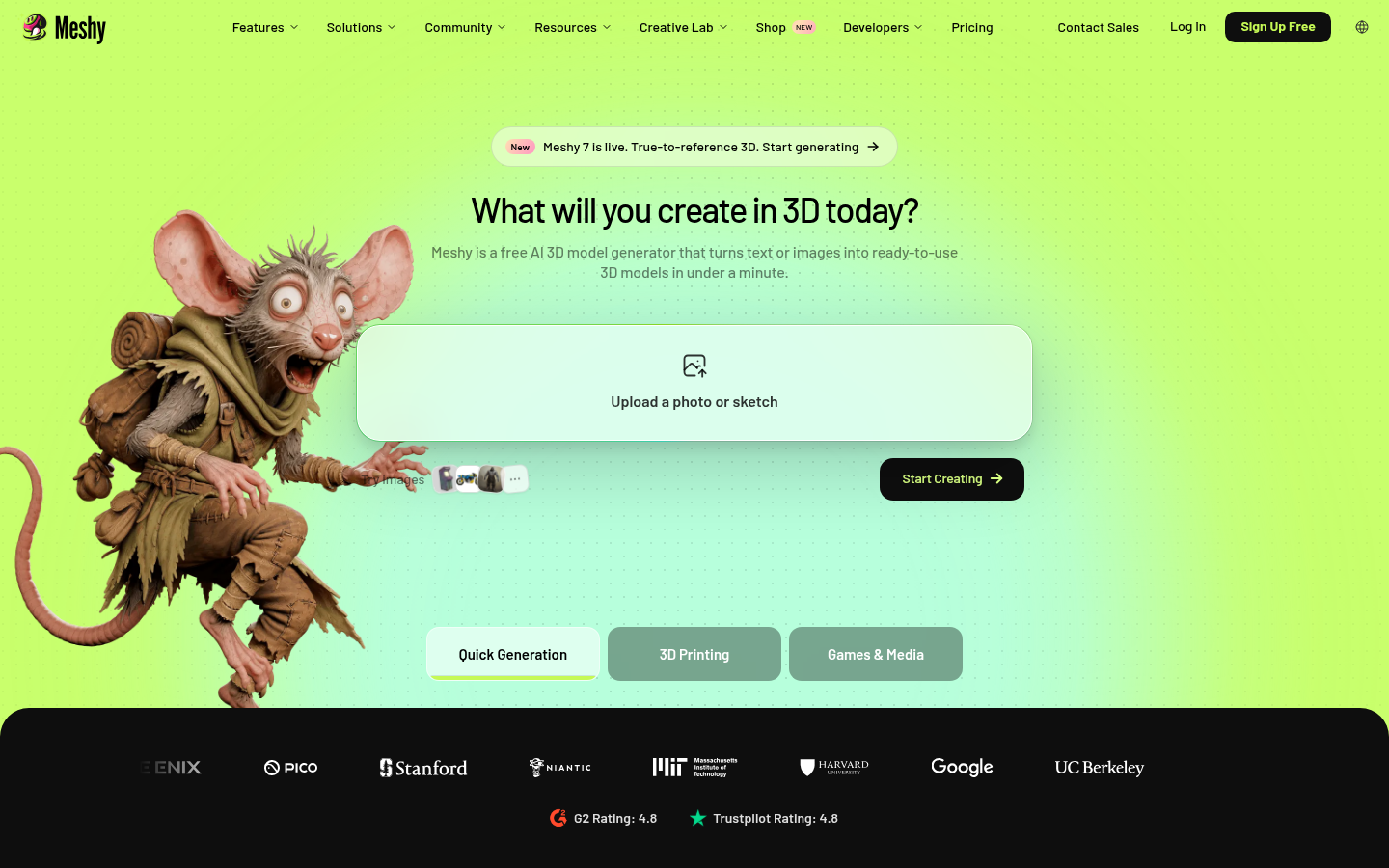
Meshy is an AI-powered 3D content generation platform built for game developers, 3D printing hobbyists, product designers, and digital artists who need 3D assets without manual modeling. Instead of sculpting meshes by hand in traditional CAD or DCC software, users type a text description or upload a reference image and Meshy generates a textured 3D model in roughly 20-30 seconds. The platform covers the full asset pipeline beyond raw generation, including texturing, auto-rigging, animation, and print-ready mesh repair, making it usable for both game-ready assets and physical 3D printing.
What it does
Meshy converts text prompts and 2D images into 3D models through two core generation modes: Text to 3D and Image to 3D. Users describe an object or upload a photo, sketch, or concept drawing, and Meshy's AI produces a mesh with PBR textures (albedo, metalness, roughness, and normal maps) that can be exported in formats such as FBX, OBJ, GLB, and STL. Beyond generation, the platform includes an AI Texturing tool for applying realistic materials to existing models, an AI Auto Rigging feature that skeletons and weights characters for animation, and dedicated 3D printing tools that repair non-watertight meshes and auto-split large models into printable parts. A "3D Agent" chat interface lets users move from an idea, photo, or sketch to a finished model conversationally, and a mobile app extends the image-to-3D workflow to phone cameras.
Key capabilities
- Text to 3D and Image to 3D generation: Produces textured 3D models from written descriptions or uploaded images/sketches in about 20-30 seconds per generation.
- AI texturing and multi-view image generation: Applies PBR texture maps to models and generates multi-view images optimized as inputs for 3D reconstruction.
- Auto-rigging and animation: Automatically rigs 3D characters with skeletons and vertex weights and applies animation cycles without manual bone placement.
- 3D printing-specific tooling: Detects and repairs broken or non-watertight meshes, then auto-splits models into color-coded, printable parts for slicers like Ultimaker Cura.
- Multi-format export and integrations: Exports to FBX, OBJ, GLB, and STL, with plugins for Blender, Unity, Bambu Studio, and Creality Print, plus an API, CLI, and MCP server for embedding generation into custom pipelines or AI agents like Claude and Cursor.
- Community and asset library: Includes a public showcase and free downloadable 3D model library for browsing and reusing community-generated assets.
Pricing
Meshy operates on a freemium model with a free plan that requires no credit card and includes monthly credits for core features (Text to 3D, Image to 3D, and community downloads). Paid tiers—Pro, Studio, and Enterprise—unlock additional credits, faster generation speed, and advanced features, based on the plans listed on the official pricing page. Exact monthly pricing for paid tiers is not confirmed in the available source content. Pricing page: View pricing
Editorial review
Meshy's strongest differentiator is breadth: rather than offering a single text-to-3D generator, it bundles generation, texturing, rigging, animation, and print-repair tools into one workspace, which is unusual among AI 3D tools that often specialize in just one step of the pipeline. The 3D printing toolset—automatic mesh repair and part-splitting for slicers—stands out as a genuinely practical feature for hobbyist makers who otherwise struggle with non-manifold geometry from AI-generated meshes. The API, CLI, and MCP server support also position Meshy as a viable backend for developers building custom asset pipelines or AI-agent workflows, not just a consumer-facing web app.
The trade-offs are typical of generative 3D tools at this stage: AI-generated meshes generally require topology cleanup for high-end film or hero-asset production, and output quality is likely to vary depending on prompt complexity and reference image clarity. Because exact credit limits and paid-tier pricing aren't fully specified in public source material, prospective users should check the current plan details before budgeting for heavy usage. Meshy appears best suited to indie game developers needing background or prop assets quickly, 3D printing hobbyists who want clean, ready-to-slice models, and technical teams prototyping 3D content pipelines via API rather than teams requiring frame-perfect, production-final assets straight out of the generator.