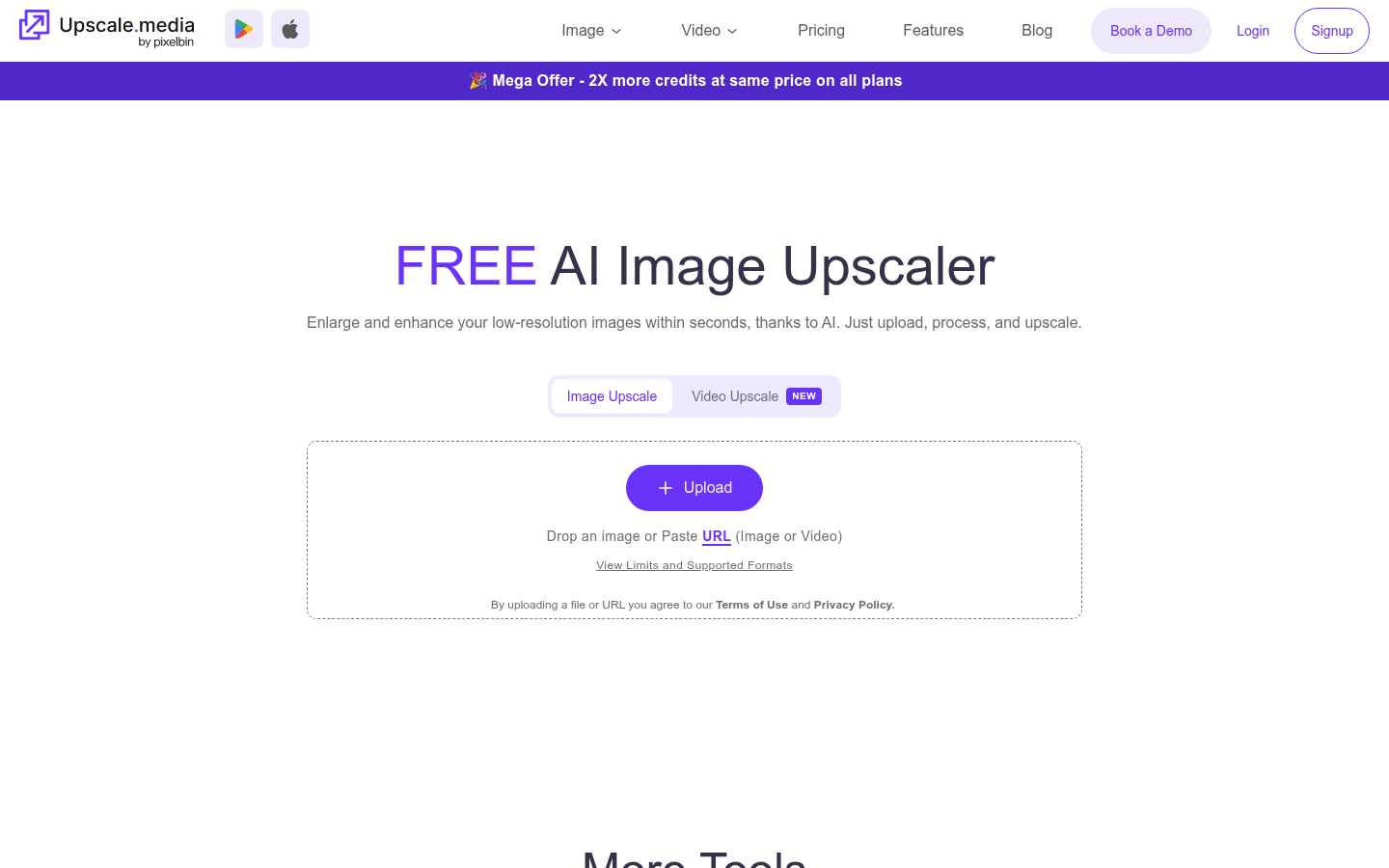
Upscale.media is an AI image upscaling and enhancement tool built for photographers, e-commerce sellers, marketers, and everyday users who need to enlarge low-resolution images without losing texture or clarity. It runs as a web app (with companion iOS and Android apps) and is aimed at people who receive small, blurry, or compressed images and need print- or web-ready output quickly. The core workflow is simple: upload an image, let the AI process it, and download a sharper, larger version — with additional one-click fixes for blur, haze, and damaged photos layered on top of the upscaling engine.
What it does
Upscale.media resizes images to 2x or 4x their original resolution using AI models trained to reconstruct texture and edge detail rather than simply stretching pixels. Beyond upscaling, it bundles a set of restoration tools addressing common photo problems: sharpening soft images, retouching skin and surface textures, deblurring out-of-focus shots, removing motion blur from handheld photos, dehazing outdoor or landscape images, restoring old or damaged prints, and colorizing black-and-white photographs. A dedicated face enhancement and face restoration mode targets portraits specifically, brightening and rebuilding facial detail. The tool is positioned as a general-purpose "fix and enlarge" utility rather than a single-purpose upscaler, making it relevant for use cases ranging from product photography and real estate listings to old family photo restoration.
Key capabilities
- AI upscaling to 2x/4x: Enlarges images while attempting to preserve or reconstruct fine detail, aimed at avoiding the softness typical of standard resizing.
- Multi-tool restoration suite: Includes sharpen, retouch, deblur, dehaze, motion blur removal, and image restoration in one interface, so users don't need separate tools for each fix.
- Face-specific enhancement: Separate "Enhance Face" and "Face Restoration" modes rebuild and refine portrait detail, tone, and sharpness.
- Colorization: Converts black-and-white or faded photos into color, useful for archival or nostalgic photo projects.
- API and bulk transformation: Offers API integration for developers and businesses needing to process images at scale, plus enterprise-oriented bulk transformation workflows.
- Photoshop compatibility: Positioned as usable alongside Adobe Photoshop workflows, based on referenced blog content covering combined use with Photoshop.
Pricing
Upscale.media uses a freemium, credit-based pricing model. The Free plan gives 3 free credits and 3 free downloads per month to trial the platform. Paid options include a subscription plan (advertised around $69.99 billed yearly at a discounted rate) and one-time credit packs ranging from smaller bundles (e.g., 60 credits for $5.99) up to larger packs (1200 credits for $54.99), with purchased credits valid for one year. An Enterprise plan is available for custom volume needs, accessed by contacting sales rather than self-service checkout. All plans reportedly include face enhancement, API access, add-on credits, and free downloads. Pricing page: View pricing.
Editorial review
Upscale.media's strength is breadth: rather than being a narrow upscaler, it packages upscaling with deblurring, dehazing, colorization, and face restoration under one roof, which reduces the need to bounce between separate single-purpose AI photo tools. The credit-based pricing is transparent on the pricing page, with clear per-credit costs at different pack sizes, which is helpful for cost-conscious or occasional users who don't want a recurring subscription. The free tier is modest (3 credits/downloads monthly), so it functions more as a trial than a long-term free solution — heavy users will need to buy credits or subscribe.
The presence of API access and an enterprise plan suggests the product is built to serve both casual consumers and businesses doing bulk image processing, such as e-commerce catalogs or marketing teams. Mobile apps on iOS and Android extend usability beyond the browser, which is a differentiator versus web-only competitors.
Limitations based on available information: exact output quality (how well 4x upscaling holds up on very low-resolution or heavily compressed source images) isn't independently verifiable from the site content, and the no-refund policy on paid credits (stated on the pricing page) means users should test the free tier before committing. Overall, Upscale.media looks best suited to individuals, small businesses, and e-commerce operators who need occasional or moderate-volume photo enlargement and restoration without investing in a full desktop editing suite, while larger-scale automated pipelines are better served by contacting the enterprise/API team directly.