Let's Enhance is a web-based AI image enhancement platform built for photographers, designers, e-commerce sellers, and anyone who needs to fix low-quality or damaged images quickly. It combines upscaling, sharpening, denoising, and photo restoration into a single browser workflow, with an API available for developers who need to process images at scale. The core value proposition is turning small, blurry, or degraded images into print-ready or web-ready assets without manual retouching.
What it does
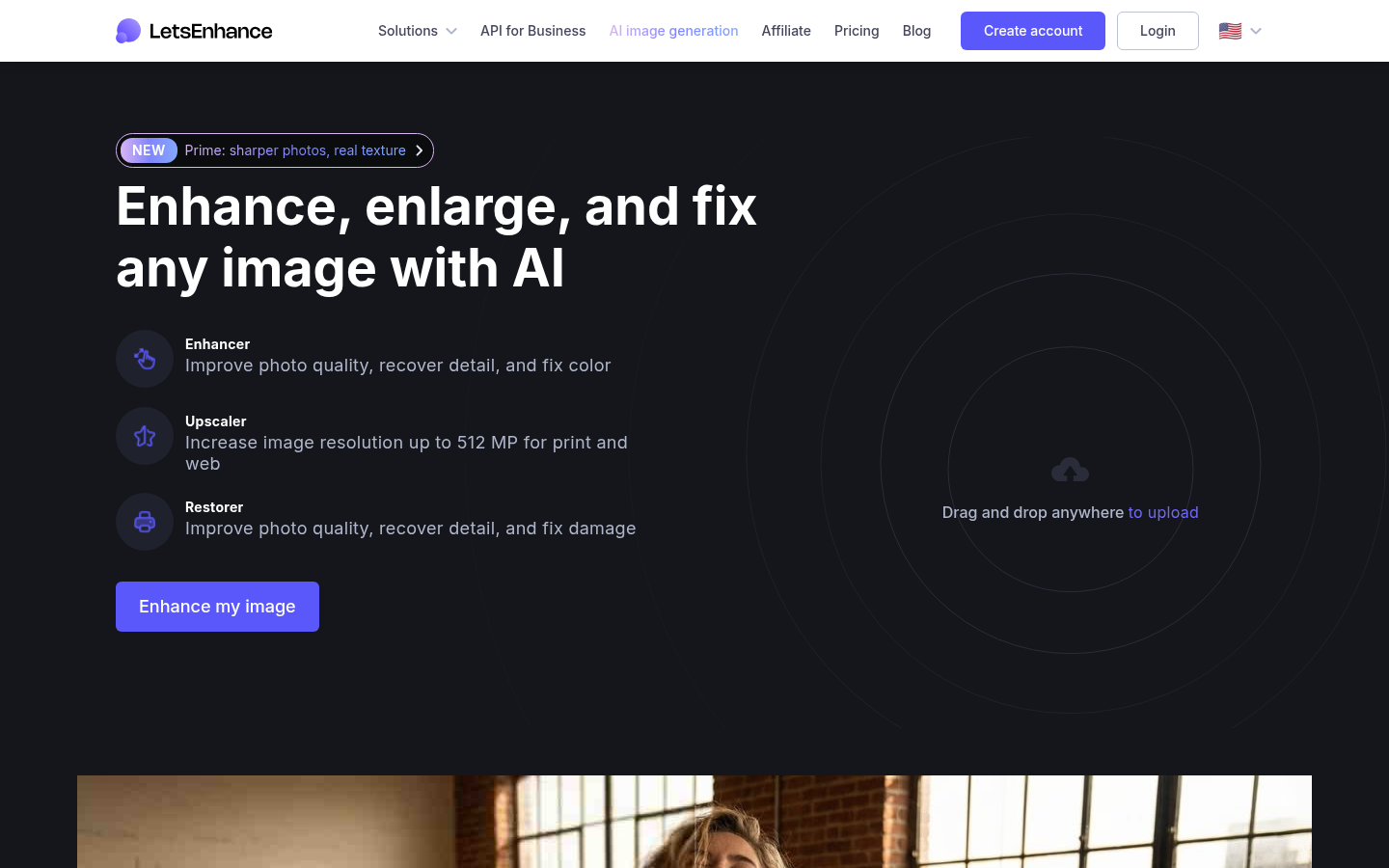
Let's Enhance lets users upload an image and apply AI models to enlarge it, recover lost detail, correct color, remove noise, and repair damage from old or low-resolution photos. It targets common pain points: product photos that look soft on a retail listing, vintage family photos with scratches and artifacts, pixelated logos that need to be print-ready, and AI-generated art that needs polishing before publishing. The tool is positioned for both one-off consumer use (via drag-and-drop upload on the website) and higher-volume professional use through subscription plans and an API, making it suitable for individual photographers as well as teams handling batches of product or fashion imagery.
Key capabilities
- AI upscaling: Increases image resolution significantly for print and web use, with higher-tier plans supporting larger megapixel outputs than the free tier.
- Photo restoration: Removes blur, scratches, and artifacts from old or damaged photographs, useful for restoring vintage or family archive images.
- Detail and texture recovery: Recovers natural skin texture and fine detail in portraits rather than producing an artificial, over-smoothed look.
- Batch and workflow tools: Supports processing multiple images and offers presets tailored to different enhancement goals (product photography, print output, art refinement).
- AI art and logo cleanup: Sharpens and upscales AI-generated art and pixelated vector logos into higher-fidelity, print-ready versions.
- API access: Provides programmatic access for developers who need to integrate enhancement or upscaling into their own applications or pipelines.
Pricing
Let's Enhance uses a freemium, credit-based subscription model. New users get free credits upon signup with no credit card required, and free-tier processing includes input images up to 24 megapixels with upscaling up to a limited resolution and a watermark on outputs. Paid plans start at a Starter tier priced around $9/month (billed annually, higher if billed monthly) offering a set monthly credit allowance, higher upscale limits, unused credit rollover, AI art generation, and background removal. Higher tiers (Pro and Max) increase the monthly credit allowance and maximum upscale resolution, add priority processing, and include chat support. Credits are consumed at a rate of one credit per processed image, and unused credits roll over on personal plans as long as the subscription remains active; canceling forfeits remaining credits at the end of the paid period. Pricing page: View pricing.
Editorial review
Let's Enhance's strength lies in narrow, well-executed AI image tasks—upscaling, sharpening, and restoration—rather than trying to be a full photo editor. The before/after examples referenced on the site (portrait detail recovery, vintage photo restoration, pixelated logo upscaling) suggest the tool is tuned for realistic, non-over-processed results, which matters for professional use cases like product photography where artificial-looking enhancement would be a liability. The credit-based pricing model is transparent and gives smaller users a genuine free entry point, though the free tier's watermark and lower resolution ceiling will push serious or repeat users toward a paid plan fairly quickly. The tiered megapixel limits (up to the highest resolutions on the top plan) are a meaningful differentiator for users working with large print formats, but casual users may find the credit system's monthly limits restrictive if processing many images. The API option is a plus for developers, though the source material gives limited detail on API pricing or technical specifics. Overall, this looks best suited to e-commerce sellers, photographers restoring archives, and designers needing quick, reliable upscaling rather than users seeking a full creative editing suite.