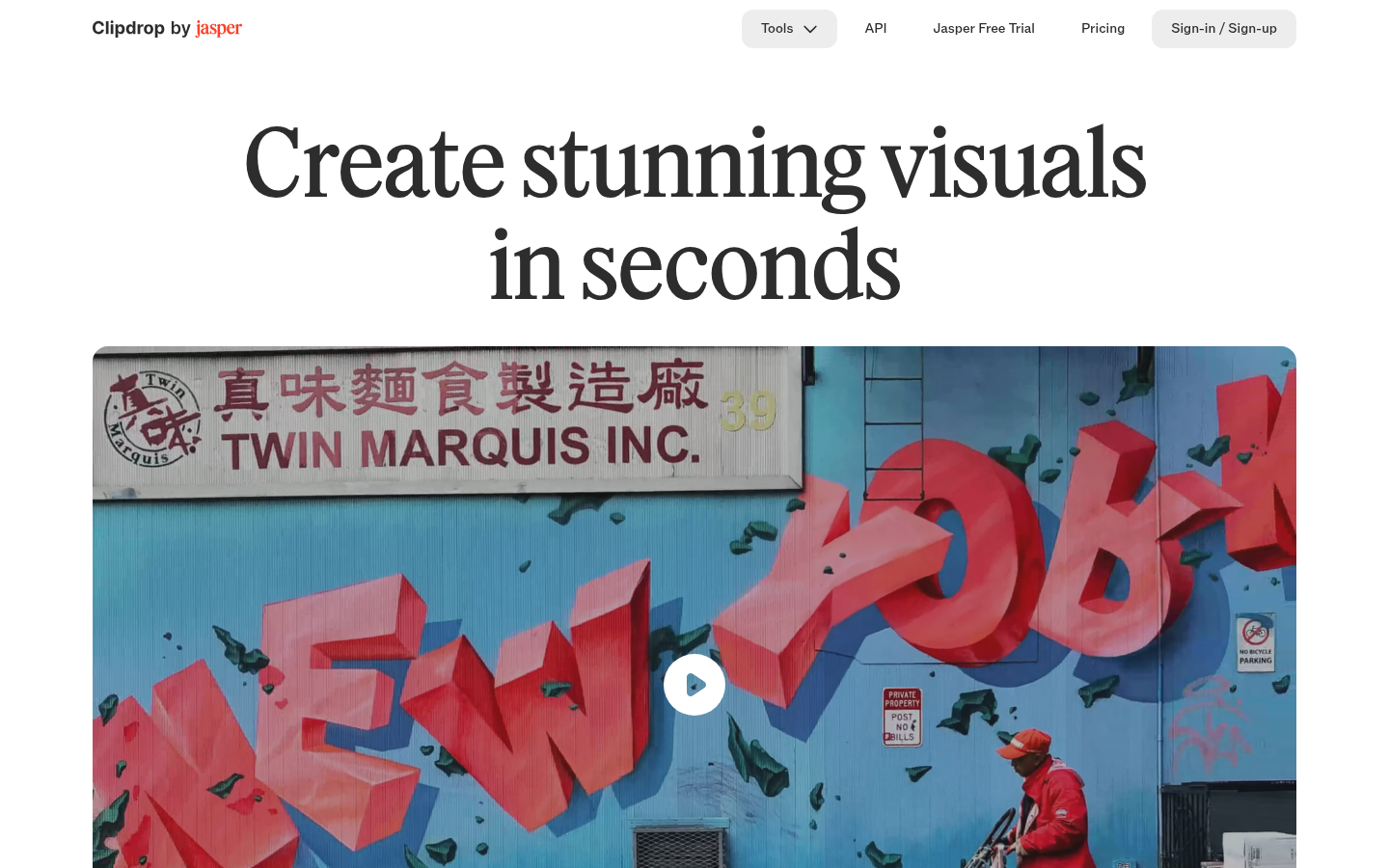
Clipdrop is a web-based AI image editing suite built for designers, marketers, e-commerce sellers, and creative professionals who need fast, high-quality visual edits without opening a full design application. Owned by Stability AI, it bundles a collection of single-purpose AI tools—background removal, object cleanup, image upscaling, relighting, uncropping, and text-to-image generation—into one browser-based workflow. Users upload a photo or write a prompt, apply the relevant tool, and download the processed result in seconds. It also offers a developer-facing API for teams that want to embed the same image models into their own products. The overall positioning is speed and simplicity: solve one specific image problem at a time rather than learning a full-featured editor.
What it does
Clipdrop solves common image-editing bottlenecks that would otherwise require Photoshop skills or paid stock-photo licensing. Its core toolset includes a Universal Resizer for reformatting images across social media dimensions, Text to Image for generating realistic images from text prompts, Replace Background for swapping scene context around a subject, Remove Background for extracting subjects with clean edges, Cleanup for erasing unwanted objects, people, text, or defects, Uncrop for extending an image beyond its original borders, an Image Upscaler for 2x/4x resolution increases with detail recovery, Relight for adjusting lighting after the fact, and a Text Remover for stripping text overlays from images. Each tool is presented as a discrete, task-specific web app rather than a single monolithic editor, which makes the platform approachable for users who just need one quick fix.
Key capabilities
- Background removal and replacement: Extracts subjects from photos with fine edge accuracy and can swap in new backgrounds via AI generation ("Replace Background").
- Object and text cleanup: Removes unwanted objects, people, blemishes, or embedded text automatically, without manual masking in most cases.
- AI upscaling: Increases image resolution (2x or 4x per the marketing copy, with the pricing page referencing up to 16x on paid plans) while reducing noise and recovering detail.
- Text-to-image generation: Produces high-resolution images from text prompts using Stable Diffusion-based models.
- Uncrop and relight: Extends image borders to new aspect ratios and adjusts scene lighting after a photo has been taken.
- Developer API: Exposes the same image models (background removal, upscaling, cleanup, text-to-image, etc.) for usage-based integration into third-party products, documented via a public API reference.
Pricing
Clipdrop follows a freemium model. The Free plan starts at no cost and includes limited daily usage caps for tools such as Background Removal, Image Upscaler, Cleanup, Relight, and Text Remover (around 20 uses per 24 hours for most tools, 50 per 24 hours for Text Remover), plus access to Text to Image, Uncrop, and Replace Background. A Pro plan, billed monthly with a free trial period, raises these limits substantially (roughly 1000 uses per 24 hours per tool) and adds queue-skipping and higher-resolution outputs. Separately, the Clipdrop API is billed on a usage-based basis for teams embedding the models directly into their own products. Exact dollar pricing for the Pro plan and API is not listed in the available source material. Pricing page: View pricing
Editorial review
Clipdrop's strength is narrow focus: rather than replicating a full editor, it offers single-purpose tools that solve specific, recurring image problems—removing a background, cleaning up a blemish, upscaling a low-res photo—in a few clicks through a browser. This makes it a practical fit for marketers, e-commerce sellers prepping product photos, social media managers resizing content, and content creators who need occasional AI-assisted edits but don't want to learn Photoshop or run local Stable Diffusion models. The API option extends its appeal to developers who want to bring similar capabilities into their own applications without building models from scratch.
The trade-offs are the usage caps on the free tier, which push regular users toward the paid plan fairly quickly, and the lack of transparent, itemized dollar pricing in the reviewed material for both the Pro plan and the API, which makes upfront cost comparison harder. There's also no evidence of collaborative or batch-editing features that larger creative teams might expect from a full design suite—each tool appears to operate on one image at a time. Users who need occasional, high-quality single-image fixes will likely find Clipdrop efficient; those needing bulk processing, team collaboration, or a unified canvas-based editor may need to pair it with other tools.