
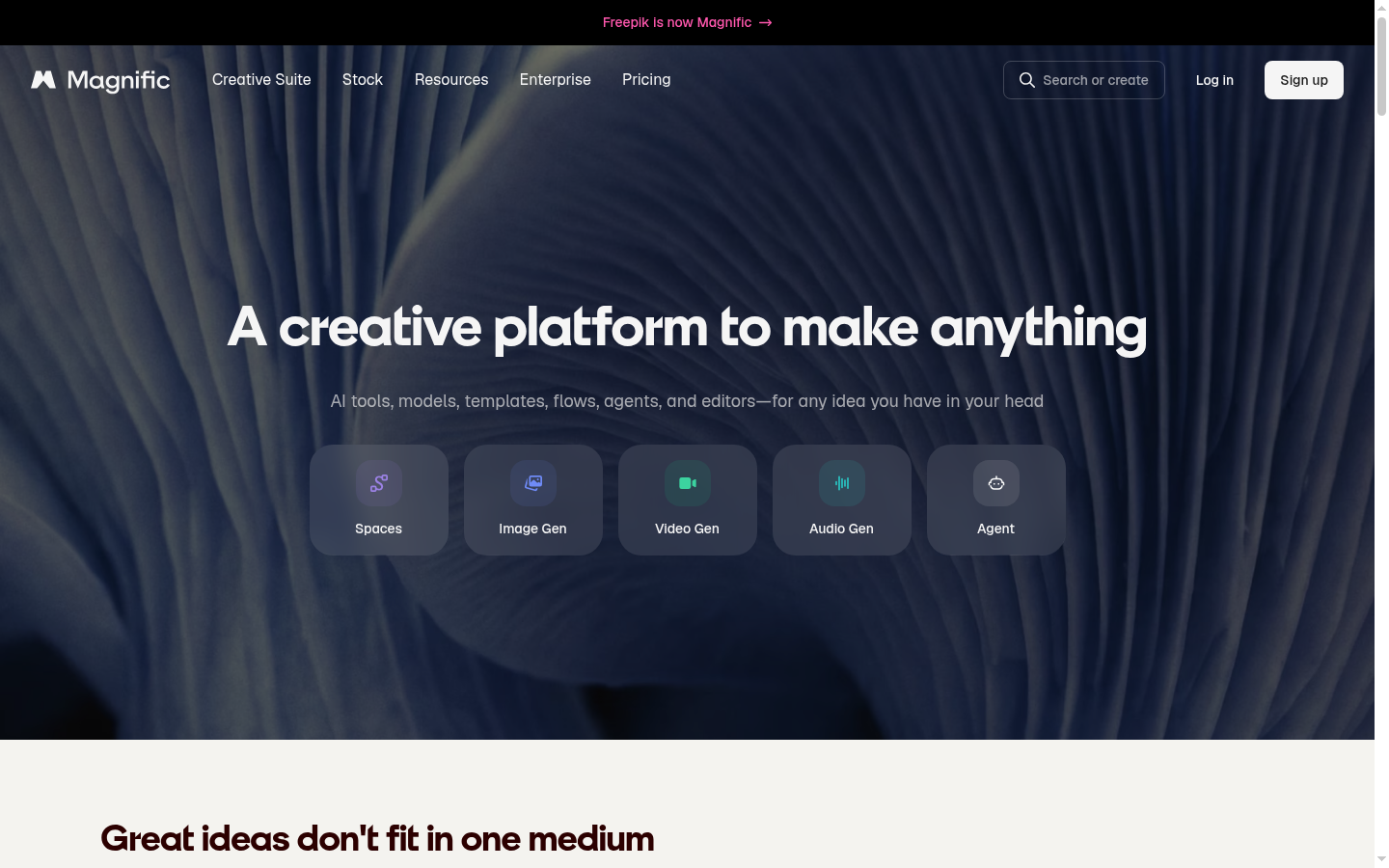
Magnific Tools is a web-based AI creative suite, accessible via the Freepik/Magnific platform, that bundles generation and editing tools for images, video, audio, and 3D into a single workspace. It targets designers, marketers, content creators, and teams who need to produce campaign-ready visual and audio assets without switching between multiple specialized apps. The suite covers the full production pipeline: generating raw assets with AI, editing and refining them, upscaling for higher resolution output, and preparing final files for handoff to a team or client. Its core value proposition is consolidation — replacing a stack of separate point solutions (image generator, upscaler, background remover, editor, voice tool) with one connected toolset built around shared "creative spaces" for collaborative work.
What it does
Magnific Tools functions as an all-in-one AI content creation platform for anyone who needs to generate, edit, and ship visual or audio media at production quality. Instead of a single-purpose app, it packages together an AI image generator, AI video generator, image and video editors, an AI assistant, and several specialized utilities (upscaling, background removal, retouching, mockup generation) under one roof. The stated workflow emphasizes "creative spaces" where campaign kits and consistent assets can be produced end-to-end and then handed off to a team, which suggests the product is oriented toward organizations running repeatable content or marketing workflows rather than one-off hobbyist edits.
Key capabilities
- AI generation across media types: Includes an AI image generator, AI video generator, and text-to-speech tool for producing original visual and audio assets from prompts.
- Editing and refinement tools: Image Editor and Video Editor allow post-generation adjustments, while Retouch and Reimagine support iterative refinement of existing assets.
- Upscaling and resolution enhancement: Dedicated Image Upscaler and Video Upscaler tools increase resolution and detail, a signature capability associated with the Magnific brand.
- Utility and production tools: Background Remover, Expand (canvas/image extension), Mockup Generator, Designer, and an AI icon generator address common production tasks needed for finished creative output.
- Collaborative "Spaces" workflow: Creative spaces and campaign kits are positioned as a way to keep assets consistent across a project and hand off finished work to a team.
- AI Assistant: An integrated assistant is included in the toolset, though the specific assistant capabilities are not detailed on the page.
Pricing
The source material indicates a freemium model, with core tools available at no cost and premium options for expanded access, though exact plan names, credit limits, and prices are not specified on this page. No trial period is mentioned, and no distinct pricing page URL was available in the provided source data, so cost details beyond "free with premium options" should be verified directly on the product's site before making purchasing decisions.
Editorial review
Magnific Tools' main strength is breadth: rather than being a single-purpose generator or editor, it consolidates a large number of adjacent creative tasks — generation, editing, upscaling, background removal, mockups, and icon creation — into one connected environment tied to Freepik's broader asset ecosystem. This is likely to appeal most to marketing teams, in-house designers, and agencies that need to move from concept to finished campaign asset without juggling five or six separate subscriptions. The "creative spaces" and team handoff framing also suggests some attention to collaborative, multi-person workflows rather than purely solo use.
The trade-off of this breadth is depth and clarity: the source page does not detail how sophisticated any individual tool is compared to dedicated single-purpose competitors (for example, a standalone upscaler or a dedicated text-to-speech product), nor does it specify output limits, model quality, file format support, or credit-based usage caps that typically matter for freemium AI tools. Pricing specifics — plan tiers, per-feature limits, and whether premium unlocks are per-tool or suite-wide — are not confirmed in the available material, which makes it hard to assess value for money without visiting the live pricing page directly.
Best-fit users are likely small-to-mid-size marketing or design teams and freelance creators who want one platform covering most day-to-day AI content needs rather than best-in-class performance on any single task. Users with highly specialized needs (professional video upscaling, studio-grade voice cloning, or precise vector icon work) may still want to benchmark individual Magnific tools against dedicated specialists before committing. Overall, the suite is positioned as a practical, consolidated starting point for AI-assisted content production, with the caveat that deeper evaluation of output quality and plan economics requires hands-on testing.