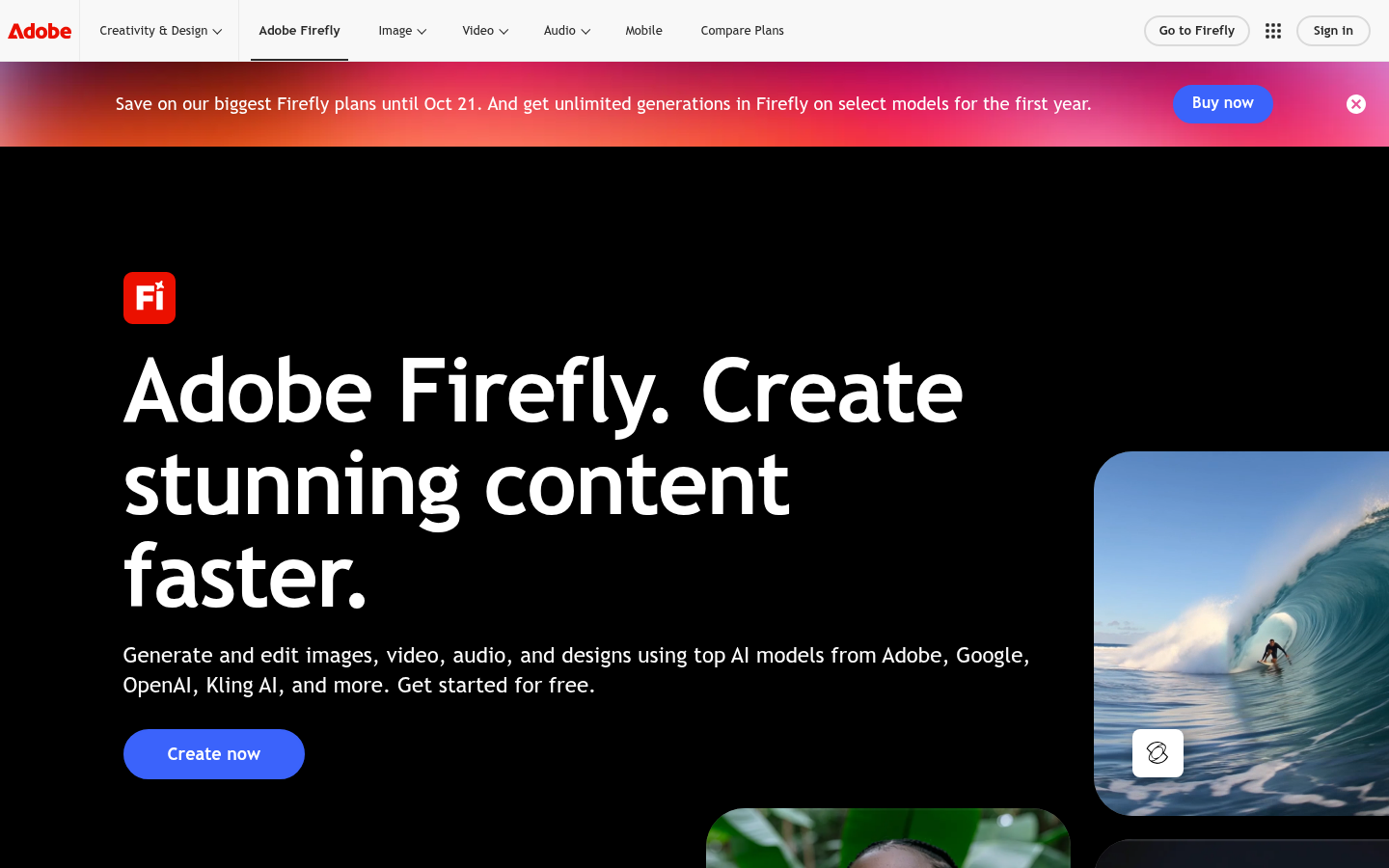
Adobe Firefly is a generative AI platform from Adobe built for designers, marketers, content creators, and video editors who need to produce images, video, audio, and vector graphics quickly without starting from a blank canvas. Rather than being a single model, Firefly acts as a hub that combines Adobe's own commercially safe generative models with partner models from Google, OpenAI, Kling AI, and others, letting users generate and edit content through text prompts inside a web app or through integrations with Photoshop and other Creative Cloud tools. The core value proposition is speed: turning a written description into a usable image, soundtrack, video clip, or design asset in a browser, with no local software installation required for the base experience.
What it does
Adobe Firefly generates and edits images, video, audio, and designs from natural-language prompts, targeting creatives who need production-ready assets fast. Users type a description, choose between Adobe's proprietary models or third-party partner models, and receive outputs they can further edit, remix, or drop into existing creative workflows. The product covers a wide surface area: text-to-image generation, AI soundtrack and sound-effect generation, speech generation, video translation across languages, and image editing tools that plug into Photoshop-style workflows. It is positioned for a broad range of users, including content creators and video editors generating b-roll and audio layers, and art directors and marketers building brand campaigns and prototypes from an initial idea through to a final asset.
Key capabilities
- Multi-model image and video generation: Access Adobe's commercially safe generative models alongside partner models from Google, OpenAI, and Kling AI within one interface.
- AI soundtrack and sound effect generation: Generate cinematic b-roll audio layers, ambient effects (smoke, water, lens flares), and custom soundtracks from descriptive prompts.
- AI speech and voice generation: Produce AI-generated speech and translate existing video content into multiple languages while preserving tone and timing.
- Image editing integration: Edit and refine generated or uploaded images with tools that connect into Adobe's broader Creative Cloud ecosystem, including Photoshop-style editing.
- Community remix features: Browse and remix content shared by other users as a starting point for new creative work.
- Cross-platform access: Use Firefly through a web app or on mobile via iOS and Android apps for on-the-go generation.
Pricing
Adobe Firefly offers a free tier that lets users get started with generation and editing at no cost, alongside paid plans for individuals, students and teachers, and business/team use. Adobe maintains a dedicated plans comparison page outlining tiered options rather than a single flat price, and specific credit allowances or plan pricing vary by region and promotional period. Pricing page: View pricing
Editorial review
Firefly's biggest differentiator is that it is not locked to a single AI model — bundling Adobe's own commercially safe generative engines with outside models from Google, OpenAI, and Kling AI inside one interface reduces the need to jump between separate AI tools for images, video, and audio. This multi-model approach, combined with tight integration into Adobe's existing Creative Cloud tools like Photoshop, makes it a natural fit for teams already inside the Adobe ecosystem, particularly marketers and art directors who need to move from concept to finished campaign assets without exporting files between disconnected apps.
The trade-off is that Firefly's full value is realized mainly by users already invested in Adobe software; those without a Creative Cloud subscription may find some editing and workflow depth harder to access through the free tier alone. The free plan is a genuine entry point for testing image, video, and audio generation, but exact usage limits, credit caps, and feature gating between free and paid tiers are not fully detailed in the source page and are best confirmed on Adobe's plans comparison page before committing to a paid tier. The commercially safe training claim for Adobe's own models is a meaningful selling point for brands and businesses concerned about copyright exposure, a concern that is less clear for the bundled third-party partner models. Overall, Firefly is best suited for creative professionals, marketing teams, and content creators who want an all-in-one generative workspace tied to established design software, rather than users seeking a narrowly focused, single-purpose AI generator.