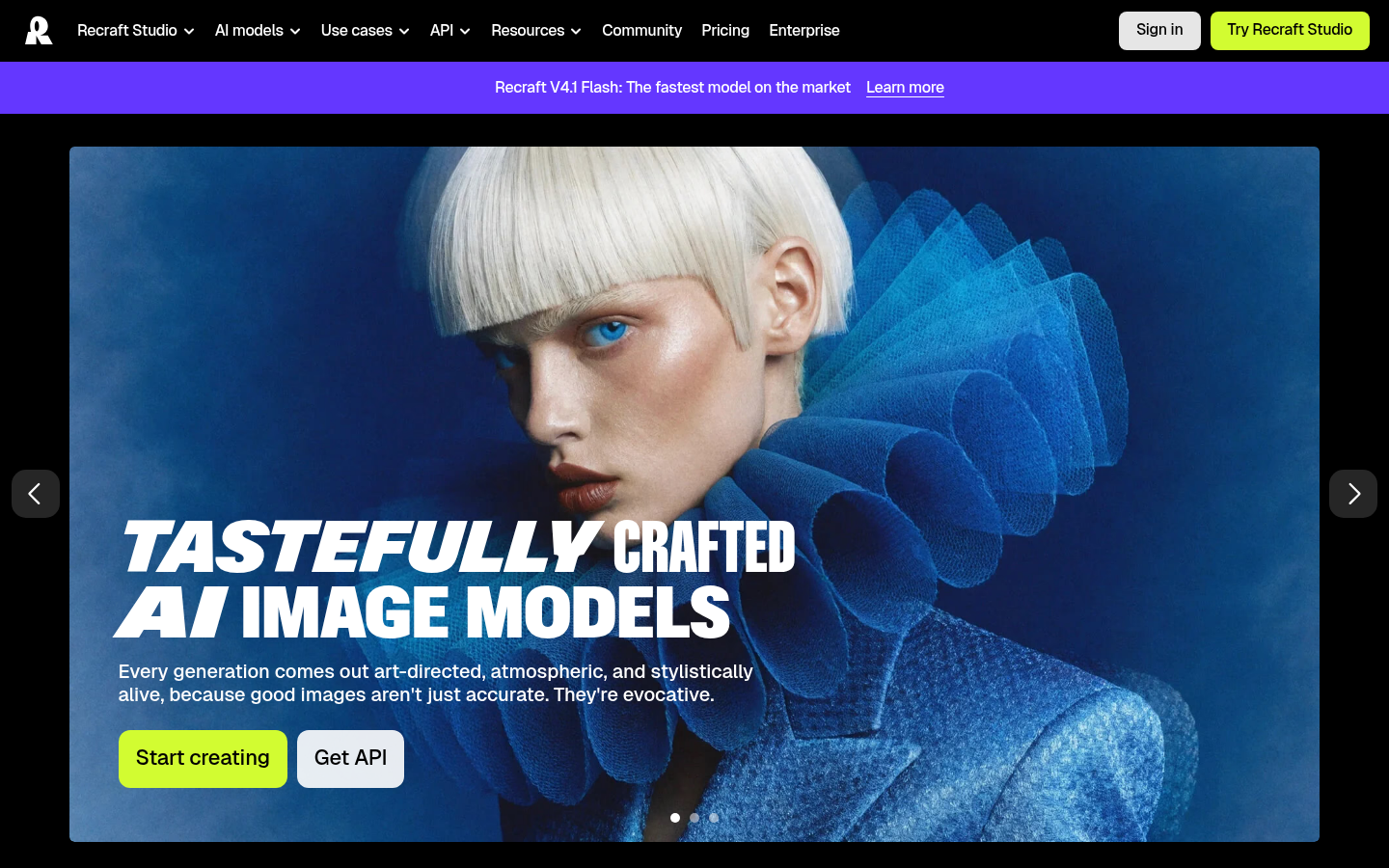
Recraft is an AI-powered image generation and design platform built for designers, creatives, sellers, and small teams who need production-ready visuals without a full design pipeline. It combines a text-to-image model with an in-browser design studio, letting users generate photorealistic images, vector graphics, icons, and illustrations from natural-language prompts and then edit those outputs directly. The core workflow runs through Recraft Studio: describe a scene or asset, generate multiple style variations, refine with editing tools, and export in formats suited for web, print, or marketing. It is positioned around prompt accuracy, built-in aesthetic quality, and the ability to reproduce a consistent visual style across many generations without retraining a custom model. Based on the source material, it fits best for solo designers, agencies, e-commerce sellers, and product teams producing recurring visual assets like mockups, illustrations, and marketing graphics.
What it does
Recraft functions as a text-to-image model paired with a browser-based design editor, aimed at users who need both AI-generated imagery and the tools to refine it into finished assets. Rather than only outputting raster images, it emphasizes vector generation as a distinct capability, making it relevant for icon sets, logos, and scalable graphics that typically require separate vectorization steps in other AI image tools. The platform targets use cases spanning photorealistic photography-style images, stylized illustrations, brand mockups, and marketing collateral, with an underlying model (referred to on the site as Recraft V4.1 Flash) tuned for speed and complex prompt comprehension.
Key capabilities
- Text-to-image generation with strong prompt adherence: Handles complex, multi-element scene descriptions and returns results that closely match the described composition.
- Native vector output: Generates vector graphics directly, distinguishing it from raster-only AI image generators that require external vectorization.
- Custom and consistent styles: Maintains a repeatable visual style across multiple generations without needing to fine-tune or train a separate custom model.
- In-app editing in Recraft Studio: Provides an editor for refining generated images, building design assets, and assembling mockups within the same interface.
- Mixed aesthetic range: Supports photorealistic imagery, expressive illustration styles, and art-directed compositions from a single model family.
- API access: Offers a developer-facing API (referenced as "Get API" on the homepage) for integrating generation capabilities into external products or workflows.
Pricing
Recraft uses a freemium model with a free tier and paid plans billed monthly or annually, with annual billing advertised at a 20% discount over monthly pricing. Paid plans are organized around subscription credits that reset each billing cycle and optional top-up credits that never expire and carry over once subscription credits are exhausted; top-up purchases are available on Basic, Pro, and Teams plans, with top-up credits shared across seats on Teams workspaces. Credit consumption varies by action type and underlying model used, including any external models. Payments are processed via Stripe and accepted through credit cards, debit cards, and bank transfers, with limited refund eligibility on recent, largely unused payments. Exact plan names and starting prices are not confirmed in the available source content. Pricing page: View pricing.
Editorial review
Recraft's clearest differentiator is native vector generation alongside photorealistic output, a combination that is uncommon among mainstream AI image tools and makes it directly useful for design deliverables like icons, logos, and print-ready assets rather than just inspirational imagery. Bundling generation with an editing studio reduces the need to round-trip outputs through separate vector or raster editors, which is a meaningful workflow advantage for solo designers and small teams. The credit-based freemium structure with non-expiring top-ups is reasonably transparent, though the absence of confirmed plan names and starting price figures in the available material means prospective users should check the live pricing page before committing. The platform's positioning skews toward professional and semi-professional design work rather than casual consumer image generation, and teams evaluating it should weigh whether style-consistency and vector capabilities matter enough to justify moving off a general-purpose image generator. Missing from the public-facing material reviewed here are details on commercial usage rights, resolution limits, and specific API pricing, all of which are worth confirming directly before adopting Recraft for client or production work.