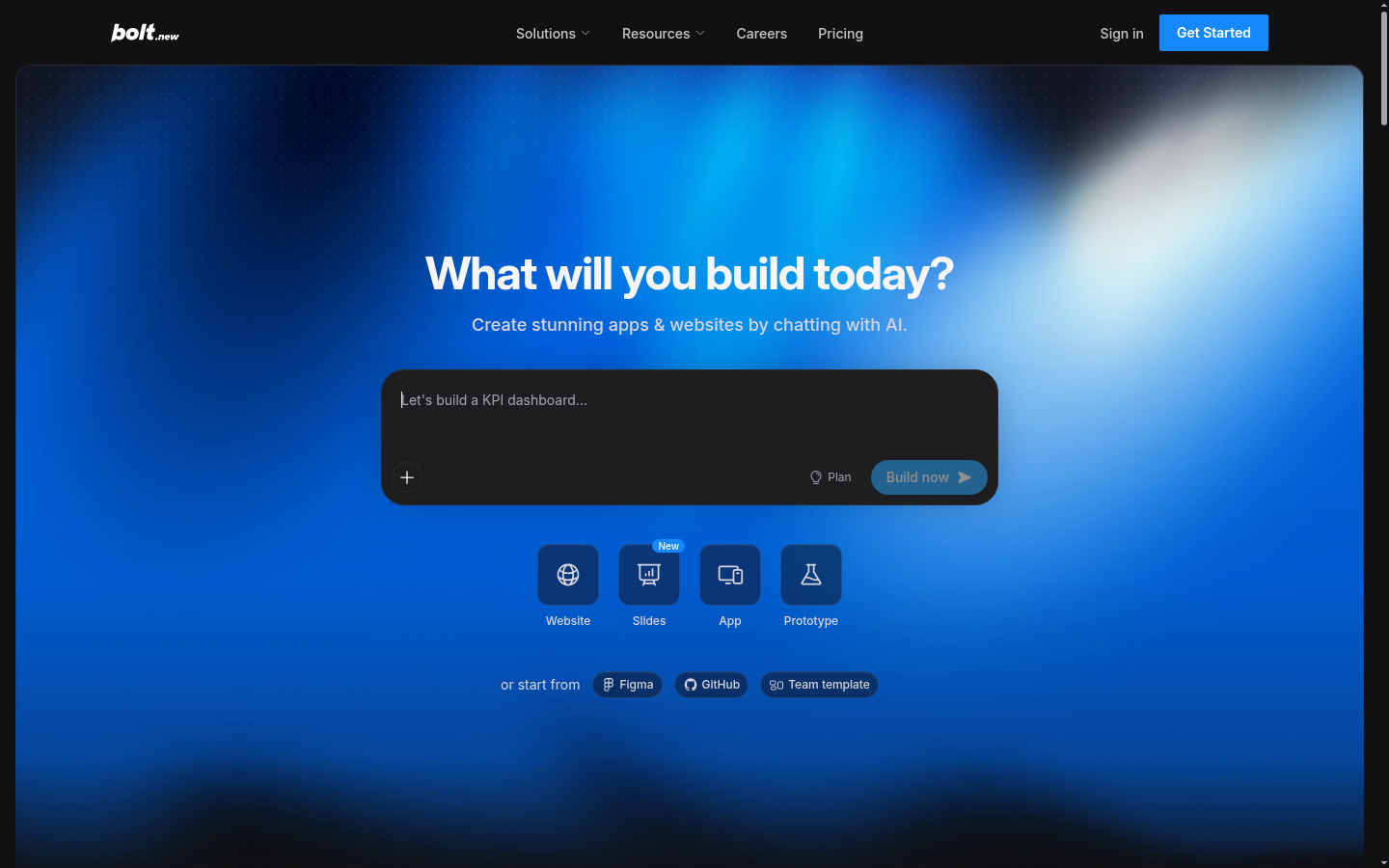
Bolt is a browser-based AI development platform that turns natural-language prompts into working websites, web apps, and prototypes. It targets a broad range of builders — entrepreneurs, marketers, product managers, agencies, and students — who want to ship functional software without hiring a developer or setting up a local toolchain. The core workflow is conversational: a user describes what they want to build, Bolt generates and iterates on the code, and the result can be published with one click, complete with hosting and a database. Bolt is built by StackBlitz and runs entirely in the browser rather than as a desktop IDE or plugin.
What it does
Bolt functions as an AI app and website builder aimed at people who need production-usable software fast, including SaaS prototypes, marketing sites, internal tools, and slide-based presentations. Instead of writing code manually, users type what they want ("build a landing page with a signup form" or "build a prototype for a scheduling app"), and Bolt's coding agents write, test, and refine the application in real time inside a web-based workspace. Projects can start from scratch, from a Figma file, from an existing GitHub repository, or from a team template, which makes it usable both for greenfield builds and for extending existing codebases. The platform explicitly targets use cases like AI app building, AI website building, SaaS development, and rapid prototyping, and it is also marketed toward small businesses that want custom software without a large development budget.
Key capabilities
- Automatic model routing: Bolt selects the underlying AI model per task to balance output quality, speed, and token cost rather than requiring the user to pick a model manually.
- Built-in error reduction: The platform automatically tests, refactors, and iterates on generated code, which is positioned as reducing bugs compared to single-pass AI code generation.
- Large-project context handling: Bolt's context management is designed to support significantly larger codebases than earlier AI builders, aimed at reducing breakage as a project grows.
- Integrated backend infrastructure: Includes unlimited databases, user authentication/management, hosting with analytics and custom domain support, and built-in SEO optimization, removing the need to stitch together separate backend services.
- Multiple entry points: New projects can be started from a text prompt, imported from Figma or GitHub, or forked from prebuilt production-ready templates such as dashboards, storefronts, and portfolios.
- One-click publishing: Finished projects can be hosted and made public (or shared privately) directly from the platform without a separate deployment step.
Pricing
Bolt follows a freemium model with monthly and yearly billing options (yearly billing advertised at up to 28% savings). The Free plan includes public and private projects, a capped daily and monthly token allowance, Bolt branding on published sites, a 10MB file upload limit, website hosting with a capped number of web requests, and unlimited databases. The Pro plan is listed at $25/month and removes the daily token cap, raises the monthly token allowance, removes Bolt branding, raises upload and web request limits, adds custom domain support, SEO boosting, expanded database capacity, and AI image editing. A Teams plan is listed at $30/month per member and adds centralized billing, team-level access management, admin controls, and private NPM registry support. An Enterprise tier offers custom pricing with SSO, audit logs, compliance support, dedicated account management, and custom SLAs. Pricing page: View pricing.
Editorial review
Bolt's strongest differentiator is the depth of backend infrastructure bundled into an AI code-generation tool: databases, auth, hosting, and SEO are included rather than requiring separate services, which is uncommon among AI website/app builders that often generate front-end code only. Automatic model routing and stated error-reduction/testing loops suggest an effort to address the reliability problems common in AI-generated codebases, though independent verification of the "less errors" claim isn't possible from the source material alone. The free tier's daily and monthly token caps make it best suited for evaluation and small prototypes rather than sustained production use, and teams needing real capacity will likely need the Pro or Teams plan. Support for importing from Figma and GitHub, plus template forking, gives it more flexibility than pure prompt-to-app tools. Best-fit users are non-developers and small teams (marketers, PMs, agencies, students, small businesses) who need a working site or app quickly, plus developers who want to accelerate prototyping; teams with complex, highly customized backend requirements or strict self-hosting needs may find the bundled-infrastructure approach less flexible than a traditional stack.