
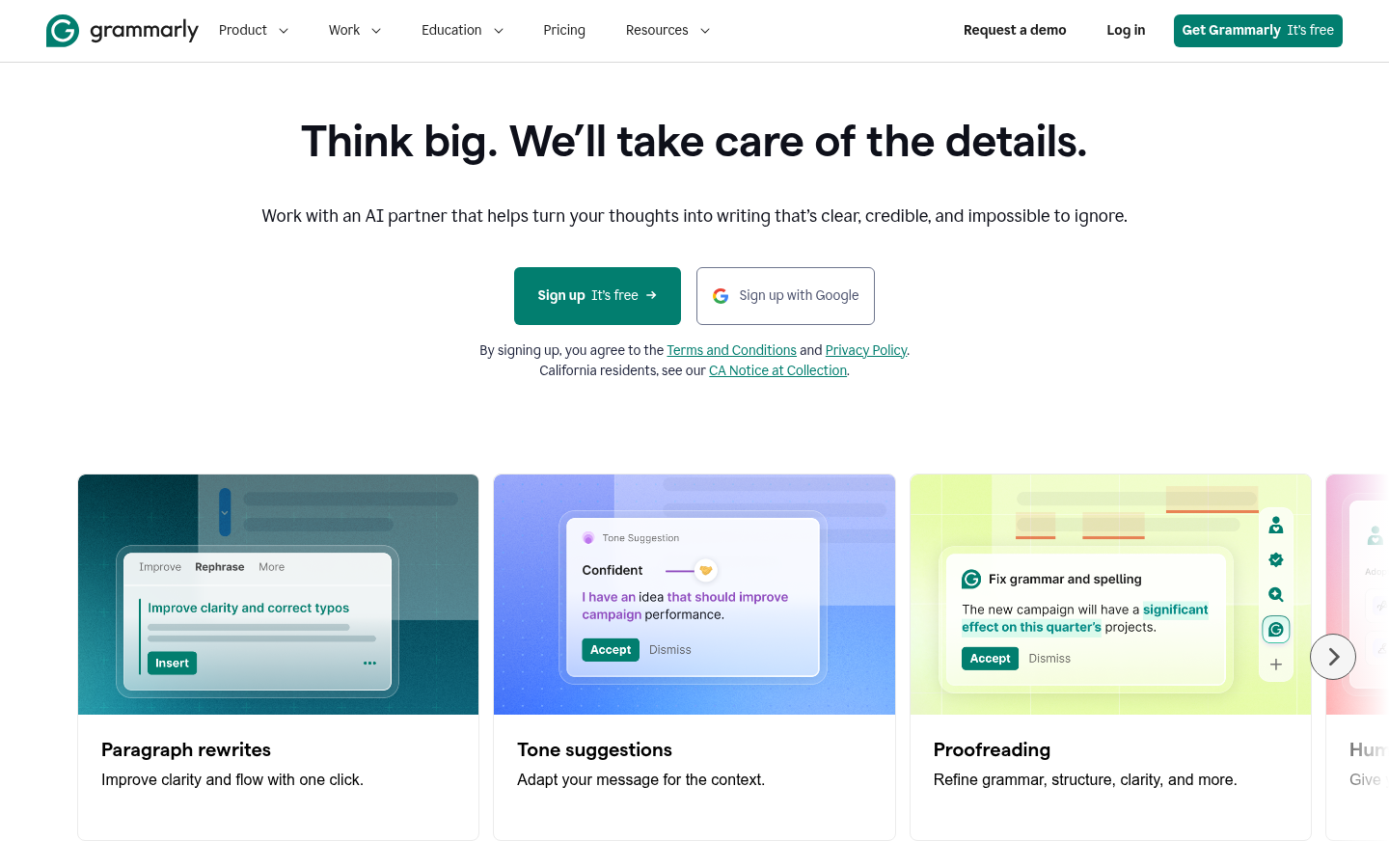
Grammarly is an AI-powered writing assistant built for individuals, students, and organizations that write regularly in English—emails, reports, documents, social posts, and business communications. It works as a browser extension, desktop app, and web editor that overlays on top of other apps and websites, offering real-time suggestions for grammar, clarity, tone, and style as you type. The core value proposition is reducing editing time: catching mistakes, tightening sentences, and adapting tone without requiring a separate proofreading pass. It is aimed at both everyday users who want mistake-free writing and teams/enterprises that need consistent brand voice across large organizations.
What it does
Grammarly analyzes text wherever it's written—in Gmail, Google Docs, Microsoft Office, Slack, LinkedIn, or nearly any web text field—and returns corrections and suggestions inline. Beyond basic spelling and grammar checks, it evaluates tone (e.g., confident, friendly, formal) and gives writers a "read" on how their message will likely be perceived before it's sent. The product frames itself as a writing partner that helps turn rough drafts into clear, credible, polished text, rather than a one-time proofreading tool. Recent additions include AI-generated rewrites, a plagiarism/AI-content checker, and a "Humanizer" feature meant to make AI-assisted text sound more natural.
Key capabilities
- Paragraph rewriting: One-click rewrites that improve clarity and flow for full paragraphs, not just single sentences.
- Tone suggestions: Detects and adjusts tone to match context (professional, confident, friendly) while aiming to preserve the writer's original voice.
- Proofreading engine: Corrects grammar, punctuation, structure, and clarity issues in real time across supported apps and websites.
- Humanizer agent: Rewrites AI-generated or stiff text to read with more natural personality.
- AI Detector agent: Flags AI-generated text and highlights sections that may need revision, useful for academic and editorial use cases.
- Cross-platform reach: Functions as a browser extension, desktop application, and integration inside Microsoft Office and other writing surfaces, rather than being confined to a single editor.
Pricing
Grammarly uses a freemium model. The Free plan covers basic spelling/grammar corrections, tone detection, and a limited monthly allowance of AI prompts, with no credit card required. The Pro plan is listed starting at $12 (billed rate varies by term) and includes a 7-day free trial, full sentence rewrites, tone adjustment, fluency suggestions, plagiarism and AI-text detection, and a significantly higher monthly AI prompt allowance. An Enterprise tier, delivered through Superhuman Go, adds proactive AI across workflows, dedicated support, SSO, SCIM, custom roles/permissions, data loss prevention, and organization-wide security controls, sold via direct sales contact rather than self-serve checkout. Pricing page: View pricing.
Editorial review
Grammarly's biggest strength is ubiquity: because it runs as a browser extension and desktop app layered across other software, it doesn't require switching context to a separate editor, which is a meaningful workflow advantage over standalone AI writing tools. The tiered structure (Free → Pro → Enterprise) is clearly documented, and the free tier is genuinely usable for basic mistake-checking rather than a stripped-down trial.
The trade-offs are also visible in the source material: several higher-value features—full sentence rewrites, tone adjustment, plagiarism/AI detection, and unlimited personalized suggestions—are locked behind the Pro plan, so free users get correction but not much rewriting power. AI prompt usage is metered by monthly quota even on paid tiers, which matters for heavy users of the generation features. Enterprise pricing is not published and requires a sales conversation, typical for organization-wide security/compliance deployments (SAML, SCIM, BYOK encryption).
Best-fit users are professionals, students, and content teams who need fast, in-context corrections and tone control across many different apps rather than a single dedicated writing environment. Teams evaluating it for brand-voice consistency or compliance-heavy environments should weigh the Enterprise tier's security controls, since that's where features like managed mode, domain capture, and cost-center visibility live. Anyone needing unmetered AI generation or deep AI-detection accuracy should verify current quota limits directly on the pricing page, since prompt allowances are plan-dependent and change over time.


