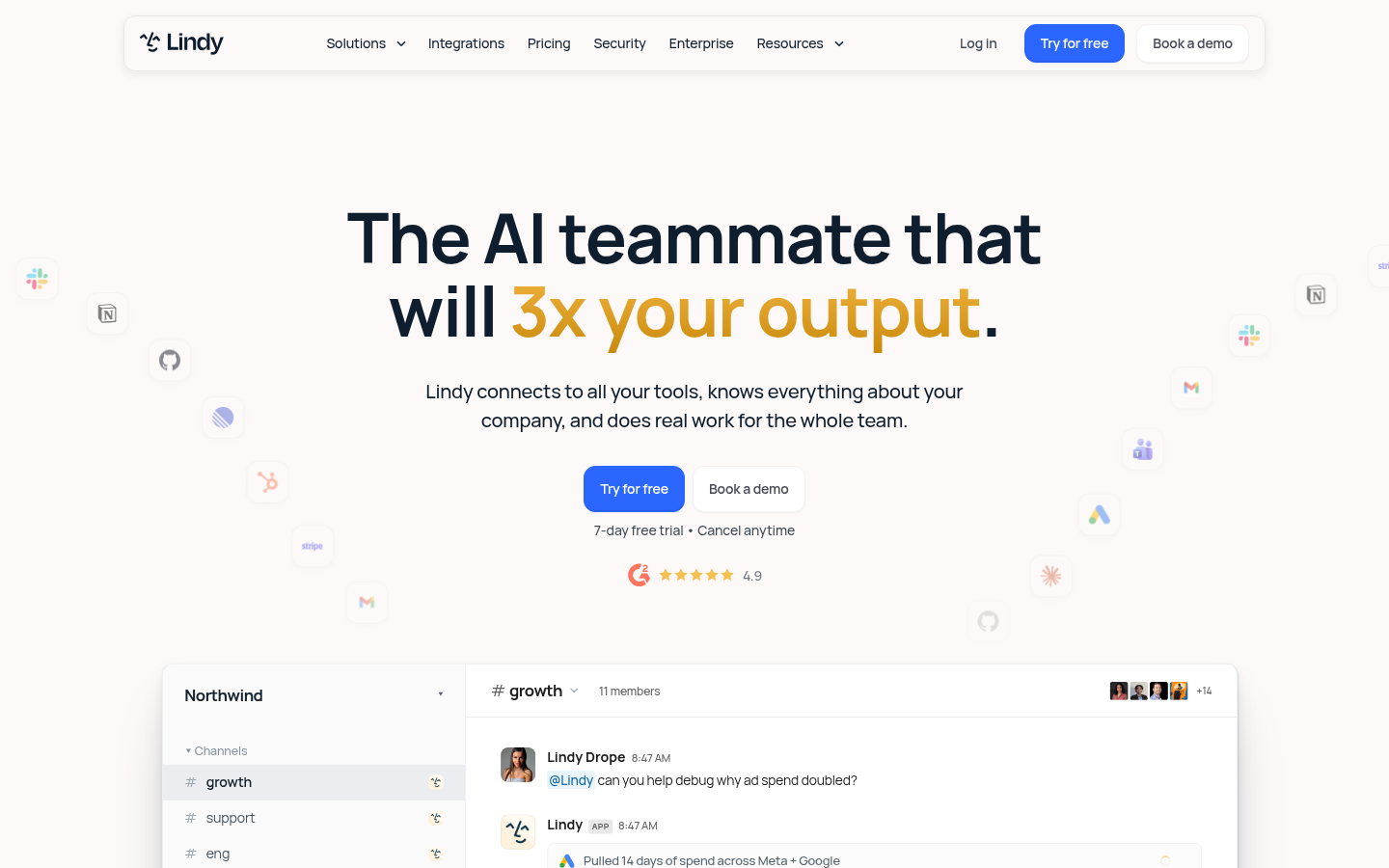
Lindy is an AI agent platform built for individuals and teams who want to automate recurring work without writing code. It connects to everyday business tools such as Slack, Gmail, Notion, GitHub, Linear, HubSpot, Stripe, Google Ads, and Microsoft Teams, and lets users build "Lindies" — AI agents that read context, make decisions, and execute multi-step tasks on a person's behalf. The core pitch is an AI teammate rather than a single-purpose chatbot: something that knows a company's workflows and tools and can act inside them. It is aimed at founders, operators, sales and support teams, and small-to-medium businesses that want to offload repetitive coordination, communication, and data-entry work. Based on the listed integrations and customer logos (including Autodesk, Airbnb, and Retool-style enterprise users), Lindy positions itself for both individual productivity use cases and broader team-wide automation.
What it does
Lindy is a no-code AI agent builder delivered as a web app. Users describe a task or workflow in natural language, connect the relevant apps, and Lindy assembles an automation ("Lindy") that can trigger on events (a new email, a Slack message, a calendar invite) and then take action across connected tools. Instead of a single automation step like a classic if-this-then-that tool, a Lindy agent can chain reasoning and actions together — reading an inbound message, checking a CRM or knowledge base, and replying, updating a record, or notifying a teammate. This makes it comparable to both AI workflow automation platforms and AI agent frameworks, but targeted at non-technical business users who want tools like Gmail, Slack, Notion, GitHub, HubSpot, and Stripe to talk to each other through an AI layer rather than manual scripting.
Key capabilities
- Multi-app integrations: Native connections to Slack, Gmail, Notion, GitHub, Linear, HubSpot, Stripe, Microsoft Teams, and Google Ads, allowing agents to read and write data across a company's existing stack.
- AI agents ("Lindies") for real tasks: Agents can be configured to handle inbox triage, meeting follow-ups, support replies, lead qualification, and internal notifications rather than single-step automations.
- Company knowledge context: Lindy is designed to be given context about a company's processes and tools so agents act with relevant background rather than generic responses.
- No-code setup: Workflows are built through natural-language configuration and app connections, aimed at business users without engineering support.
- Cross-functional use cases: The platform is positioned for sales, support, operations, and internal collaboration teams, rather than a single vertical use case.
- Comparisons to existing tools: Marketing materials position Lindy against generic AI assistants (e.g., Claude) and automation tools (e.g., Zapier), framing it as an agent layer that performs actions rather than just answering questions.
Pricing
The source material indicates a freemium model: Lindy offers a free way to get started with premium/paid options for advanced features, according to available pricing signals. Exact plan names, tiers, and prices were not present in the reviewed content, so specific dollar amounts should not be assumed. Prospective users should check the current pricing page directly on lindy.ai for up-to-date plan details before committing.
Editorial review
Lindy's strongest signal is breadth of integration coverage combined with an agent-based (rather than single-trigger) automation model — this differentiates it from simpler zap-style tools, at least on paper. The "AI teammate" framing is ambitious, and the logo wall referencing large organizations suggests some enterprise adoption, though the reviewed page does not provide case studies, usage metrics, or independent verification of those claims. The lack of visible pricing tiers, plan limits, or a clearly stated free-trial policy in the source content is a notable gap for a tool in this category, since automation platforms often differentiate heavily on run limits, integration caps, and seat pricing. Teams evaluating Lindy should treat the "connects to all your tools" positioning as a starting point for further verification against the live app rather than a guaranteed feature list. Lindy looks best suited to small and mid-sized teams already using tools like Slack, Notion, Gmail, and HubSpot who want an AI layer that can act across those systems without custom development, rather than enterprises needing deep compliance guarantees or highly customized agent logic. Technical teams wanting fine-grained control over agent behavior, audit trails, or self-hosting may need to evaluate documentation beyond the marketing site before adopting it for mission-critical workflows.