Figma is a browser-based and desktop collaborative design platform used by product teams, UI/UX designers, developers, and cross-functional stakeholders to move from early concept to shipped product in a single shared workspace. It combines vector design tools, real-time multiplayer editing, developer handoff tooling, and AI-assisted generation features so design, engineering, and AI agents can work from the same source of truth. The platform is widely used across enterprise product organizations, reportedly by a majority of Fortune 500 companies, for interface design, prototyping, whiteboarding, and design-to-code workflows.
What it does
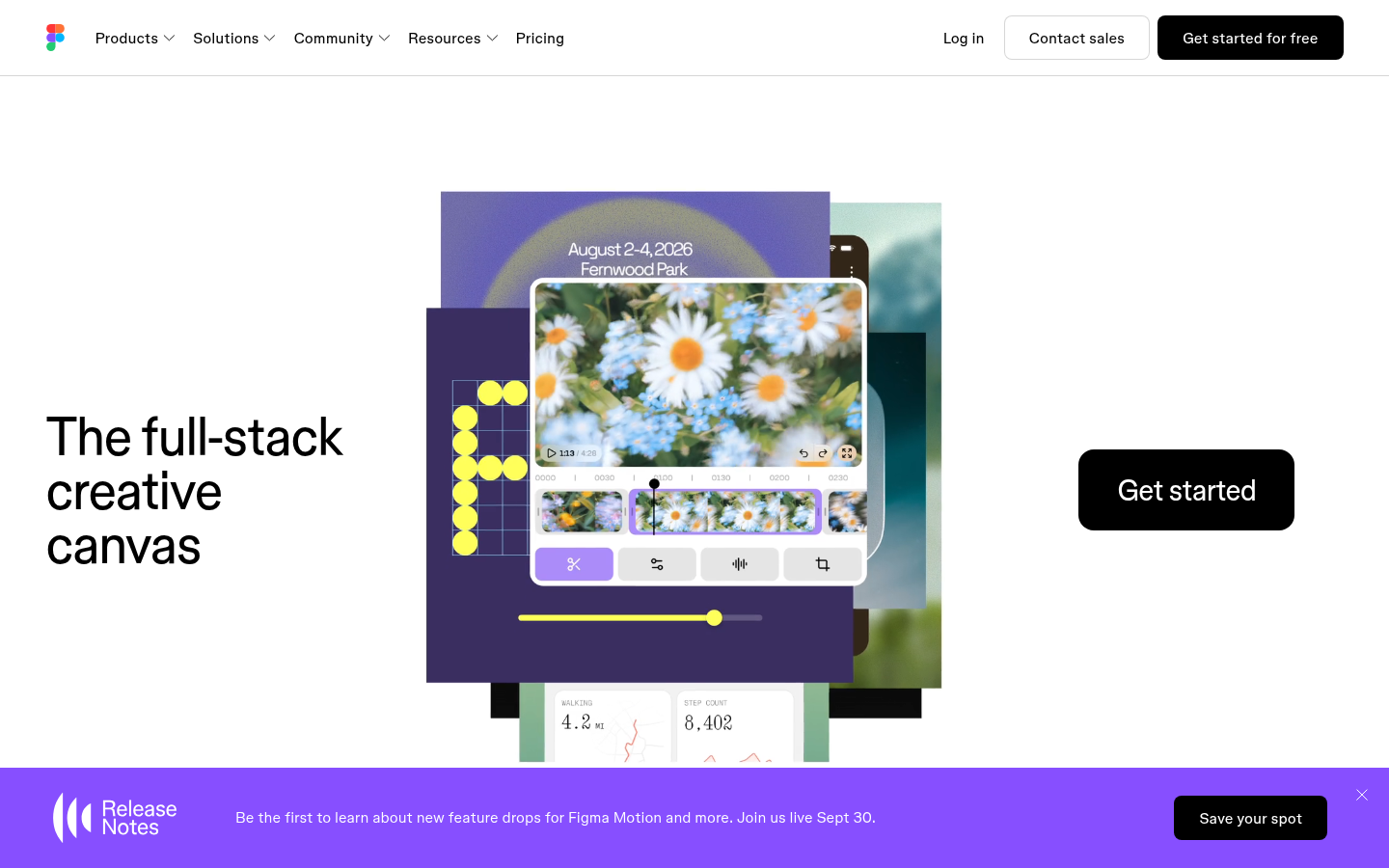
Figma functions as a full-stack creative canvas covering the entire product development process, not just static UI mockups. Designers use it to create app, website, and product interfaces with vector editing, auto-layout, and component systems, while developers use companion Dev Mode tooling to inspect specs, variables, and code output before shipping. Figma also extends into adjacent workflows through connected products such as FigJam (online whiteboarding and strategic planning), Figma Slides (presentations), Figma Make (AI-assisted app/prototype generation from design context), and Figma Sites. The core value proposition is that teammates and AI agents operate inside the same file with shared context, reducing the handoff friction typically found between design tools, ticketing systems, and codebases.
Key capabilities
- Real-time multiplayer design canvas: Multiple designers, PMs, and reviewers can co-edit and comment inside the same file simultaneously, supporting distributed and asynchronous teams.
- AI-native workflows: Teams can generate design directions, refine layouts, and align on concepts using AI features embedded directly in the canvas alongside human input, rather than in a separate tool.
- Developer handoff via Dev Mode: Advanced inspection tools, variables, and an MCP Server option (on paid plans) help translate finished designs into implementation-ready specs and code context.
- Design system and library management: Team-wide and organization-wide shared libraries, fonts, and reusable components keep design consistency across products and departments.
- Adjacent product suite: FigJam for brainstorming and strategic planning (with templates like roadmaps, retrospectives, and RACI matrices), Figma Slides for presentations, and Figma Make/Sites for turning design context into shipped digital output.
- Cross-platform access: Available as a web app plus native Windows, macOS, and Linux desktop applications, allowing teams to work in-browser or offline-friendly local apps.
Pricing
Figma follows a freemium model. The Starter plan is free with limited access, unlimited drafts, UI kits/templates, and a daily AI credit allowance. Paid tiers include Professional, Organization, and Enterprise plans, billed per seat (Full seat, Dev seat, and Collab seat pricing differs by tier), each bundling a monthly AI credit allotment on top of base seat pricing. Higher tiers add team-wide libraries, advanced Dev Mode inspection, centralized admin controls, SCIM seat management, and design system theming/APIs for larger organizations. Additional AI credits can be purchased as an add-on. Pricing page: View pricing.
Editorial review
Figma's strongest advantage remains its multiplayer editing model — it was one of the first mainstream design tools to make simultaneous, browser-based collaboration standard, and that foundation now extends naturally into AI-assisted and developer-facing workflows. The breadth of the product suite (design, whiteboarding, slides, AI app generation, sites) is a differentiator for teams that want to consolidate multiple point tools into one workspace, and the tiered seat structure (Full/Dev/Collab) is a sensible way to control license costs across mixed teams of designers, engineers, and stakeholders who only need to view or comment.
The trade-off is complexity and cost at scale: seat-based pricing with additional AI credit consumption can become expensive for larger organizations, and some advanced governance and API features are gated behind Organization or Enterprise tiers, which typically require sales contact rather than transparent self-serve pricing. The free Starter tier is genuinely usable for individuals or small experiments but is capped enough that any team doing serious collaborative work will likely need a paid seat.
Figma is best suited for professional UI/UX designers, product teams, and organizations that need a shared canvas spanning ideation, prototyping, and developer handoff — less necessary for solo creators who only need basic vector graphics or simple static mockups, where lighter tools may suffice.