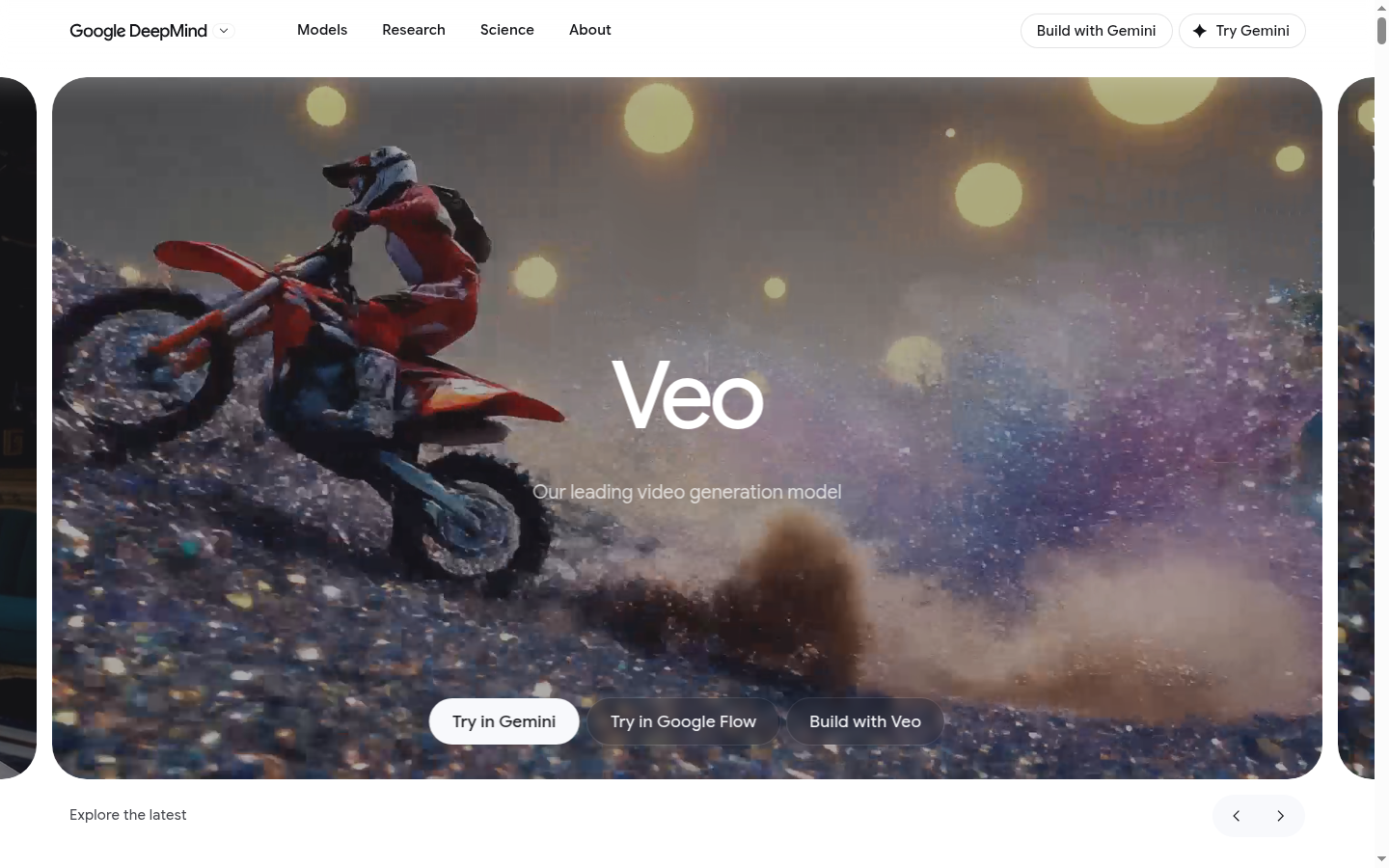
Veo is Google DeepMind's video generation model, now in its 3.1 iteration, built for filmmakers, storytellers, marketers, and content creators who need to turn text or image prompts into short video clips complete with synchronized audio. It is accessible through the Gemini app, the Google Flow creative tool, and via API for developers building custom applications. The core workflow is prompt-to-video: users describe a scene, character, or camera movement, and Veo renders footage with attention to real-world physics, lighting, and sound. Compared to earlier video generation tools that produce silent, disjointed clips, Veo 3.1 pairs visual generation with native audio and adds fine-grained controls for consistency across multiple shots.
What it does
Veo generates video from text prompts, still images, or a combination of both, producing clips that include ambient sound, dialogue-adjacent audio, or sound effects generated alongside the visuals rather than added afterward. It is aimed at users who need to prototype film sequences, generate B-roll, storyboard scenes, or produce short-form video content without a camera crew. The model is positioned as Google DeepMind's flagship video system, sitting alongside Veo 2 (which continues to receive new capabilities) and is distributed through three surfaces: the Gemini app for conversational prompting, Google Flow for a more structured creative-editing interface, and a developer API for teams building Veo into their own products.
Key capabilities
- Native audio generation: Produces synchronized sound, ambient noise, and effects as part of the video generation process rather than as a separate post-production step.
- Ingredients to video: Accepts reference images or visual "ingredients" that get incorporated directly into the generated scene, giving users more control over specific objects or elements.
- Style matching: Applies a consistent visual style across generated footage based on reference input, useful for maintaining a coherent look across multiple clips.
- Character consistency: Keeps the appearance of characters stable across different shots or scenes, addressing a common weakness in earlier AI video tools.
- Scene extension: Lengthens an existing generated clip while preserving continuity, rather than requiring a fresh generation from scratch.
- Camera controls, first/last frame, and outpainting: Offers directional camera movement settings, the ability to define a starting and ending frame for a sequence, and outpainting to expand the visible frame beyond the original composition.
Pricing
The source material does not publish a dedicated pricing table for Veo on the reviewed page; access is offered through the Gemini app, Google Flow, and an API described as "Build with Veo," which typically implies usage-based or subscription access rather than a flat one-time fee. No specific plan names, credit allotments, or dollar figures for Veo itself are confirmed in the available page content, so prospective users should check current terms directly on Google's product pages before budgeting for a project. Pricing page: View pricing.
Editorial review
Veo's strongest differentiator is the tight coupling of video and audio generation in a single pass, which reduces the manual sound-design work typically required after AI video generation. The addition of character consistency, style matching, and scene extension in version 3.1 addresses practical pain points that have historically made AI-generated video difficult to use for anything beyond isolated clips — these features suggest a design intent toward assembling longer, more coherent sequences rather than one-off shots. Camera controls and first/last-frame specification give users more directorial control than prompt-only systems, which should appeal to creators who want predictable framing rather than random variation.
The trade-off is a lack of transparent, self-serve pricing detail on the reviewed page, and the tool is distributed across three different access points (Gemini, Flow, API), which may create some confusion about which surface is best for a given use case — casual experimentation versus production-grade API integration. Veo appears best suited to video professionals, marketing teams, and developers prototyping AI-generated media pipelines, rather than absolute beginners looking for a one-click video app. Teams evaluating it should test output length limits, resolution, and licensing terms directly, since those specifics are not detailed in the available source content.