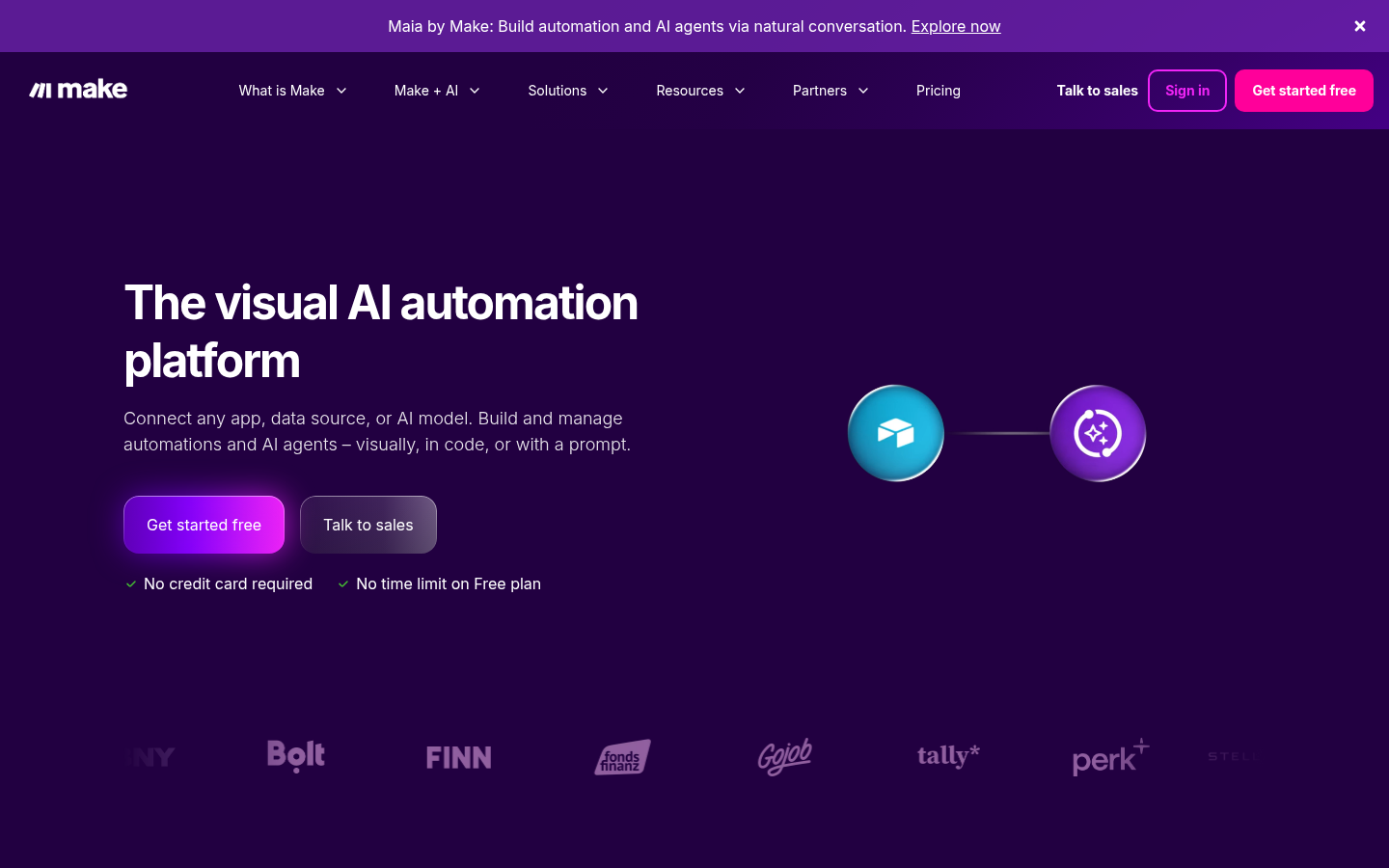
Make is a visual workflow automation platform aimed at businesses and teams that want to connect apps, move data, and automate multi-step processes without writing code. It targets IT, operations, marketing, sales, finance, customer experience, and HR teams that need to link cloud and on-premise tools into a single automated flow. The core value is a drag-and-drop scenario builder that lets non-developers design, test, and scale automations that would otherwise require custom scripting or heavy engineering support.
What it does
Make (formerly Integromat) lets users build "scenarios" — visual flowcharts of triggers, actions, filters, and data transformations — that connect different applications and services. Instead of writing point-to-point integration code, users drag modules onto a canvas, map data fields between apps, and define the logic (conditions, loops, routers) that governs how information flows. The platform is positioned for automating routine and complex operational work: syncing CRM records, generating reports, provisioning accounts, moving files between storage systems, or orchestrating AI agents that call multiple tools in sequence. It supports both simple two-app automations and elaborate multi-branch workflows used by larger organizations to replace manual, repetitive tasks across departments.
Key capabilities
- Visual scenario builder: A no-code, drag-and-drop canvas for designing automation logic, including branching routers, filters, iterators, and error handlers, without requiring programming knowledge.
- Broad app connectivity: Native connections to widely used business tools such as Salesforce, HubSpot CRM, Slack, monday.com, NetSuite, and Canva, plus HTTP/webhook modules for connecting virtually any API-based service.
- AI and agentic workflow support: Modules for AI providers including OpenAI (ChatGPT, Whisper, DALL-E), Perplexity AI, and DeepSeek AI, enabling workflows that combine automation logic with generative AI steps and multi-tool AI agents.
- Cross-functional use cases: Prebuilt patterns and templates geared toward IT, Operations, Marketing, Sales, Finance, Customer Experience, and People/HR functions, covering tasks like lead routing, ticket triage, invoice processing, and employee onboarding.
- Real-time monitoring and reporting: Execution history, error logging, and analytics dashboards that let teams track scenario runs, spot failures, and measure automation impact.
- Enterprise governance and security: Access controls, team/organization management, and security certifications (including SOC 2 Type II, referenced on the site) intended for larger deployments with compliance requirements.
Pricing
Make follows a freemium model: a free tier is available for building and running basic scenarios, with paid tiers unlocking higher operation limits, advanced features, and team/enterprise capabilities. A free trial of paid functionality is also offered. Exact plan names and current price points are not confirmed in the available source material, so specific figures are not stated here. Pricing page: View pricing
Editorial review
Make's main strength is accessibility: the visual builder lowers the barrier for operations, marketing, and support teams to automate work that would otherwise sit in a backlog for engineering. Breadth of app coverage and the addition of AI-provider modules (OpenAI, Perplexity, DeepSeek) make it relevant not just for classic "if this then that" automation but for orchestrating AI agents across multiple tools — a use case the company is clearly leaning into given the "AI Workflow Automation" positioning on its homepage.
The trade-offs are typical of visual automation platforms at scale: complex scenarios with many branches and iterators can become difficult to audit and debug compared to code-based alternatives, and reliance on prebuilt modules means teams working with obscure or highly custom internal systems may still need to fall back on generic HTTP/webhook modules. The site emphasizes enterprise customers (BNY, Stellantis, Celonis, FranklinCovey are referenced as case studies), suggesting the platform scales beyond small-business use, but the marketing material does not detail operation limits, execution speed, or support SLAs per tier, so buyers evaluating for high-volume or mission-critical workflows should verify these details directly during a trial rather than relying on the marketing pages alone.
Best-fit users appear to be operations, marketing, and IT teams at small-to-mid-size companies through enterprises that need to connect SaaS tools and automate multi-step processes without dedicated developer resources, and increasingly teams looking to blend traditional automation with AI-driven decision steps. Teams with very simple two-app automation needs may find lighter competitors sufficient, while teams needing deep custom logic may still supplement Make with custom code via its HTTP modules or developer tools.