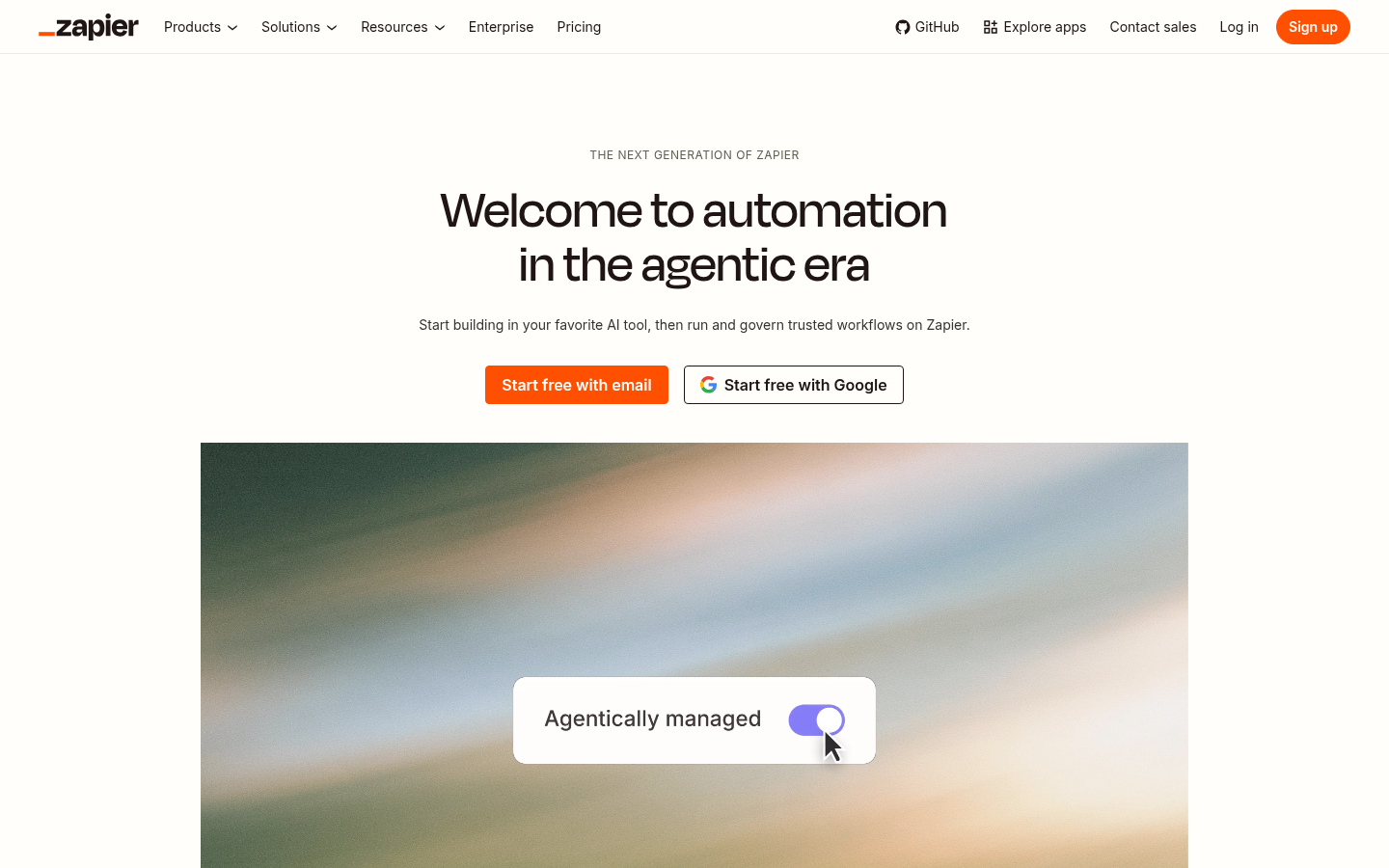
Zapier is a workflow automation and AI orchestration platform built for businesses and individuals who need to connect software tools and eliminate repetitive manual work. It targets operations teams, founders, and IT/security admins who need to move data between apps, trigger multi-step processes, and increasingly, deploy AI agents that take action across connected systems. The core workflow revolves around building "Zaps" (automated trigger-and-action sequences) across a large app ecosystem, then governing and monitoring those workflows from a central dashboard. Zapier positions itself as a connective layer for both simple two-step automations and more complex, AI-driven business systems.
What it does
Zapier automates tasks between web applications by linking a trigger event in one app to one or more actions in another, without requiring custom code. Beyond basic automation, Zapier has expanded into AI orchestration: it supports building and running AI workflows and agents that can read data, make decisions, and take action across integrated apps such as Salesforce, HubSpot, Slack, Microsoft Teams, Zendesk, Jira, and OpenAI-powered tools. The platform is used for tasks like syncing CRM records, routing support tickets, drafting replies, triaging priorities, and managing queues automatically. A newer product, Canvas, adds visual process mapping so teams can diagram a business workflow and convert it directly into a live automation, either manually or with AI assistance.
Key capabilities
- Large app ecosystem: Connects with thousands of apps (Zapier cites 9,000+, with the extracted feature list referencing 2,000+ as a baseline figure), covering CRM, support, marketing, and productivity software.
- No-code Zap builder: Create multi-step, conditional workflows with customizable triggers and actions using a visual editor rather than scripts.
- AI workflows and agents: Build AI-driven automations and agents that can take autonomous action across connected apps, moving beyond simple if-this-then-that logic.
- Zapier MCP and SDK: A Model Context Protocol server and developer SDK let technical teams extend Zapier's action layer into custom AI tooling and integrations.
- Canvas process mapping: A visual diagramming tool (in beta) for documenting, refining, and building automations, with AI-assisted generation of workflows from mapped processes.
- Governance and audit controls: Centralized access controls, permissions, and audit trails aimed at IT and security teams overseeing AI usage across an organization.
Pricing
Zapier uses a freemium, task-based pricing model. A free plan includes Zaps, Tables, and Forms with a capped monthly task allowance and access to two-step Zaps and Zapier Copilot. Paid tiers begin with a Professional plan starting around $19.99/month (billed rate varies by task volume and monthly vs. annual billing, with annual billing advertised at a discount), followed by Team and Enterprise plans that add collaboration features, higher task limits, and organization-wide governance; Enterprise pricing requires contacting sales. Separate task-based pricing also applies to add-ons like AI steps, Agents, and Chatbots. Pricing page: View pricing.
Editorial review
Zapier's core strength remains its integration breadth: few automation tools match the sheer number of supported apps, which makes it a practical default for teams that need to connect disparate SaaS tools quickly. The shift toward "AI orchestration" — agents, MCP servers, and an SDK for developers — signals an attempt to stay relevant as automation shifts from simple triggers to autonomous AI action, though how mature these AI agent features are in practice (versus marketing framing) isn't fully verifiable from the homepage content alone. Canvas is a useful addition for teams that struggle to document processes before automating them, but it's explicitly labeled a beta product, so reliability and feature completeness may still be evolving.
The task-based pricing model is a genuine trade-off: costs scale with usage volume, which can become expensive for high-frequency workflows compared to flat-rate competitors. The free tier is useful for testing but limited to a small monthly task allowance, making it more of a trial experience than a viable long-term free option for real business use. Zapier is best suited for non-technical operations staff and small-to-mid-size teams who need broad app coverage and are willing to pay for scale, as well as larger organizations that need centralized governance over who can build and run automations. Highly technical teams with narrow integration needs, or those needing predictable flat pricing at high volume, may find more cost-effective alternatives elsewhere.