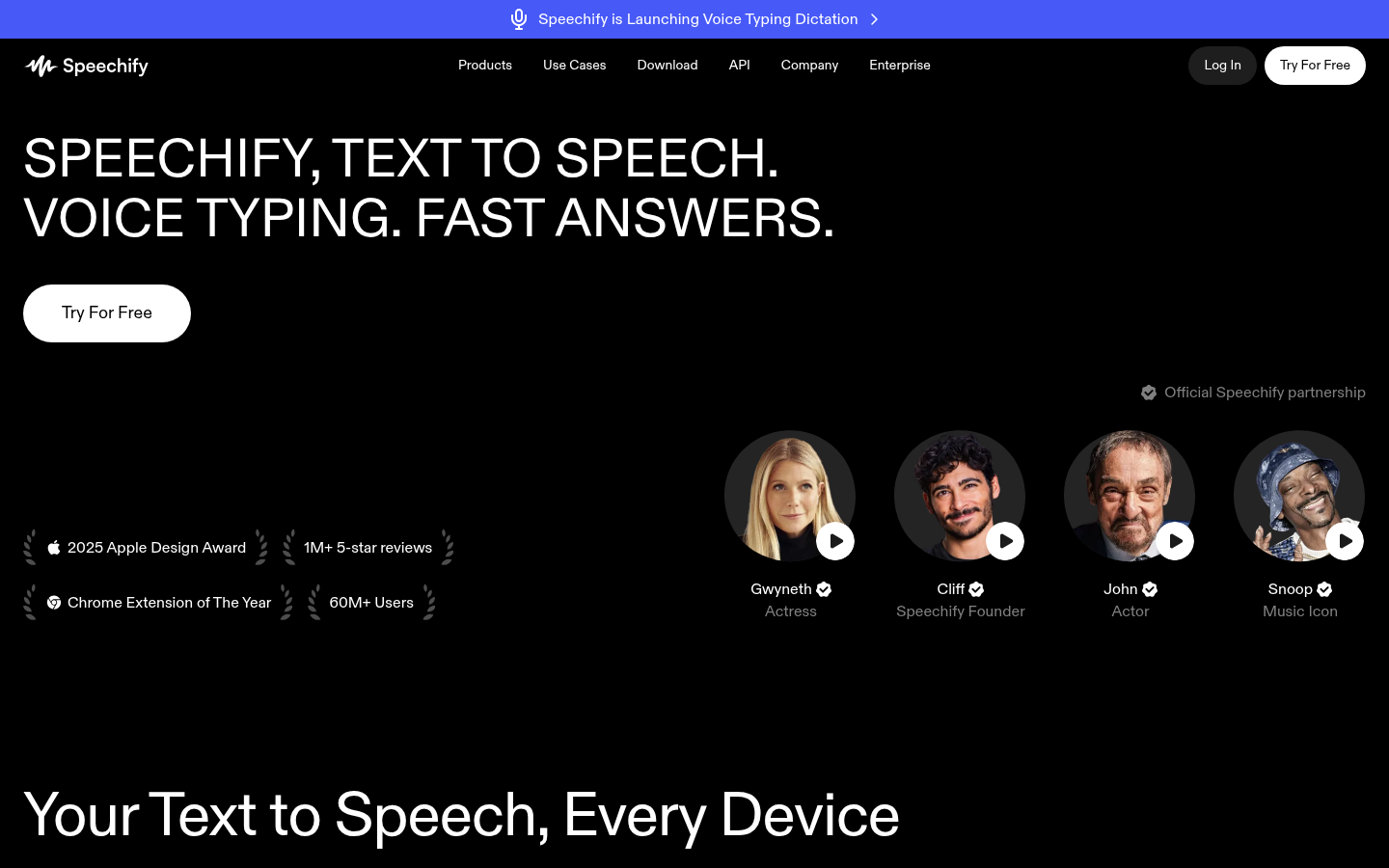
Speechify is a text-to-speech and voice AI assistant built for students, professionals, and anyone who needs to process large volumes of written content without staring at a screen. It converts articles, PDFs, books, and documents into natural-sounding spoken audio, and also works in reverse as a voice typing tool that transcribes dictation into text. The product spans web, mobile, desktop, and browser environments, positioning itself as a "voice AI layer" that follows users across devices rather than a single standalone app.
What it does
Speechify's core function is turning written text into lifelike speech and turning spoken words into written text. Users upload or open a PDF, Word document, webpage, or book, and Speechify reads it aloud using a library of AI-generated voices, with adjustable playback speed and synchronized text highlighting so readers can follow along. Beyond straightforward narration, it includes a voice AI assistant that answers questions about the content being read, generates summaries, and creates AI podcasts from documents or text prompts in one click. On the input side, the voice typing feature lets users dictate text directly into other applications (like email clients or messaging apps) instead of typing manually. The target audience includes students studying for exams, professionals managing heavy reading loads, content creators producing podcasts, and users with vision impairments or reading difficulties such as dyslexia who benefit from audio-first consumption.
Key capabilities
- Text-to-speech narration: Converts PDFs, docs, articles, and books into natural-sounding audio with a library of AI voices spanning 60+ languages on premium plans.
- Voice typing/dictation: Transcribes spoken input into text across apps on Windows, macOS, and other platforms, reducing manual typing.
- AI podcast generation: Creates AI-narrated podcasts instantly from uploaded documents or written descriptions.
- Voice AI assistant and summarization: Answers questions about open content, generates AI summaries, and produces quiz or recap features to reinforce comprehension.
- Scan & Listen: Lets users photograph a physical page (e.g., a printed book) and have it read aloud.
- Cross-device sync and integrations: Works via web app, Chrome and Edge browser extensions, iOS and Android apps, and Windows/Mac desktop apps, with integrations for Google Drive, Dropbox, and Microsoft OneDrive on premium tiers.
Pricing
Speechify follows a freemium model. The free plan allows listening at speeds up to 1.5x with a limited set of robotic-sounding voices and text-to-speech features only. The Premium plan is listed at $29/month (billed monthly) and adds 1,000+ natural-sounding voices, 60+ languages, playback up to 5x speed, Scan & Listen, AI summaries and chat, voice typing, AI podcast creation, the full voice AI assistant, and integrations with Google Drive, Dropbox, and Microsoft OneDrive. Annual billing is advertised with a discount. Separate products, Speechify Studio and Speechify API, are referenced but not detailed in pricing. Pricing page: View pricing.
Editorial review
Speechify's strength lies in breadth: it is not a single-purpose reader but a multi-surface voice layer covering browser extensions, mobile apps, desktop software, and web access, which suits users who consume content across many contexts throughout the day. The natural-voice library and speed controls address a genuine need for accessibility and faster content consumption, and the addition of voice typing, AI podcasts, and a question-answering assistant extends it well past a basic TTS reader into a broader productivity and note-taking tool. The free tier is meaningfully limited (robotic voices, capped speed, TTS-only), so users seeking natural voices, dictation, or the AI assistant will need the $29/month Premium plan, which sits at the higher end for consumer text-to-speech tools and may be a consideration for budget-conscious students. The claimed 60M+ user base and app store accolades suggest solid mainstream traction, though enterprise, education, and accessibility-specific offerings (referenced but not detailed on the main pricing page) would need direct inquiry for institutional buyers. Overall, Speechify is best suited to individuals who read or research heavily and want an audio-first, cross-device workflow, and to writers who want fast voice dictation, rather than teams needing collaborative or enterprise-grade deployment out of the box.