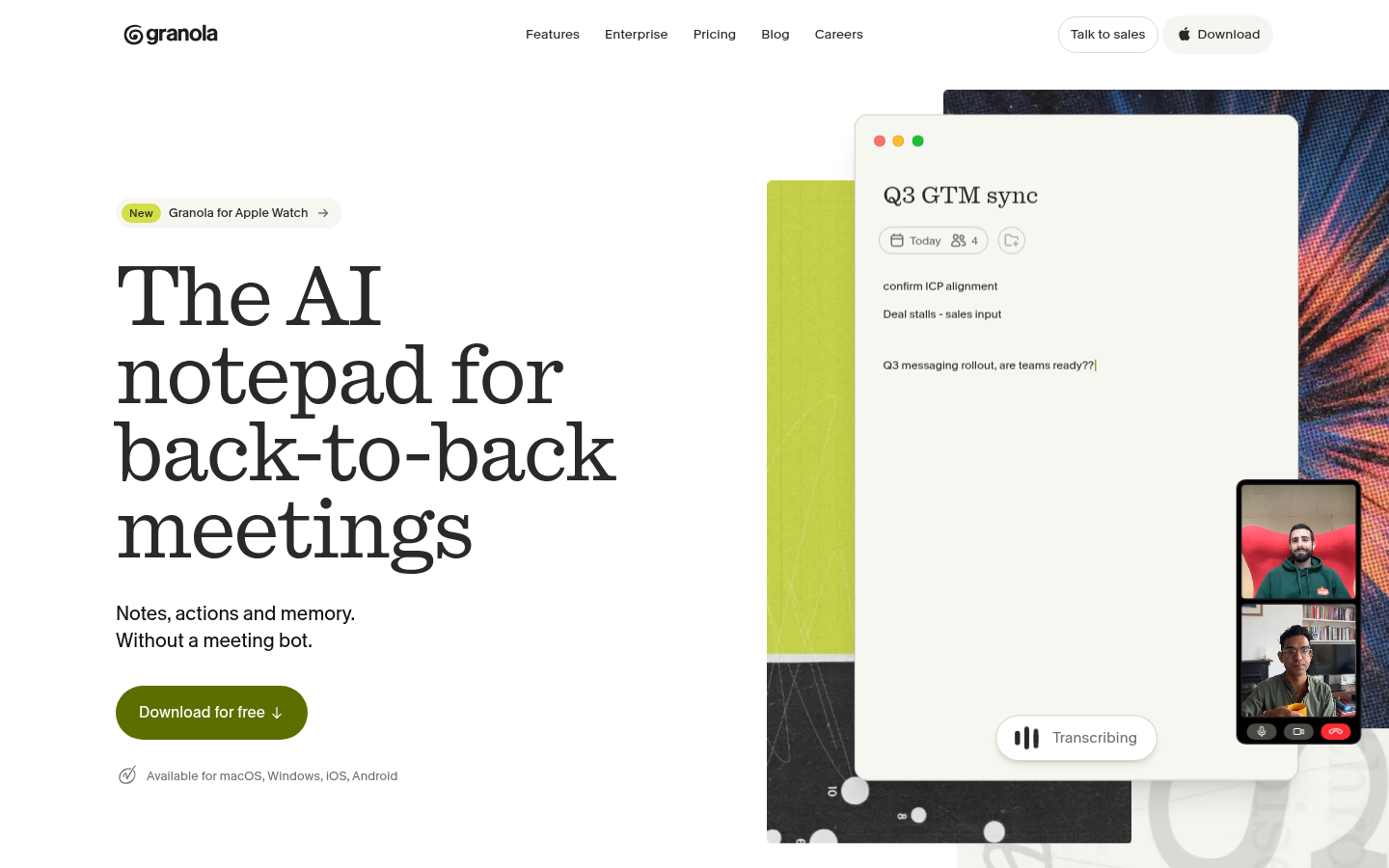
Granola is an AI-powered meeting notepad built for professionals and teams who spend most of their day in back-to-back calls. Rather than inviting a bot into meetings, Granola captures audio directly from the user's computer and enhances lightweight, human-written notes into structured summaries, action items, and shareable documents. It is aimed at "doers"—operators, founders, sales and CS teams, and product managers—who need reliable meeting memory without disrupting the flow of a call. The core workflow is simple: take rough notes during a meeting, and Granola automatically transcribes, organizes, and enriches them into a polished record immediately afterward.
What it does
Granola functions as an AI notepad for people who run through many meetings a day across Zoom, Google Meet, Microsoft Teams, and other video platforms. Instead of joining calls as a visible bot, it listens through the device's own audio, transcribes the conversation, and layers AI-generated structure—headings, decisions, next steps—on top of a user's own typed notes. Before a meeting, it can pull calendar context and prior interactions to prepare a brief on attendees and history. During the meeting, it transcribes in the background while the user keeps their own shorthand. After the meeting, it turns that shorthand into a clean, enhanced note that can be searched, shared, or queried through an AI chat feature across past meetings. This positions Granola less as a transcription tool and more as a meeting-memory and follow-up system for individuals and teams who don't want to manage a separate recording bot in every call.
Key capabilities
- Bot-free, device-audio capture: Records directly from computer audio rather than joining calls as a visible participant, keeping meetings private and less intrusive.
- AI-enhanced notes: Converts a user's rough, real-time notes into structured summaries with decisions, discussion points, and next steps.
- Pre-meeting briefs and follow-ups: On paid plans, generates preparatory briefs based on calendar and past meeting history, plus follow-up email drafts.
- Cross-meeting AI chat: Lets users ask questions and search across their meeting history, not just within a single note.
- Multi-platform availability: Ships as native apps for macOS, Windows, iOS, Android, and Apple Watch, alongside web access, so notes are available wherever a meeting happens.
- Integrations for workflow handoff: Connects with tools like Notion, HubSpot, Attio, Affinity, Zapier, and offers API/MCP access on higher tiers to push meeting output into other systems.
Pricing
Granola uses a freemium model. The Basic plan is free per user per month and includes AI meeting notes, limited meeting history, cross-meeting AI chat, shared folders, custom note templates, and multi-language support. The Business plan is priced at $14 per user per month and adds unlimited meeting history, advanced AI models, deeper integrations (Attio, Notion, HubSpot, Affinity, Zapier), API access, and centralized billing. An Enterprise plan at $35 per user per month layers on SSO, admin controls, priority support, org-wide data retention policies, and usage analytics. Pricing page: View pricing.
Editorial review
Granola's main differentiator is its bot-free capture model: many competing AI note-takers require a visible bot to join the call, which can feel intrusive in external or sales-sensitive meetings. By relying on device audio and a human-in-the-loop note-taking style, Granola positions itself as more private and less disruptive, which is a credible advantage for founders, sales teams, and customer success professionals who take frequent external calls. The free Basic tier is a reasonable way to trial the core note-enhancement workflow, though the 30-day history cap and lack of pre-meeting briefs or follow-up emails on that tier mean serious daily users will likely need the $14/user Business plan to get full value, particularly for cross-meeting search and integrations. The Enterprise tier's SSO and admin controls suggest Granola is being positioned to sell into larger organizations, backed by customer logos like Brex, Ramp, Linear, Cursor, and Replit referenced on its pricing page. A notable limitation from the available material is the absence of a live meeting bot fallback for users who don't want to keep the desktop or mobile app open during a call—capture depends on running Granola locally rather than joining as a cloud-based participant. Teams that need guaranteed recording even when a device is offline, or that require deep compliance/audit trails beyond retention settings, should verify those specifics directly rather than assume parity with bot-based recorders. Overall, Granola reads as a strong fit for individuals and small-to-mid-size teams doing high volumes of external meetings who value privacy-conscious capture and fast, structured note output over exhaustive enterprise recording infrastructure.