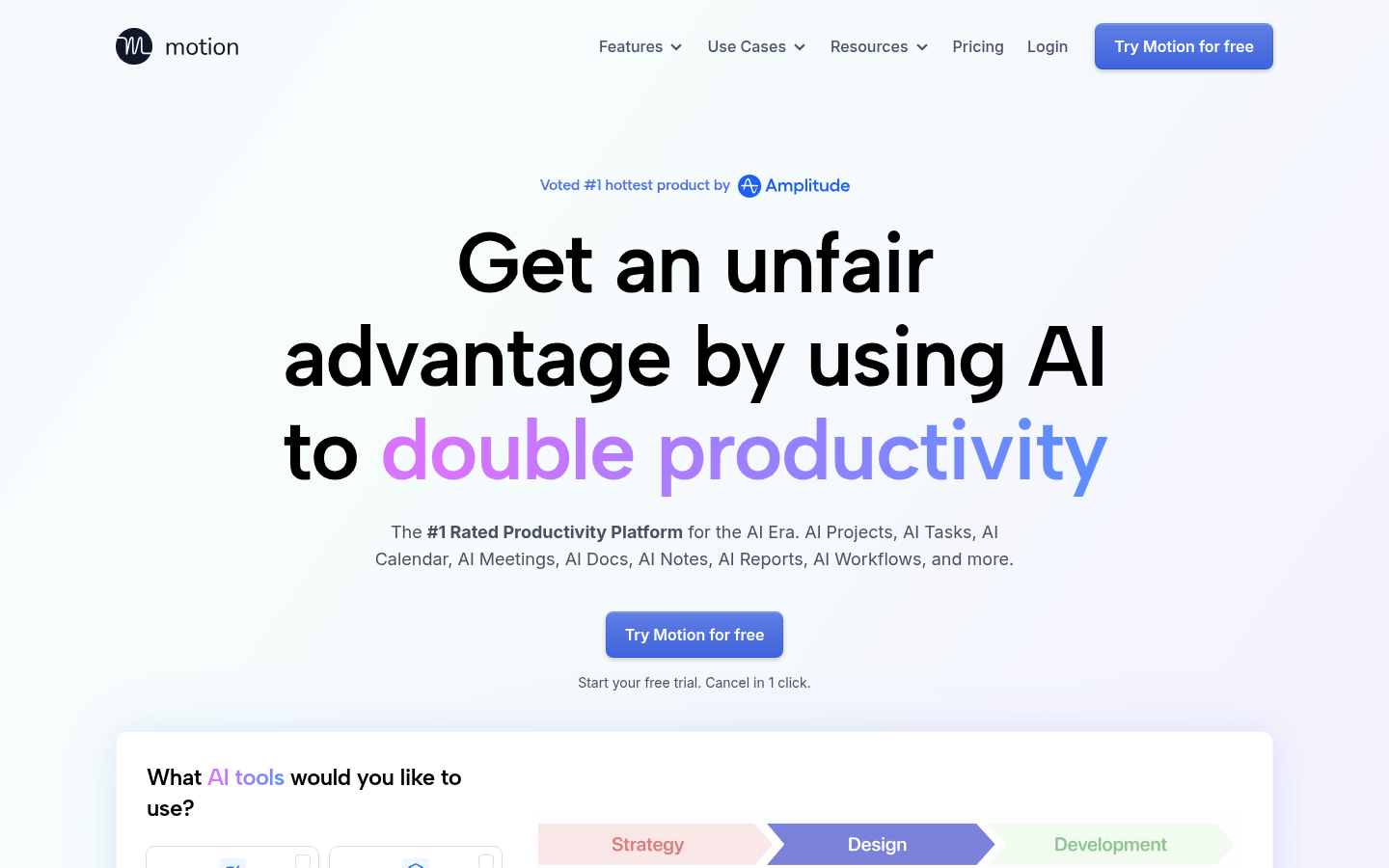
Motion is an AI-driven productivity platform aimed at individuals, freelancers, and teams who want to stop manually managing tasks, calendars, and project status updates. It combines project management, task planning, calendar scheduling, meeting notes, and workflow automation into a single web and mobile app, positioning itself as an alternative to running separate tools like Jira, Asana, and Google Calendar together. The core value proposition is automation: instead of a person updating boards and re-planning priorities daily, Motion's engine reschedules work automatically as deadlines, meetings, and task durations change. It targets solo professionals trying to reduce overwhelm as well as teams of 20 to 1,000+ people who need shared visibility into priorities without constant status meetings.
What it does
Motion functions as an AI task planner, AI project manager, AI calendar assistant, and AI meeting notetaker rolled into one workspace. Users add tasks, notes, projects, and meetings from their desk or on the go, and Motion's scheduling engine automatically slots them into a personalized calendar based on deadlines, estimated duration, and priority. For teams, Motion tracks task dependencies across departments so that projects "move forward" automatically once blocking tasks are completed, rather than requiring a project manager to manually update statuses. The platform also includes AI-generated docs, AI reports for business intelligence, and workflow builders intended to reduce the number of check-ins, status emails, and recurring meetings a team needs to stay aligned.
Key capabilities
- AI Task Planner: Automatically prioritizes and schedules tasks across a person's day and week, re-planning instantly when meetings run long or priorities shift.
- AI Project Manager: Automates cross-departmental handoffs so projects progress without manual status updates; the vendor cites internal data suggesting projects move faster when idle time between steps is eliminated.
- AI Calendar Assistant: Builds and continuously optimizes a daily schedule around existing meetings, protects deep-work blocks, and flags when someone is over-scheduled relative to actual capacity.
- AI Meeting Notetaker and Docs Assistant: Captures meeting notes and generates documentation to reduce manual note-taking and follow-up writing.
- Workflow builder and integrations: Lets teams pass data between Motion and other tools they already use, rather than replacing every existing app outright.
- Shareable scheduling links: Motion's calendar can be embedded externally so others can book available time slots directly, similar to standalone scheduling tools.
Pricing
Motion operates on a freemium-style model: a free trial is available, and paid plans start at a low monthly price point, according to the vendor's own extraction data (exact current tier names and limits are not detailed on the pages reviewed here). The signup flow emphasizes a free trial that can be cancelled with one click, rather than a permanently free tier for full functionality. Because specific plan names, seat pricing, and feature-gating weren't confirmed in the available source content beyond the trial offer, prospective buyers should verify current tiers directly on the vendor's site before committing. Pricing page: View pricing
Editorial review
Motion's strongest pitch is consolidation: rather than stitching together a calendar app, a task manager, a meeting notetaker, and a project tracker, it tries to unify all of that around one AI scheduling engine. The automatic re-planning behavior — reshuffling a day or week when a meeting overruns or a task takes longer than expected — is a genuinely differentiated workflow compared to static Kanban boards or calendar apps that don't understand task priority. Teams dealing with heavy cross-departmental handoffs and frequent daily standups seem like the best-fit use case, since Motion's dependency-based automation is explicitly designed to reduce that coordination overhead.
The trade-off is that heavy automation requires trusting the AI's prioritization logic, and teams with highly custom workflows or non-standard task structures may find the auto-scheduling model rigid compared to fully manual tools. The marketing material leans on customer testimonials and internally sourced productivity statistics (e.g., percentage claims about faster project completion) that read as vendor-supplied rather than independently verified, so buyers should treat those figures as directional rather than guaranteed outcomes. It's also worth noting Motion bundles many distinct product categories — calendar, PM, notetaking, docs, BI reporting — under one subscription, which is convenient for consolidation but means teams already satisfied with best-in-class point solutions in any one category may not see a clear reason to switch. Overall, Motion looks best suited for individuals and small-to-mid-sized teams seeking a single automated hub for scheduling and task prioritization, rather than large enterprises needing deep customization or highly specialized project-management features.