
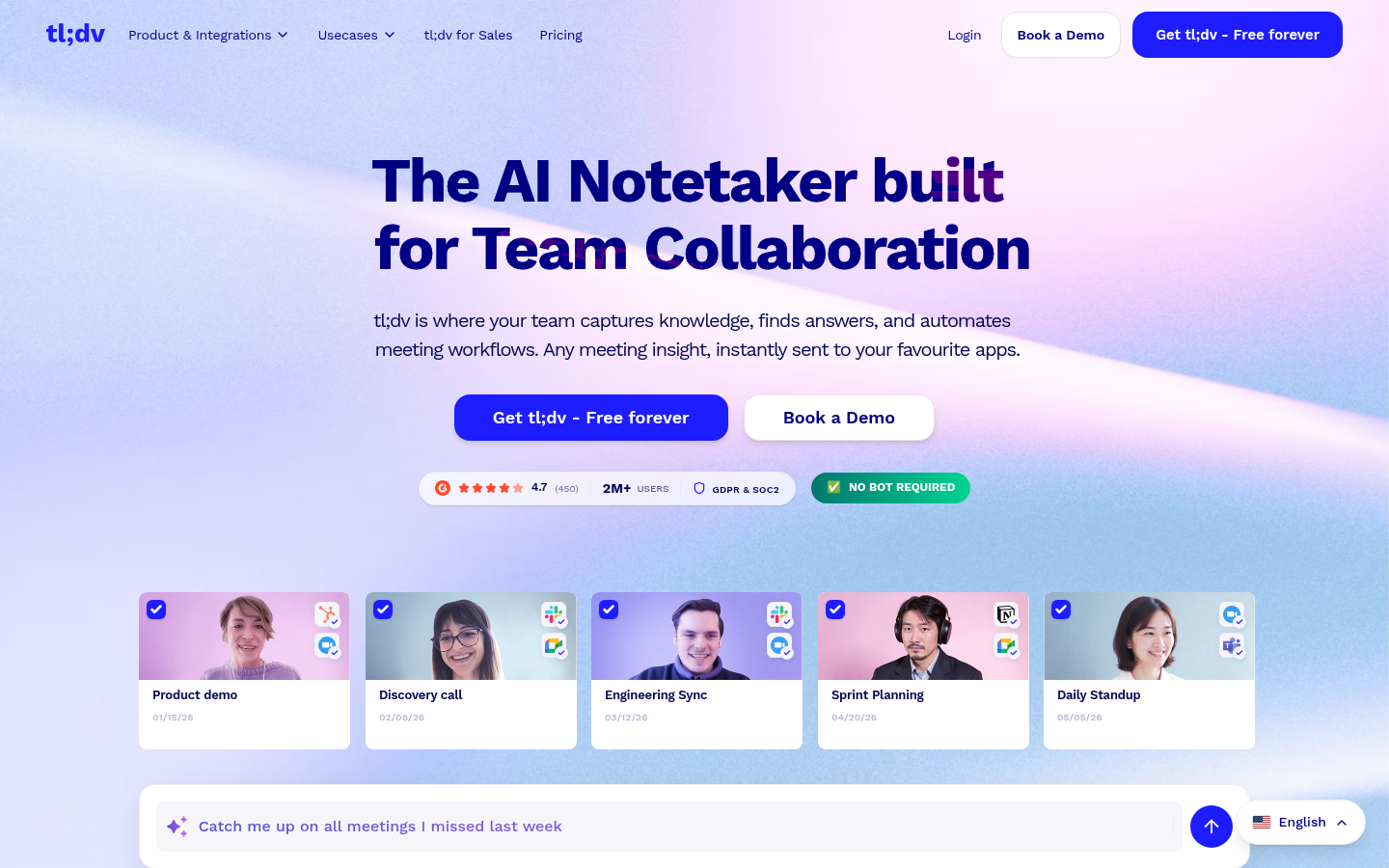
tl;dv is an AI-powered meeting notetaker built for teams that run frequent video calls across Zoom, Google Meet, and Microsoft Teams. It targets sales teams, customer success, product, and engineering groups that need to capture meeting knowledge without manually typing notes. The core workflow is simple: tl;dv joins or records a call, transcribes the conversation, and generates AI summaries with highlights and action items that can be pushed into CRMs and collaboration tools. It positions itself as a way to eliminate manual note-taking and reduce the follow-up work that piles up after meetings.
What it does
tl;dv is a web-based AI meeting assistant that automatically records, transcribes, and summarizes video calls on Zoom, Google Meet, and Microsoft Teams. It is designed for professionals and teams — particularly sales, customer-facing, and cross-functional teams — who need searchable meeting records, extracted action items, and AI-generated insights across multiple meetings rather than a single call. Instead of relying on someone to take notes live, tl;dv captures the conversation and turns it into structured, reviewable content, aiming to replace the traditional "someone types while everyone else talks" meeting habit.
Key capabilities
- Automated transcription and summarization: Converts recorded meetings into AI-generated summaries with key highlights and extracted action items, removing the need for manual note-taking.
- Multi-platform meeting capture: Works directly with Zoom, Google Meet, and Microsoft Teams, covering the three most commonly used video conferencing platforms in corporate environments.
- Cross-app workflow automation: Sends meeting insights, notes, and follow-ups to connected apps such as Slack, Notion, and HubSpot, reducing manual CRM updates and status reporting.
- Aggregated meeting insights: Analyzes patterns across multiple meetings to surface company-wide insights, rather than only summarizing calls one at a time.
- Sales coaching use case: Includes AI-driven analysis aimed at helping sales teams review calls, identify coaching opportunities, and shorten ramp time for reps.
- Multi-language support: Transcribes, translates, and summarizes meetings in more than 30 languages, useful for globally distributed or multilingual teams.
- Privacy and compliance posture: Advertises GDPR and SOC 2 compliance, EU-hosted data options, and a "private AI meeting notes" approach for organizations with data-handling requirements.
Pricing
tl;dv follows a freemium model, with a free-forever tier alongside paid plans; the marketing site references a discount on annual plans, though specific plan names and prices are not detailed in the available source material. Organizations evaluating tl;dv for team-wide rollout should check current plan tiers directly, since features like CRM integrations, aggregated insights, and sales coaching tools are likely gated to paid tiers rather than included in the free plan. Pricing page: View pricing.
Editorial review
tl;dv's clearest strength is platform coverage: supporting Zoom, Google Meet, and Microsoft Teams from a single tool avoids the common problem of needing separate notetakers for different conferencing systems. The addition of cross-meeting aggregated insights and sales-call coaching also differentiates it from basic transcription tools that only summarize one call at a time — this positions tl;dv closer to a knowledge-management layer for revenue teams than a simple note-taking utility. Integrations with Slack, Notion, and HubSpot suggest it is built to fit into existing workflows rather than becoming a standalone silo of meeting recordings.
The trade-off is that some of the more advanced claims — the scale of company adoption, review scores, and specific ROI figures shown on the marketing site — are self-reported and should be verified independently rather than taken as confirmed facts. Pricing transparency is also limited: while a free tier exists, the exact feature gating between free and paid plans isn't fully detailed in public-facing content, so teams should confirm feature limits (recording caps, integration access, multi-language support) before committing to a paid tier at scale.
tl;dv is best suited to sales and customer-facing teams running high call volumes across multiple video platforms, especially organizations already using Slack, Notion, or HubSpot that want meeting data to flow into those tools automatically. It's a reasonable fit for compliance-conscious teams too, given the emphasis on GDPR/SOC 2 posture and EU data hosting options. Teams looking for a lightweight, single-platform notetaker with no CRM ambitions may find simpler alternatives sufficient, but for teams that want meeting intelligence aggregated across calls and pushed into existing tools, tl;dv's feature set is more complete than basic transcription apps.


