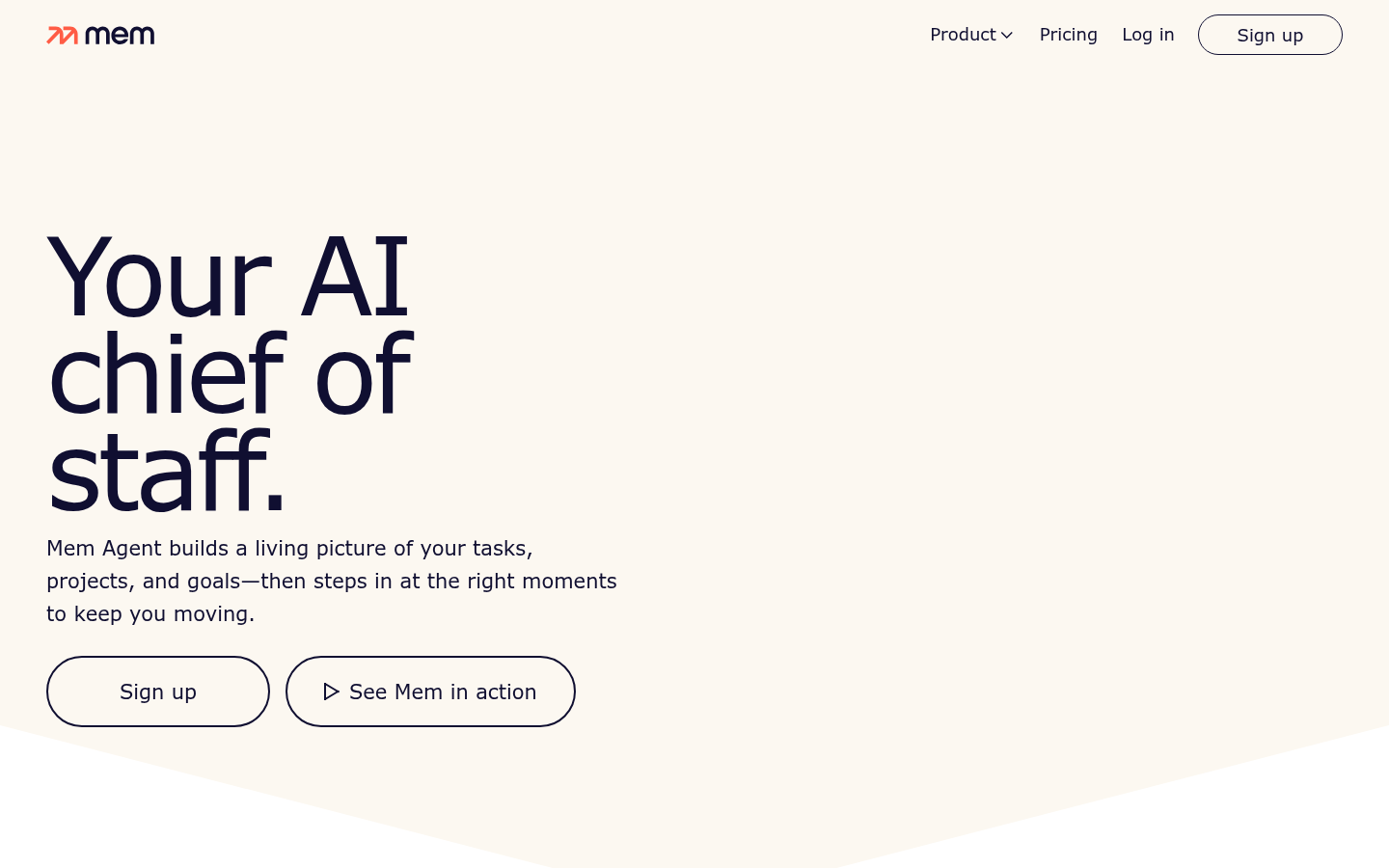
Mem is an AI-powered note-taking and knowledge management tool built for professionals and teams who want to capture information quickly and retrieve it without manual organization. Instead of asking users to file notes into folders or tag content, Mem positions itself as an "AI chief of staff" that builds a living picture of tasks, projects, and goals, then resurfaces the right information at the right moment. The core workflow revolves around fast capture, contextual search, and chat-based retrieval, making it a fit for knowledge workers, founders, and teams juggling meetings, projects, and scattered notes across tools.
What it does
Mem functions as an AI-assisted note-taking and information-retrieval system. Users capture thoughts, meeting notes, and tasks through quick-entry methods, and Mem's underlying AI organizes and indexes that content automatically rather than relying on manual folder structures or rigid taxonomies. The product is aimed at professionals and teams who need a centralized place to dump information and later find it instantly through search or conversational chat, rather than digging through nested notebooks. Mem's stated goal is to act like a personal chief of staff, tracking what a user is working on and proactively surfacing relevant notes, tasks, or context as work progresses.
Key capabilities
- Push-to-Remember capturing: A desktop shortcut on Mac and Windows lets users record a spoken "brain dump" that Mem transcribes and files automatically, reducing the friction of writing things down mid-task.
- Instant search: Full-text and contextual search is designed to locate notes, meeting summaries, and past captures quickly, without requiring users to remember where something was saved.
- Chat-based retrieval: A chat interface lets users ask questions against their own stored notes and get answers pulled from previously captured content, rather than manually scanning documents.
- Contextual LLM integration: Mem layers large language model context on top of captured notes so retrieval and summarization responses are grounded in the user's own material rather than generic AI output.
- Automated meeting summaries: Meeting content can be captured and condensed into summaries automatically, cutting down on manual note-taking during calls.
- Cross-platform desktop and web access: Mem is available as a desktop application (Mac and Windows) and a web app, supporting capture and retrieval from wherever work happens.
Pricing
Mem follows a freemium model: a free tier is available for basic use, with premium plans unlocking additional AI-driven features. Specific plan names, feature breakdowns, and current pricing tiers are not detailed in the available source material, so prospective users should confirm exact plan limits and paid-tier inclusions directly on Mem's site before committing.
Editorial review
Mem's strongest pitch is reducing the overhead of manual organization: rather than asking users to file notes, it leans on AI to index and later retrieve information through search and chat. The Push-to-Remember voice-capture shortcut and automated meeting summaries are practical differentiators for people who take a lot of unstructured notes during calls or on the go, and the chat-based retrieval layer is a reasonable answer to the common complaint that note apps become "write-only" archives nobody revisits.
The trade-offs are less clear from public material. There's no visible detail on team collaboration features, integrations with calendars or communication tools, offline support, or how meeting summaries are actually captured (e.g., whether it requires joining calls directly or importing transcripts from elsewhere). Pricing specifics — plan names, feature gating, and exact costs — aren't confirmed in the source content, which makes it hard to judge value against competitors in the AI note-taking and personal-knowledge-management space without visiting the live pricing page.
Mem looks best suited to individual professionals and small teams who already generate a high volume of meeting notes, ideas, and tasks and want an AI layer that reduces filing effort. It's less clearly positioned for users who need robust structured databases, heavy customization, or deep third-party integrations, since the available material emphasizes capture-and-retrieve simplicity over configurability. Anyone evaluating Mem for team-wide adoption should test the search and chat accuracy directly, since the practical value of an AI chief of staff depends heavily on how reliably it surfaces the right note at the right time rather than just storing it.