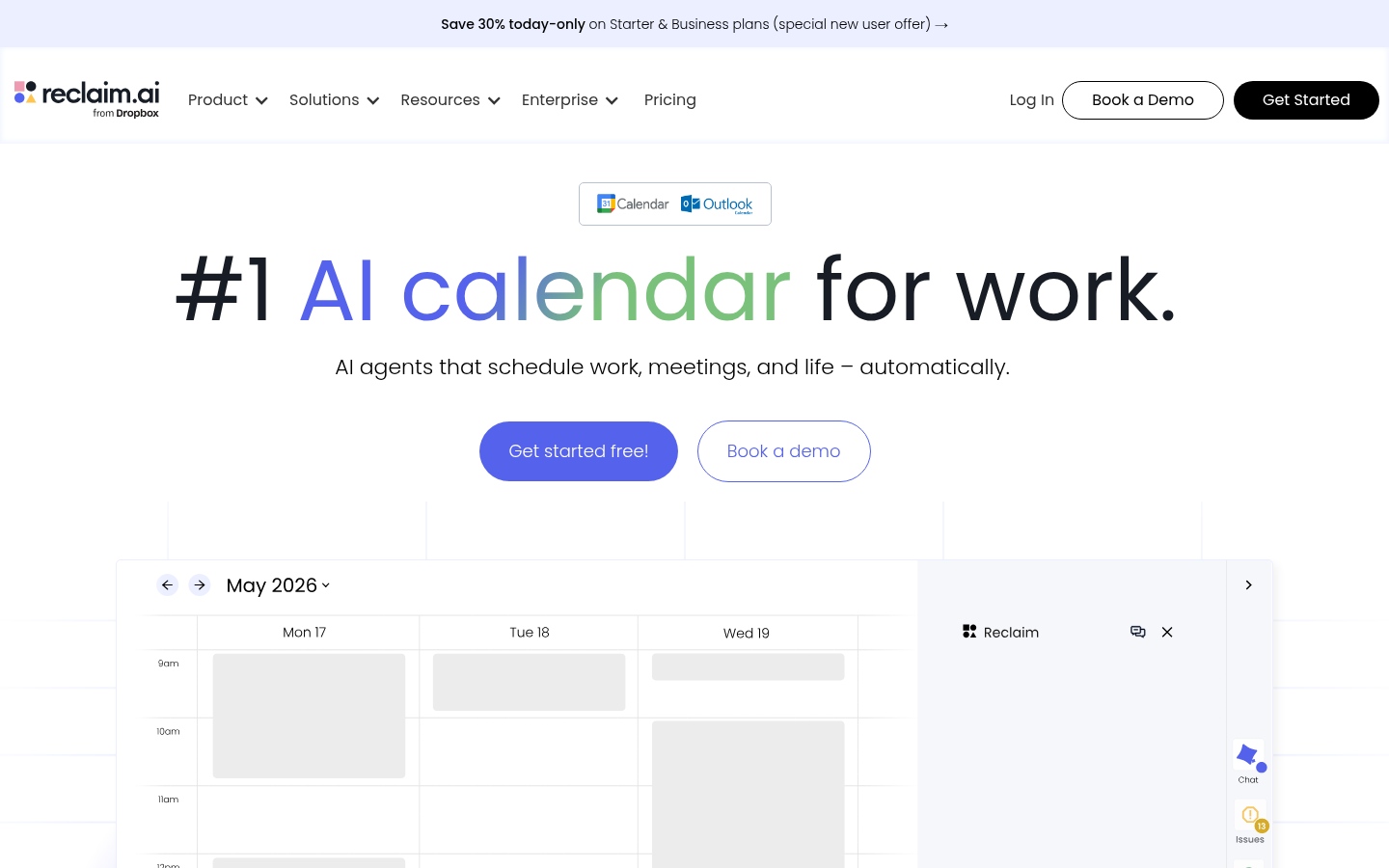
Reclaim is an AI scheduling calendar built for professionals and teams who want their calendar to actively manage their time rather than just display it. It layers on top of Google Calendar and Outlook Calendar, and is aimed at individuals, executive assistants, and departments like sales, marketing, engineering, HR, and finance that need to balance meetings, focus work, and personal habits without constant manual rescheduling. The core workflow: users define tasks, habits, and priorities, and Reclaim's AI continuously finds and defends the best time slots for them, adjusting automatically as calendars change. Now operating as Reclaim.ai from Dropbox, the product frames itself as the "#1 AI calendar for work," combining task scheduling, meeting coordination, and time analytics in one tool.
What it does
Reclaim is a calendar automation layer, not a standalone calendar replacement — it syncs with and enhances existing Google or Outlook calendars via a connected app and browser add-on. It solves the problem of fragmented calendars by using AI to auto-schedule tasks, recurring habits, buffer time, and meetings around a user's real availability and priorities. Instead of manually blocking time for deep work or shuffling meetings when conflicts arise, Reclaim's AI agents run continuously in the background, re-optimizing the calendar as new events, cancellations, or priority changes occur. It's positioned for both individual productivity use and company-wide rollouts, with dedicated workflows for teams, HR, sales, marketing, engineering, and finance functions, plus workforce analytics for managers tracking how time is actually spent.
Key capabilities
- AI Focus Time: Set a focus time goal and let the AI defend blocks on the calendar automatically for deep work.
- AI Tasks & Habits: Tasks and recurring routines get flexibly slotted into open calendar time, with automatic rescheduling when conflicts occur.
- AI Smart Meetings & Scheduling Links: Finds optimal meeting times across multiple attendees' schedules and lets users share availability through smart booking links.
- AI Buffer Time & Calendar Sync: Automatically inserts breaks and travel time around meetings, and syncs/defends events across multiple calendars (e.g., work and personal).
- AI Planner & Assistant: Builds an automated daily plan and offers a chat-based AI assistant for prioritizing and adjusting the schedule conversationally.
- Time Tracking & Workforce Analytics: Reports on how time is split between meetings, tasks, and work-life balance, with team-level analytics for managers and HR.
- Integrations: Connects with tools including Slack (status sync), Asana, ClickUp, Todoist, Jira, Linear, Google Tasks, Zoom, and Raycast.
Pricing
Reclaim uses a freemium model. A free plan is available with no credit card required, and paid plans are listed starting around $10/month per user, scaling up through $15, $18, and $22 tiers depending on features and billing cycle (annual pricing appears cheaper than monthly). Add-ons for teams and discounts for students, nonprofits, startups, and users switching from other providers are also mentioned. A limited-time 30% discount on Starter and Business plans and a "MEETINGS" promo code were noted on the site at time of review. Pricing page: View pricing
Editorial review
Reclaim's strength is depth: rather than being a single-purpose scheduling link tool, it combines task auto-scheduling, habit planning, meeting coordination, buffer time, and time analytics into one system layered on calendars people already use. This makes it more comprehensive than simple booking-link competitors, and the addition of an AI chat assistant and workforce analytics suggests a push toward broader team and management use cases beyond individual productivity. The trade-off is complexity — with this many distinct AI-driven modules (Focus Time, Habits, Buffer Time, Planner, Smart Meetings, Calendar Sync), there's a real learning curve, and the value depends heavily on how well the AI's automatic rescheduling behaves in practice, which is hard to verify from marketing claims alone. The free tier appears functional enough for individual trial use, but teams likely need paid plans to unlock meeting coordination and analytics at scale. Best-fit users are knowledge workers and teams already living in Google or Outlook calendars who struggle to protect focus time amid meeting overload, plus ops-minded managers wanting visibility into how team time is allocated. Less clear from the source material: exact limits of the free plan, whether a trial period exists on paid tiers, and how the tool performs for heavier enterprise scheduling scenarios beyond what's described.