
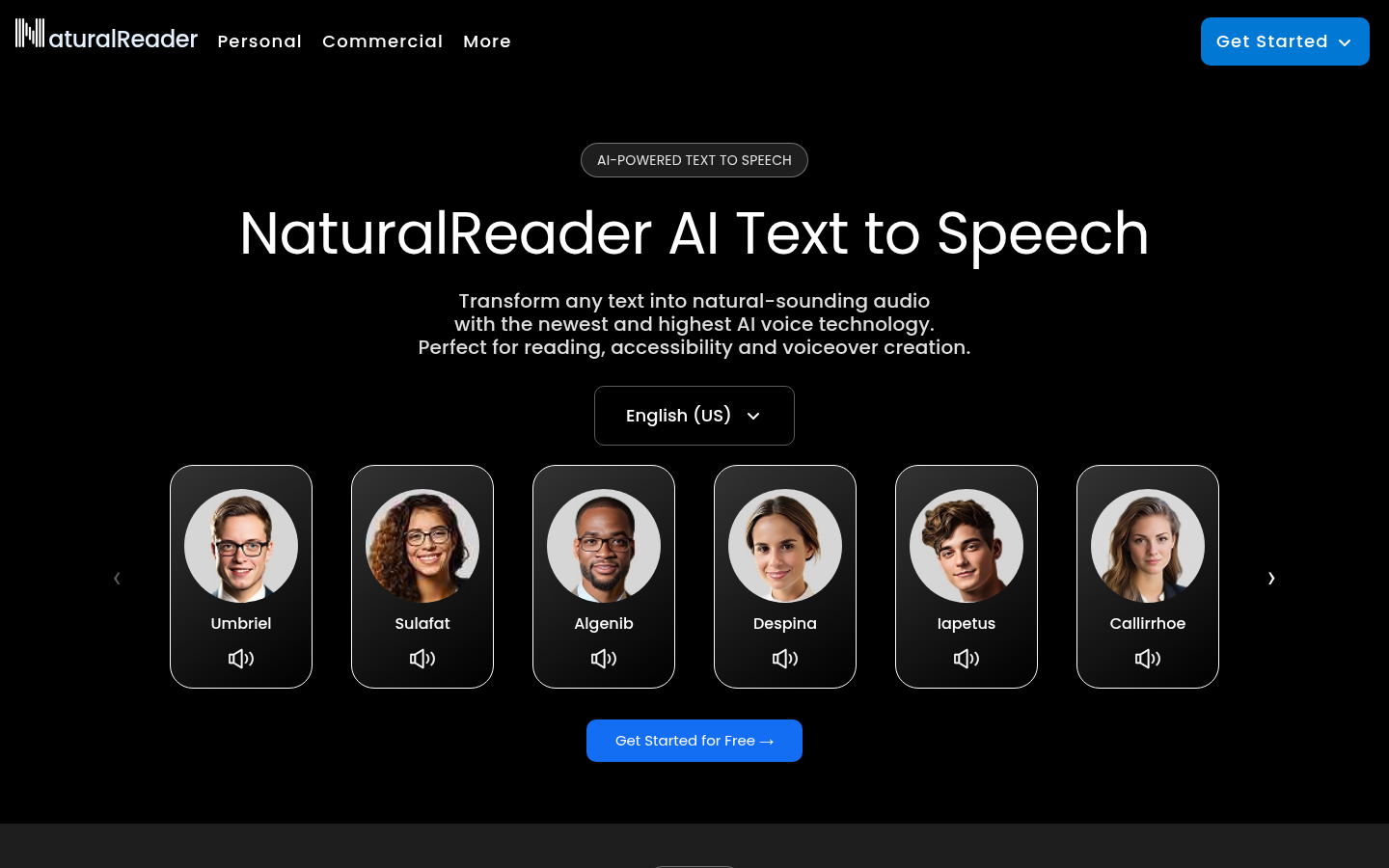
NaturalReader is a text-to-speech platform that converts written content—PDFs, Word documents, webpages, and scanned images—into natural-sounding AI speech. It targets students, educators, professionals, and anyone who needs accessible reading support, including users with dyslexia, ADHD, visual impairments, or reading fatigue. The product ships as a web app, desktop software for Windows and macOS, mobile apps for iOS and Android, and a browser extension, letting users pick up reading in the same account across devices. Its core value proposition centers on natural AI voices, document flexibility, and accessibility-first features rather than being a single-purpose reader.
What it does
NaturalReader reads text aloud using a library of AI-generated voices, supporting multiple languages and accents. Users can upload or open PDFs, Word files, Google Docs, webpages, and printed pages (via OCR scanning) to have the content converted into spoken audio. The tool is positioned for three main audiences: personal/home users, commercial users needing a licensed AI voice generator, and educational institutions running EDU accounts for students and classrooms. Common use cases include proofreading by ear, studying textbooks and lecture notes, consuming long articles hands-free, producing narrated content such as podcasts or e-learning modules, and supporting students with reading-related learning differences.
Key capabilities
- Multi-format document support: Reads PDFs, Word documents, webpages, and Google Docs directly, removing the need to manually copy text into a separate reader.
- OCR scanning: Captures and reads printed or scanned pages, useful for physical textbooks, handouts, or exam materials that aren't in digital text form.
- Custom voice presets: Offers tunable voice styles labeled for audiobooks, e-learning, podcasts, conversational tone, accents, and deeper or softer vocal qualities.
- Voice cloning: Includes a voice cloning feature for generating speech in a custom voice profile, relevant for commercial and content-creation use cases.
- Accessibility toolkit: Provides synchronized text highlighting, dyslexia-friendly fonts, closed captions, hotkey controls, and an immersive reader mode aimed at students with diverse learning needs.
- Cross-platform continuity: One account connects the web app, mobile app (with offline mode), and Chrome extension, plus MP3 export for offline listening.
- EDU management tools: School accounts support inviting and managing students/teachers, a shared library for distributing documents, and flexible group or site licensing.
Pricing
NaturalReader follows a freemium model: core text-to-speech functionality is available for free, with premium plans required for expanded voice options, features, or higher usage limits. Education customers can access a separate EDU plan with flexible group or site licensing, and the EDU page mentions a free 30-day trial for schools. Specific consumer plan pricing is not fully detailed in the available source material beyond the freemium structure. Pricing page: View pricing
Editorial review
NaturalReader's strength lies in breadth: it is not just a browser-based text-to-speech tool but a connected suite spanning web, desktop, mobile, and browser extension, with document handling (PDF/Word/OCR) that goes beyond simple text-box readers. The accessibility feature set—dyslexia fonts, synchronized highlighting, closed captions—positions it well for the education market, and the EDU-specific licensing and shared library tools suggest a genuine investment in school deployments rather than a bolted-on afterthought. The voice cloning and custom preset options extend its relevance into commercial content production, such as podcasts and e-learning narration, broadening its appeal beyond pure accessibility use.
The trade-off is that some claims (like exact voice counts, language totals, or specific pricing tiers) are marketing-forward and not fully substantiated in the available page data, so prospective buyers should verify current plan details and voice quality directly before committing, especially for commercial licensing. There is also no confirmed free trial for the non-EDU commercial tiers, so budget-conscious individual users should check whether the free tier's voice quality and document limits meet their needs before assuming premium features are necessary.
Best-fit users include students and schools needing built-in accessibility support and centralized document distribution, professionals who want to proofread or consume written content hands-free, and content creators exploring AI narration for podcasts or e-learning without investing in separate voice-over talent. Users needing enterprise-grade API access or deep integration with existing LMS platforms should confirm those capabilities are supported, as the reviewed material focuses on end-user apps rather than developer-facing integrations.



