
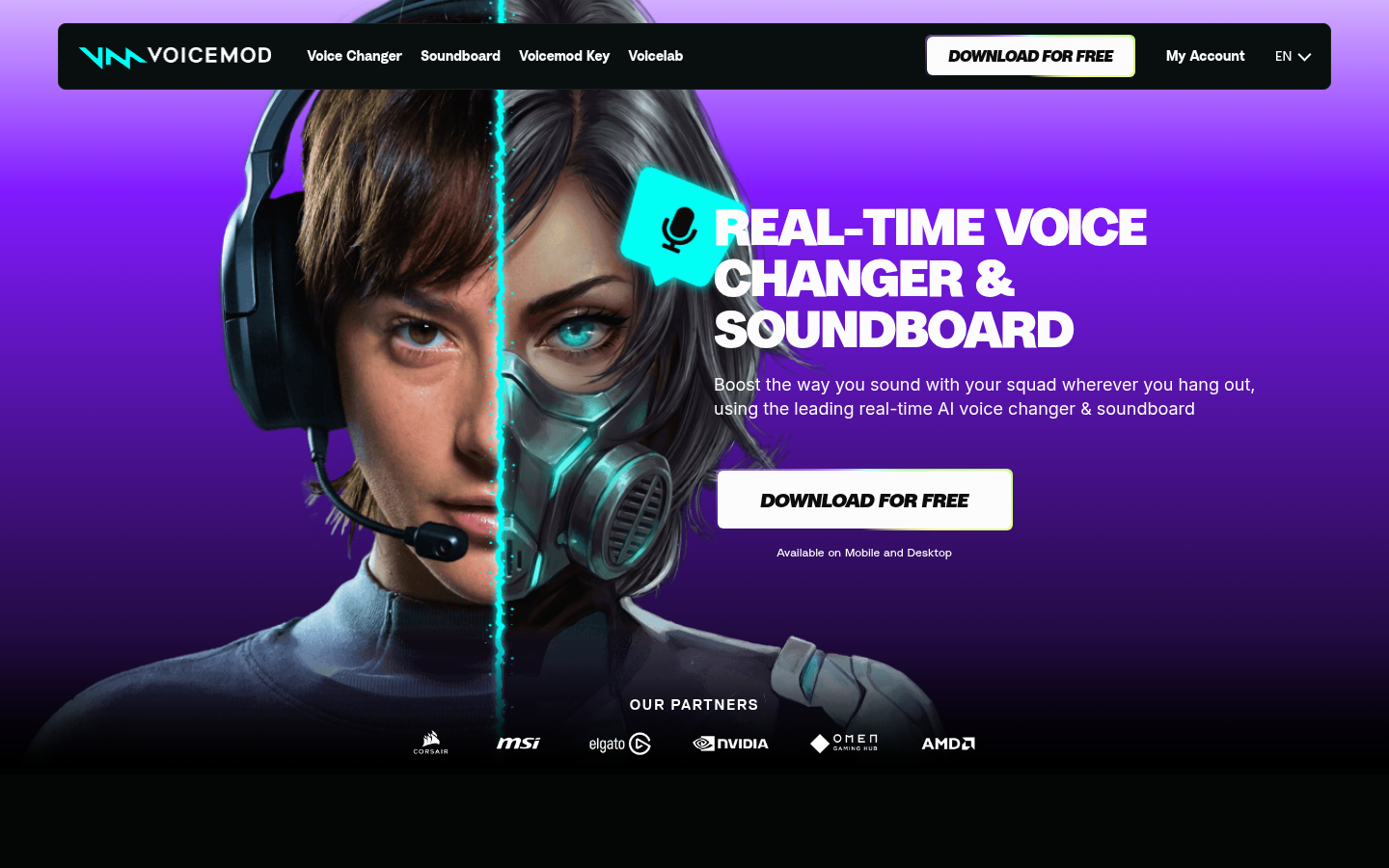
Voicemod is a real-time voice changer and soundboard application built for gamers, streamers, and content creators who want to alter their voice or drop sound effects during live gameplay, voice chats, and streams. It works as a virtual microphone layer that sits between a user's real mic and any app that uses audio input, applying voice effects and playing soundboard clips on the fly. The tool is aimed at people who spend time in Discord, in-game voice chat, or on streaming platforms like Twitch and want to add personality, comedy, or anonymity to their voice. Its core workflow centers on selecting a voice filter or AI voice, triggering sound memes via hotkeys, and having both apply instantly to any outgoing audio stream. Voicemod positions itself around a large library of community-driven voices and sounds plus a custom voice-creation lab, rather than a fixed, limited effects list.
What it does
Voicemod functions as a standalone desktop application (Windows and Mac) with companion mobile apps (Android and iOS) that intercepts and modifies microphone audio in real time. Once installed, it creates a virtual audio device that other software — Discord, in-game voice chat, OBS, Zoom, Skype, and most major titles like Fortnite, Valorant, League of Legends, and Call of Duty — can select as an input source. Users pick from a catalog of preset voices (from robotic and monster effects to more stylized AI-trained voices) or build their own using the built-in Voicelab effect mixer. Alongside voice changing, a soundboard feature lets users play sound clips and memes into chat with keybinds, and a Recorder module can capture audio clips from other sources (such as YouTube or in-game moments) to add to a personal soundboard, including an instant-replay function to rewind and save the last 30 seconds of audio.
Key capabilities
- Real-time voice changing: Applies voice filters and AI-trained voice models to microphone input with low enough latency for live voice chat and streaming.
- Soundboard with keybinds: Assigns sound effects and clips to hotkeys for instant playback during games, calls, or streams.
- Voicelab custom voice creation: Lets users mix effects (Reverb, Delay, Robotifier, and others) to build original voices rather than relying only on presets.
- Community voice and sound library: Provides access to voices and sound memes shared by other users, which can be added directly to a personal setup without manual uploading.
- Audio recorder and instant replay: Captures sound clips from external sources and supports rewinding up to 30 seconds of recent audio to save standout moments.
- Broad compatibility: Works across voice and communication apps (Discord, Skype, Zoom, Telegram), streaming/recording tools (OBS, Adobe Premiere Pro, DaVinci Resolve), and a large list of PC games.
Pricing
Voicemod follows a freemium model: the core application can be downloaded and used for free, with a paid tier unlocking additional premium features. The site references a premium subscription starting at a low monthly price point, though exact current plan names and full feature breakdowns are not detailed on the main landing page. No free trial for the paid tier is indicated separately from the free version itself.
Editorial review
Voicemod's main strength is breadth: it combines voice changing, a soundboard, custom voice mixing, and a community content library in one application rather than requiring separate tools for each. Its compatibility list — spanning major games, voice chat apps, and streaming/editing software — suggests it was built with gamers and streamers specifically in mind, rather than as a generic audio utility. The Voicelab feature is a meaningful differentiator for users who find preset voice packs limiting, since it allows layering of effects to create unique results. The community library also reduces setup friction by letting users borrow existing voice and sound configurations instead of building everything from scratch.
Trade-offs to consider: as a real-time audio processing tool, actual voice quality and latency will depend heavily on the user's hardware and the specific effect chosen, and this is not something that can be verified from marketing material alone. The free tier's exact feature limitations versus the paid tier are not fully itemized on the homepage, so prospective users comparing free vs. premium will likely need to check the in-app store or a dedicated pricing page for specifics. Additionally, while mobile apps exist, the core setup, virtual audio routing, and deepest customization (Voicelab) are clearly desktop-first experiences.
Overall, Voicemod is best suited to PC gamers, Discord communities, and streamers who want an easy way to entertain their group with voice effects and sound memes without juggling multiple audio utilities. It is less relevant for professional voice-over, dubbing, or business communication use cases where voice fidelity and predictability matter more than novelty and entertainment value.


