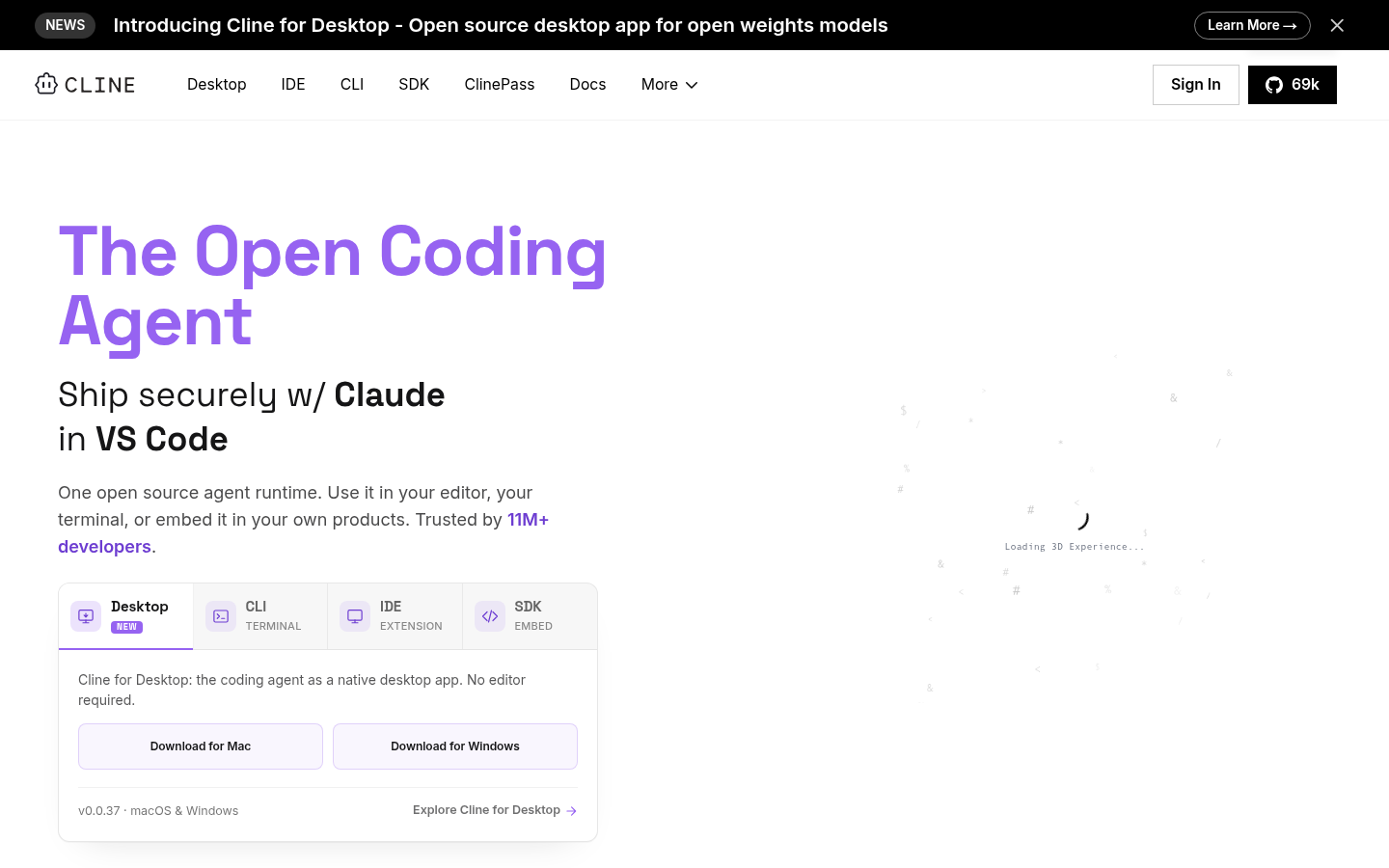
Cline is an open-source AI coding agent built for developers who want autonomous, in-editor assistance without being locked into a single AI vendor. It runs as a VS Code extension (with early access on JetBrains and support inside forks like Cursor and Windsurf), acting directly in the editor and terminal rather than as a chat sidebar bolted onto existing tools. The core workflow centers on separating planning from execution, giving developers visibility and control before code changes are made. It is aimed at individual developers, open-source contributors, and engineering teams who need transparent, model-agnostic AI coding rather than a black-box assistant tied to one provider.
What it does
Cline functions as an autonomous coding agent that can read and edit files, execute terminal commands, and automate browser-based testing inside a developer's existing IDE. Its defining structural feature is a two-step Plan/Act workflow: in Plan mode, Cline reasons through an approach and proposes a plan before touching any code; in Act mode, it executes that plan, running commands and editing files with the developer able to review each step. This mirrors how experienced engineers work through problems—thinking before coding—rather than generating unreviewed, one-shot code changes. Cline is positioned as a direct alternative to closed AI coding assistants like GitHub Copilot, emphasizing openness, auditability, and choice of underlying AI model.
Key capabilities
- Plan/Act mode separation: Structures agent behavior into a planning phase and an execution phase, reducing unreviewed or unpredictable code changes.
- Model Context Protocol (MCP) support: Extends Cline with custom tools and integrations via MCP, including access to an MCP Marketplace for discovering community-built extensions.
- Terminal and file system access: Executes shell commands and edits files directly within the developer's project, rather than only suggesting code snippets.
- Browser automation for testing: Can drive a browser to test web applications as part of the agent's task execution.
- Multi-model, multi-provider support: Works with models from Anthropic, OpenAI, Google Gemini, AWS Bedrock, Azure, GCP Vertex, Ollama, DeepSeek, xAI, Mistral, Cerebras, and OpenRouter, letting developers bring their own API keys or infrastructure.
- Multi-root workspace support: Operates across multiple project roots within a single workspace, useful for monorepos or multi-service codebases.
Pricing
Cline's core offering—the open-source VS Code extension and CLI—is free for individual developers, with no subscription required. Users pay only for AI model inference, either at cost through Cline's managed infrastructure or via their own API keys (BYOK), preserving a client-side, no-vendor-lock-in architecture. An Enterprise tier adds SSO, SLAs, dedicated support, centralized billing, role-based access control, a team management dashboard, authentication logs, and a JetBrains extension, available through direct sales contact rather than self-serve signup. Pricing page: View pricing
Editorial review
Cline's main differentiator is architectural openness: it is fully open source, model-agnostic, and designed so inference costs flow directly to the developer's chosen provider instead of being marked up through a subscription. The Plan/Act separation is a genuinely useful design choice for teams wary of autonomous agents making unreviewed changes, and terminal-plus-file-system access makes it more capable than assistants limited to code suggestions. Broad model support (spanning Anthropic, OpenAI, Google, AWS, Azure, and several inference providers) gives technical teams flexibility to standardize on existing infrastructure or negotiate their own model pricing.
The trade-offs are mostly around packaging and polish compared to fully managed competitors: individual developers must manage their own API keys or usage costs, which adds a setup step that fully bundled subscription tools avoid. JetBrains support is still in early access, so IDE coverage outside VS Code (and VS Code forks like Cursor and Windsurf) is limited today. Enterprise pricing is not published and requires a sales conversation, which may slow evaluation for larger organizations. Overall, Cline looks best suited to developers and engineering teams who prioritize transparency, control over AI model choice, and cost efficiency over a fully managed, all-in-one subscription experience.