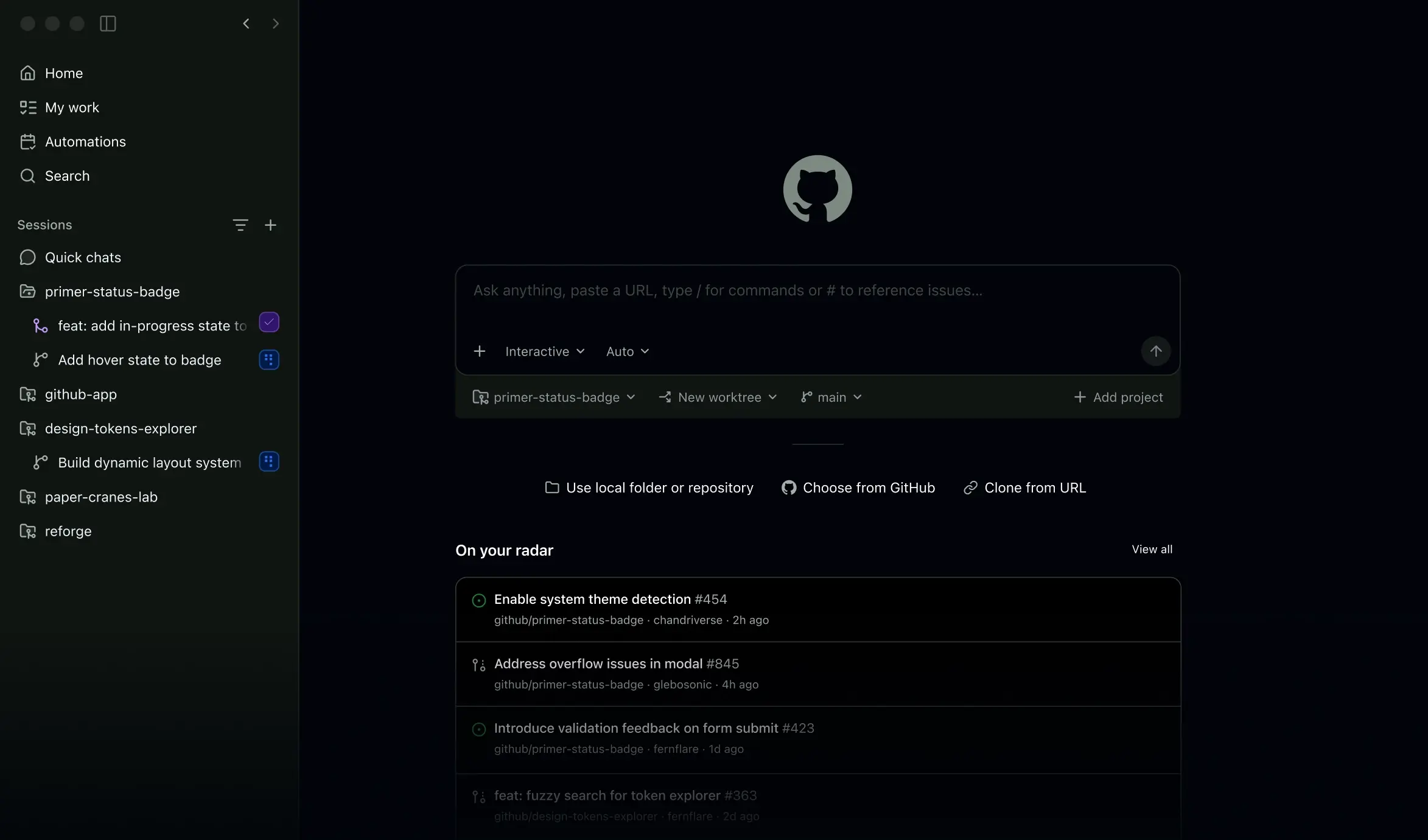
GitHub Copilot is an AI coding agent built by GitHub for software developers who want to write, review, and ship code faster. It works inside code editors, the terminal, a dedicated desktop app, and directly on github.com, assisting throughout the software development lifecycle rather than just at the point of typing. The core value proposition is reducing time spent on boilerplate and repetitive tasks so developers can focus on problem solving, architecture, and collaboration. It is positioned for individual developers, engineering teams, and enterprises that already use GitHub for source control and project management.
What it does
GitHub Copilot provides AI-generated code suggestions, chat-based assistance, and autonomous "agent mode" workflows for developers working across the coding lifecycle. It can be assigned to a GitHub issue as if it were a teammate, propose and edit multiple files in a workspace, and participate in pull request review and merging. Beyond inline autocomplete, Copilot answers questions about a codebase, explains unfamiliar code, and helps triage documentation or bug reports. It is not a standalone chatbot product; it is embedded into existing developer tools, meaning its main interface is wherever developers already work: an IDE, a terminal, GitHub's web interface, or a desktop application.
Key capabilities
- Inline code completion: Suggests whole lines or blocks of code contextually as a developer types, based on surrounding code and project context.
- Agent mode: Can autonomously edit multiple files in a workspace (shown handling four-file changes with Keep/Undo controls), acting more like a delegated task-runner than a simple autocomplete tool.
- Issue-to-pull-request workflow: Can be assigned directly to GitHub issues, work through the implementation, and contribute to opening, reviewing, and merging pull requests.
- Multi-surface availability: Available in Visual Studio Code, JetBrains IDEs, Xcode, Neovim, Eclipse, and via a Raycast integration, plus a dedicated GitHub Copilot desktop app and command-line/terminal usage.
- Codebase-aware chat: Provides conversational assistance and explanations grounded in the context of open issues, files, and repositories rather than generic code snippets alone.
- Enterprise customization: Marketed as adaptable ("tailor-made") for organizations, suggesting policy controls and organization-level configuration for teams adopting it at scale.
Pricing
GitHub Copilot follows a freemium model: a free usage tier exists alongside paid plans for individuals and organizations. The primary source page does not list specific dollar amounts, and detailed plan breakdowns live on GitHub's separate pricing page rather than the feature page itself. Organizations evaluating Copilot for teams should check current plan tiers (individual, business, enterprise) directly, since exact limits and seat pricing are subject to change and are not confirmed in the reviewed content. Pricing page: View pricing
Editorial review
GitHub Copilot's biggest strength is distribution and integration depth: because GitHub already hosts the repositories, issues, and pull requests for a huge share of the world's codebases, Copilot's "agent mode" and issue-assignment features have direct access to real project context rather than isolated code snippets. Support across five-plus editors (VS Code, JetBrains, Xcode, Neovim, Eclipse) plus a desktop app and terminal option makes it one of the more platform-agnostic AI coding tools rather than one locked to a single editor. The shift from simple autocomplete toward an "agent" that can be assigned work and make multi-file edits is a meaningful differentiator versus purely inline-suggestion tools, though it also raises the stakes around reviewing AI-authored changes carefully before merging.
The trade-off is that Copilot's usefulness is tightly coupled to the GitHub ecosystem; teams using other forums for issue tracking or code review may not get the full agentic workflow benefit shown in the feature material (issue assignment, PR-level participation). Pricing specifics are not detailed on the feature page itself, which means buyers need to cross-reference GitHub's separate pricing page before committing budget, particularly for team or enterprise seats. There is also no independent benchmark data in the reviewed material about suggestion accuracy or agent reliability — claims about workflow coverage come from GitHub's own marketing content rather than third-party testing. Best-fit users are developers and engineering organizations already standardized on GitHub for version control who want AI assistance woven into existing issue and PR workflows, rather than teams looking for a fully editor-agnostic or vendor-neutral AI coding assistant.